A survey reached by scanning is answered in a different situation from one reached by email. Standing up, holding a phone, with about forty seconds of willingness.
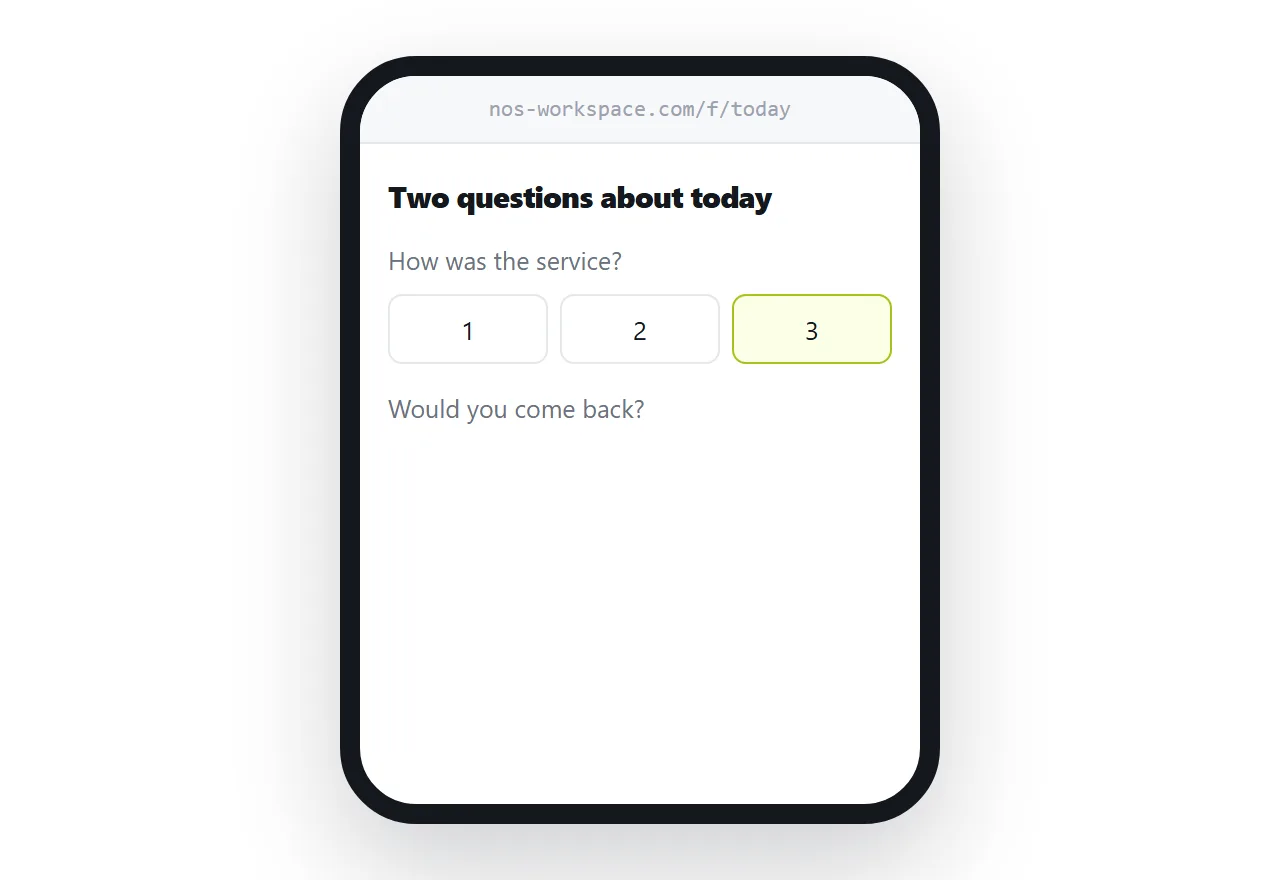
This guide covers length, the sign-in problem, and where the code goes.
Length is the whole thing
Three to five questions. Under a minute.
Every question past that loses responses, and the loss is steeper than people expect because the respondent is standing rather than sitting.
The instinct is to ask everything while you have their attention. That instinct produces a twelve-question survey with a completion rate low enough to make the data unusable, which is worse than three questions answered honestly.
Decide the one thing you must learn, ask that first, and add two or three supporting questions.
No sign-in
Any form requiring an account before answering collects responses only from people who were already motivated enough to create one.
That is a small and unrepresentative group, and it usually skews toward people who are unusually pleased or unusually annoyed.
Check the form tool's settings. Several default to requiring a sign-in, particularly the ones bundled with workplace accounts, and the setting is easy to miss.
| Requires sign-in | Open form | |
|---|---|---|
| Response rate | Low | Much higher |
| Who responds | The committed | A fair sample |
| Works on any phone | Sometimes | Yes |
| Extra taps | Several | None |
Where the code goes
Distance from the moment is the largest factor in whether anyone responds.
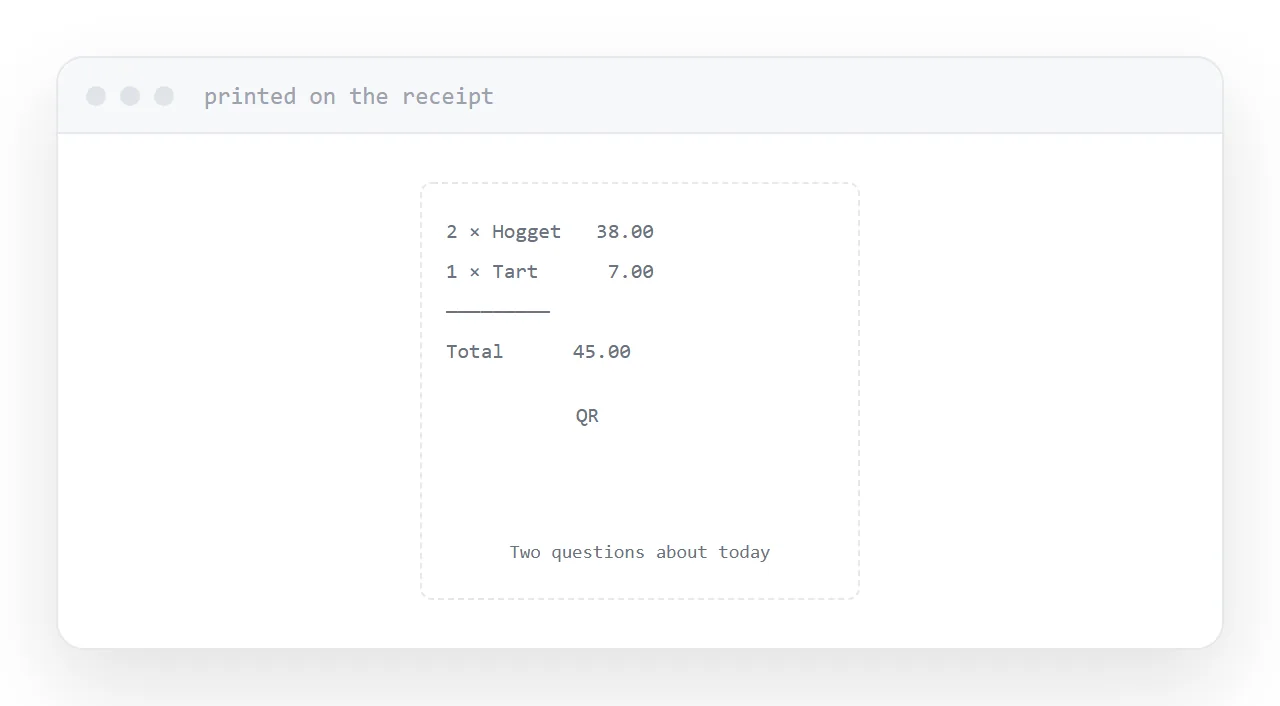
On the receipt, handed over immediately. On the table, while they are still sitting there. At the exit, while the experience is thirty seconds old. Inside the packaging, opened the day it arrives.
A code in a follow-up email two days later is a different and much weaker instrument, because the experience has faded and the phone is not already in their hand.
Say what it is next to the code. "Two questions about today" gets scanned more than a bare code, because the person knows what they are committing to.
Point it at your own address
The code should contain an address you control, which leads to the survey.
Then you can change the survey, change the tool entirely, or close it and replace it with a thank-you page, without reprinting anything.
A code containing the form's own address is fixed to that form forever, and every one you printed becomes waste the moment you revise it.
First question first
A proportion of respondents abandon partway through, and they abandon later rather than earlier.
So the question you most need answered goes first, while everyone is still there. Demographics, if you need them at all, go last.
The common arrangement, three profiling questions followed by the real one, guarantees that the real answer has the lowest response count on the form.
Close it properly
When the survey ends, do not leave a dead form or an error at the address.
Replace it with a short page saying it has closed, thanking people, and linking to what happened as a result if anything did. Codes stay in circulation long after you stop thinking about them.
If this is near what you are doing, How to share a survey as a link and How to make a QR code you can change later cover the cases on either side.
Put it at an address
Three to five questions, no sign-in, the code placed where the experience happened, pointing at your own permanent address, most important question first.
Then the person in the queue finishes it before they reach the front.