Hosting is a machine holding your files and handing them out. The variety in the market is about what else that machine does.
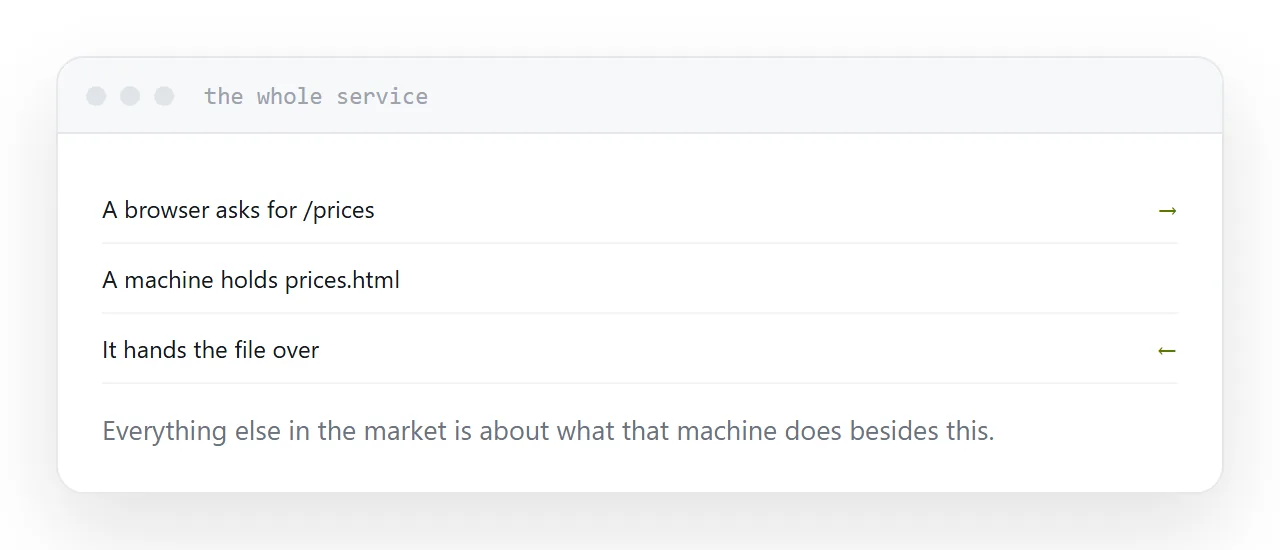
The question that decides it
Does anything have to run on the server when a visitor arrives?
No. A brochure, a portfolio, documentation, a landing page, a price list, a one-page tool. All the content is decided before anyone visits, so the server hands over ready-made files. This is static hosting, it is the simplest thing available, and it is the correct answer for most sites.
Yes. Accounts, a database read per visitor, a form that submits somewhere, a key that cannot appear in the page. Now you need a host that runs code, and with it a set of things to maintain.
Most small sites are the first case. Many are hosted as though they were the second, because that is what hosting has traditionally meant.
| Site | Kind of hosting |
|---|---|
| Brochure, portfolio | Static |
| Documentation | Static |
| Landing page | Static |
| Blog generated at build time | Static |
| Shop with live stock | Runs code |
| Anything with accounts | Runs code |
Why static is better where it fits
Fewer parts, so fewer failures. There is no database to corrupt, no runtime to patch, no process to restart.
It is also faster, because the file is already there, and safer, because there is very little to attack. Most of the security advice written about websites is about the machinery static hosting does not have.
What to check before paying
Custom domain included. Often the line between free and paid, and worth knowing before you circulate anything.
Automatic certificates. The padlock should renew itself. Manual certificates expire on a Sunday and every visitor gets a warning.
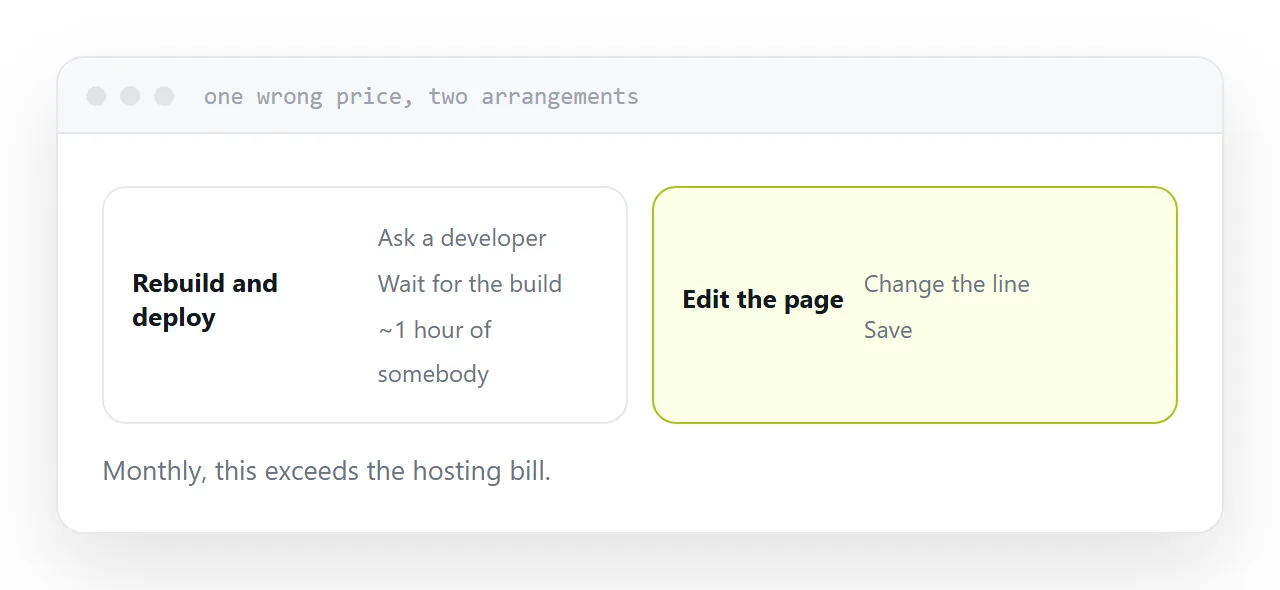
How a correction works. One line is wrong on the price page. Time that change. If it takes a rebuild, a re-upload and a colleague, that is the cost you will pay every month, and no feature list mentions it.
What you do not need
Traditional hosting bundles a control panel, a database, mail and a scripting runtime because that was what a website meant for twenty years.
If your site is files, you are paying for and maintaining a stack you do not use, and every part of it is something that can need attention.
Buy what the site actually is.
The shortest route
If what you have is a finished page or a folder of them, publishing is uploading it somewhere that serves files and pointing your domain at it. That can be done in an afternoon and stays working with no attention.
Everything more elaborate should be a response to an actual requirement rather than the default.
For the surrounding ground, see Should you host a site yourself? and Free static website hosting, compared honestly.
Put it at an address
Ask what has to run at visit time, choose static when nothing does, register the domain separately, confirm certificates renew themselves, and time one correction before committing.