Uploading a page takes ten seconds. What decides whether it works is three things about the file and two things about the service.
This guide covers both sets.
The file: name it index.html
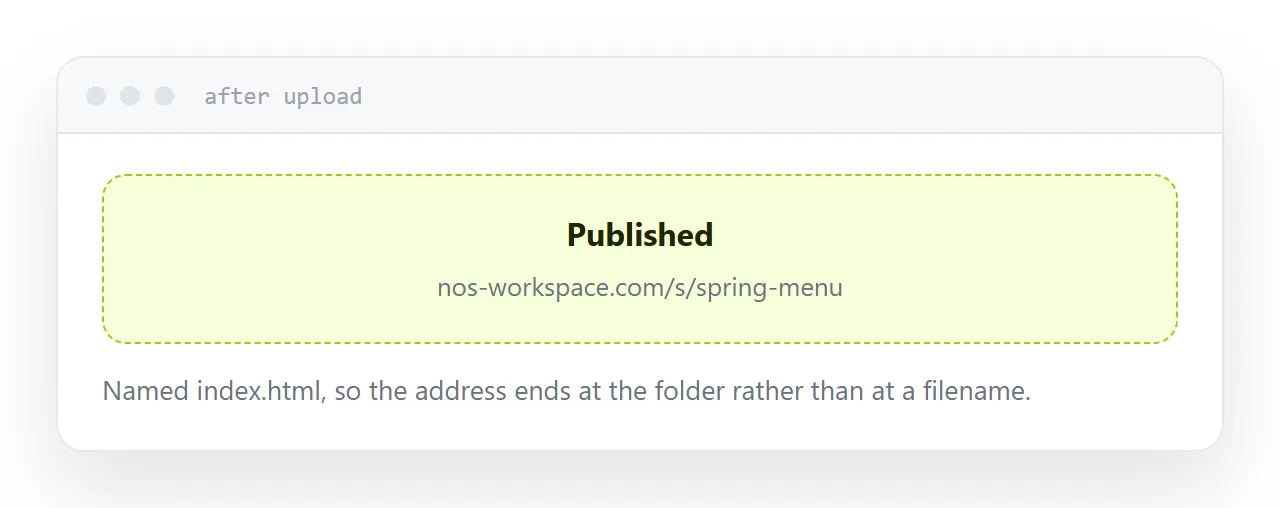
A file called index.html becomes the root of its address.
So the link is a clean address rather than one ending in report-final-v2.html. That matters for anything you send, say aloud, or print.
Other pages keep their own names and are reached beside it.
The file: relative paths, lowercase names
Two failures that both look like the page is broken.
<link rel="stylesheet" href="/style.css">   <!-- breaks -->
<link rel="stylesheet" href="style.css">    <!-- works -->
A leading slash points at the top of the domain rather than at your folder. Locally those are the same place, so it works on your machine and fails once uploaded.
And filename case: most desktop machines treat Logo.png and logo.png as one file, servers usually do not. Rename everything lowercase before uploading.
| Symptom after upload | Cause |
|---|---|
| No styling | Absolute path to the stylesheet |
| Images missing | Absolute path or wrong case |
| Links go nowhere | Absolute paths between pages |
| Address ends in a filename | File not called index.html |
One file or a folder
A single self-contained file, with the styles and script inlined and small images encoded in, has nothing external to break. It behaves identically wherever it is opened, including offline.
That is the right shape for one page.
A folder is right once there are several pages or photographs. Then every path has to be relative, and the archive or upload has to have the index at its top level rather than inside a containing folder.
The service: can you replace the file
This is the question people do not ask and later regret.
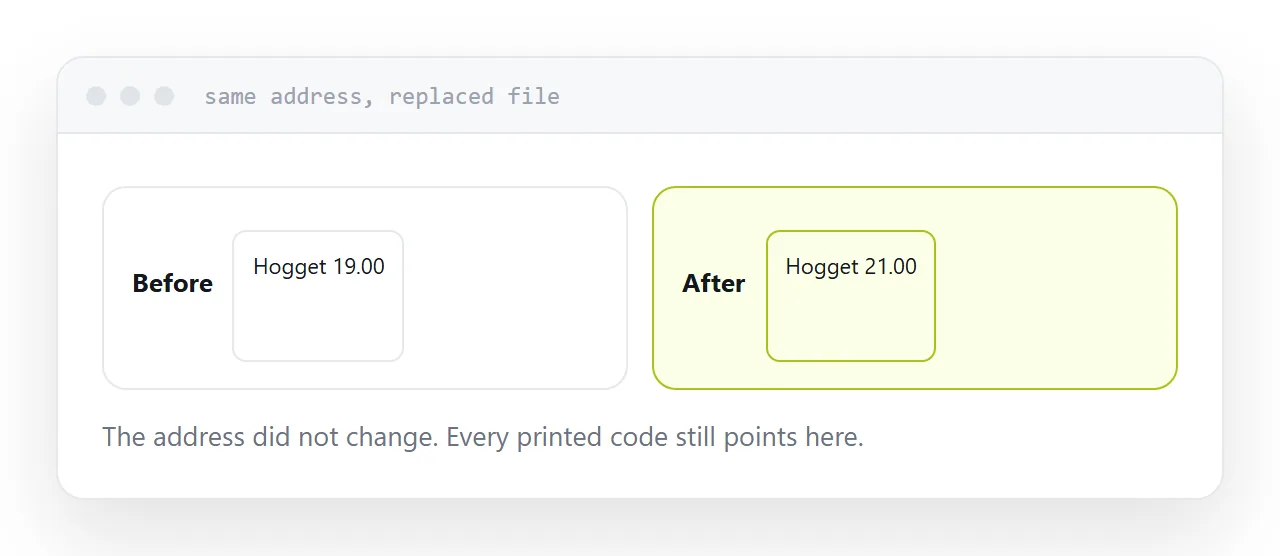
Some services are upload-and-done. Every correction is a new upload, and on some of them that produces a new address. You now have two versions with different links and no way to reach everyone holding the old one.
Being able to replace what sits behind an address, keeping the address, is what makes a published link reliable.
The service: do pages expire
Read the free tier terms for this specifically.
Some services remove pages after a period, or after a period with no visits. That is a reasonable business decision and it kills published links.
By the time it happens, the address is in messages you cannot recall, documents you do not own, and possibly printed material. All of them break together and nobody tells you.
If you expect the link to matter in six months, this is the most important line in the terms.
Check it on a phone
Before sending the address anywhere, open it on a phone.
Horizontal scrolling, text too small, anything that needed a hover. Those three are the usual failures and none of them are visible from the machine that made the file.
If this is near what you are doing, Free HTML file hosting, compared and How to turn an HTML file into a website cover the cases on either side.
Put it at an address
Name it index.html, make paths relative and names lowercase, confirm you can replace the file in place, check whether pages expire, and open the result on a phone.
Then the address you send works and keeps working.