Sharing an album as a page means publishing the photographs at an address, so everyone can look at them regardless of which photo service they use or whether they use one at all.
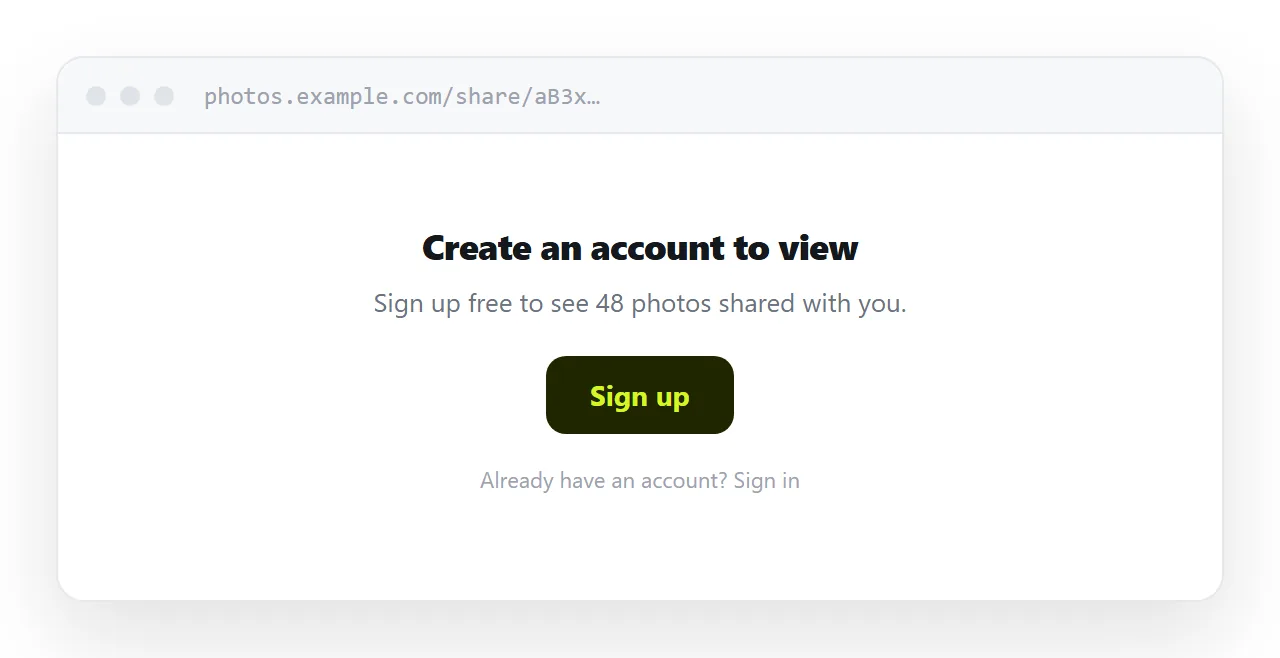
Album sharing is designed to work within a platform. The failure is at the boundary, and the boundary is where families are.
This guide covers why cross-platform album sharing fails, what the public link option does and does not fix, and how to publish a set of photographs properly.
The platform boundary
| Recipient | Album invitation |
|---|---|
| Same service, signed in | Works |
| Same service, signed out | Sign-in prompt |
| Different service | Asked to create an account |
| No photo service at all | Asked to create an account |
| On a shared family computer | Whoever is signed in sees it |
The last row catches people out. An album opened on a household computer signed in as someone else shows up in the wrong library, or does not show up at all.
The people you most want to see family photographs are frequently the least likely to create an account to do it.
The public link is a partial fix
Most services offer a link that does not require an invitation, and it improves things.
What it does not remove is the viewer. The recipient lands in that platform's interface, usually with prompts to sign in, install the app, or save the photographs to their own library. On a phone that interface competes with the pictures.
These links also tend to expire, or to be revocable in ways you forget you configured. A relative who comes back to the album at Christmas and finds it gone will not tell you; they will just not see the photographs.
A page is the neutral ground
The page has no platform. It opens in whatever browser the recipient has.
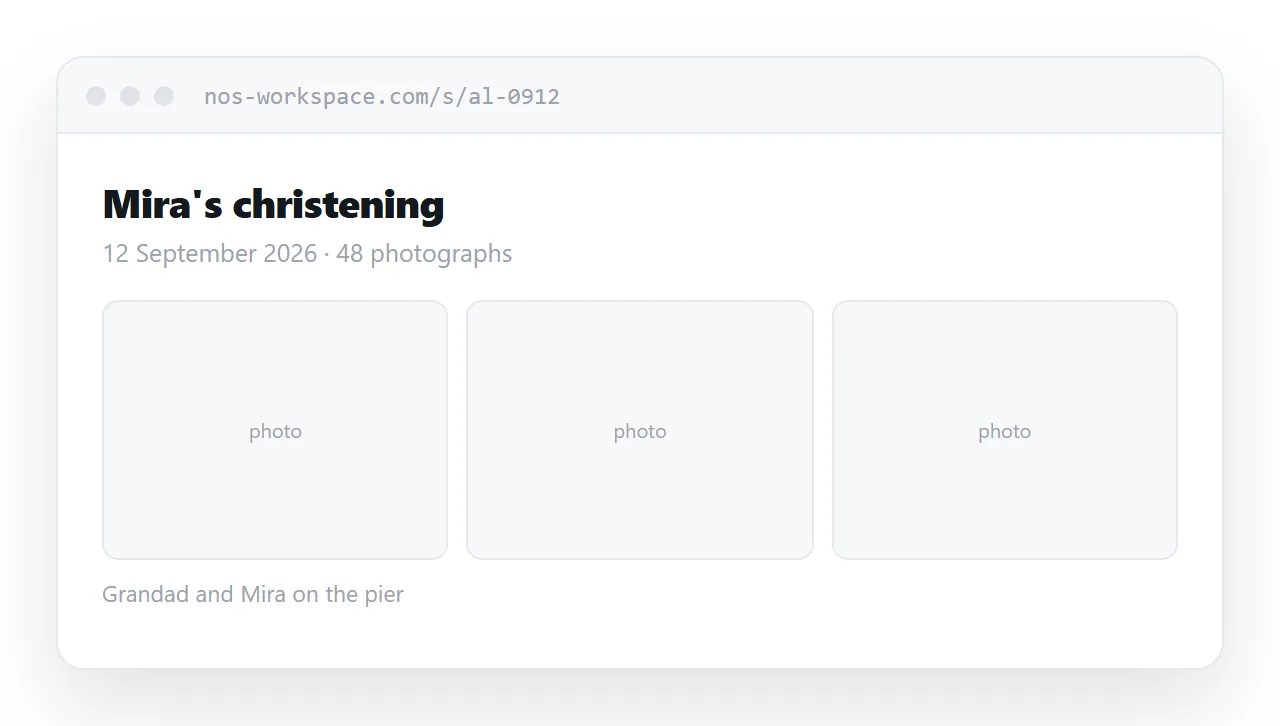
<figure>
  <a href="/album/full/0142.jpg" download>
    <img src="/album/web/0142.webp" alt="Grandad and Mira on the pier"
         width="1600" height="1067" loading="lazy" decoding="async">
  </a>
  <figcaption>Grandad and Mira on the pier</figcaption>
</figure>
Three things in that markup matter. The width and height stop the page jumping while images arrive. The lazy loading means the first screen appears at once however long the album is. And the link around the image gives anyone who wants the original a route to it.
Resize for display at about 1600 px on the long edge. Camera originals are twenty times larger and show no more detail on a screen. More in making images responsive.
Captions are what make it an album
A set of uncaptioned photographs is a folder. Names, places and dates make it a record.
They also work as alt text, and they let somebody find a photograph by searching for a name. For family photographs that is worth more over time than any layout decision.
Write them as plain descriptions of who and where, not as titles.
Keep your library where it is
None of this means abandoning your photo service. Libraries, search, faces, backup and sync are real features and a page has none of them.
The page is an export for a specific audience: the set of photographs that has to leave the platform. Your library stays where it is.
Where a real shared album is right
Two cases.
When people need to contribute their own photographs, a page cannot do it. A wedding where thirty guests are adding pictures needs a shared album, and that is what they are for.
When everyone is already on the same service, the album is simpler and better. Use it.
The page is for the mixed case, which in most families is every case.
No expiry is the long-term advantage
Photographs get looked at again. A relative in a year, a child in a decade, somebody after a funeral.
Transfer services delete after a week. Platform links expire or get revoked. A page at an address you control is still there, and does not require anyone to ask you to send it again.
Put it at an address
Resize the photographs, write them into a page with captions and dimensions set, link the originals, and create a share link.
Everyone taps once and sees photographs, whatever phone they have and whatever service they do not use.