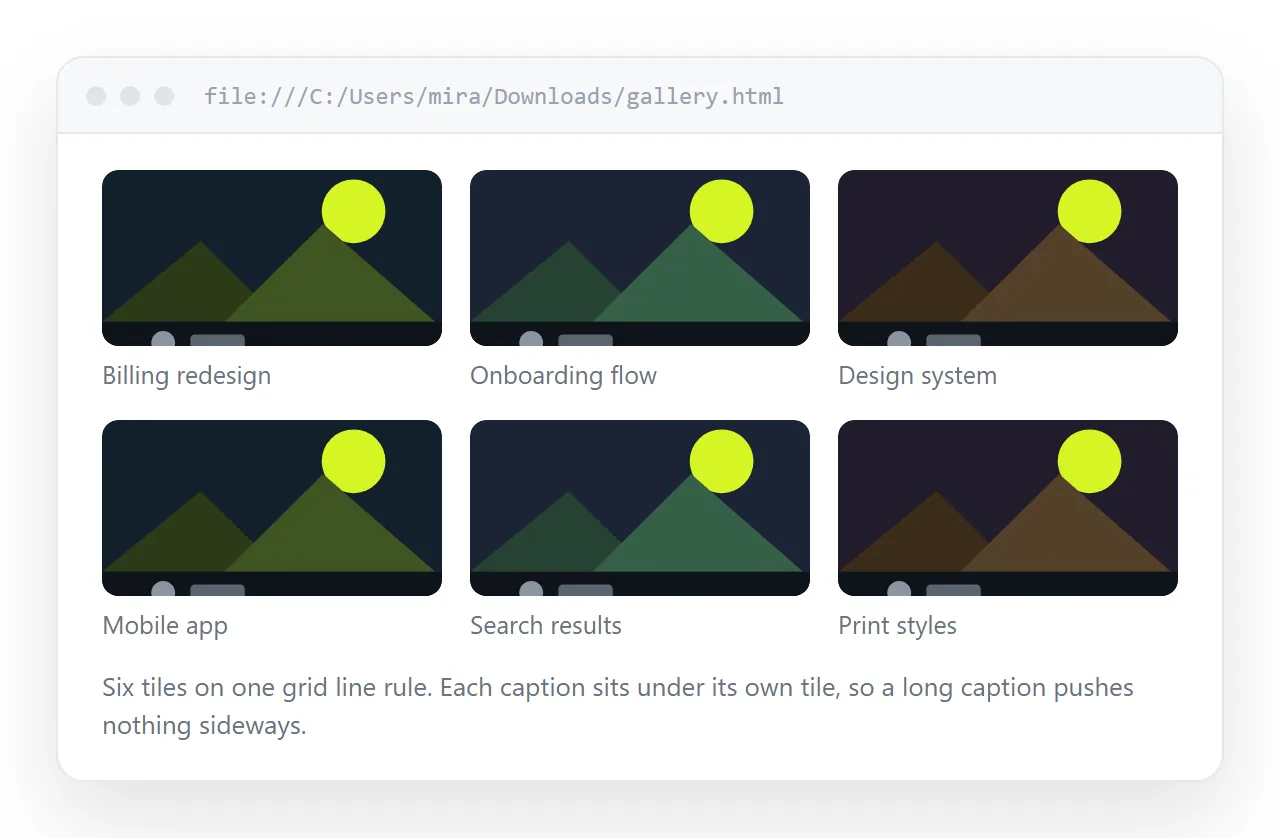
An HTML image gallery is a CSS grid of <figure> elements, and one line of grid CSS handles every screen width without a media query.
The layout takes ten minutes. What costs an afternoon is images that show on your machine and nowhere else, so that part gets its own section below.
The grid
.gallery {
  display: grid;
  grid-template-columns: repeat(auto-fill, minmax(220px, 1fr));
  gap: 16px;
}
auto-fill means the browser fits as many 220px columns as the width allows and shares the leftover space. Four columns on a laptop, one on a phone, and nothing to configure.
Raise the minimum for fewer, larger tiles. Lower it for a contact sheet. That single number is the whole density control.
Even rows and sensible cropping
Mixed portrait and landscape photos make ragged rows. Fix the tile shape and let the image fill it.
.gallery img {
  width: 100%; aspect-ratio: 4 / 3;
  object-fit: cover; display: block;
  border-radius: 6px;
}
object-fit: cover crops from the centre. For product shots where the edges matter, use contain and accept letterboxing instead.
Setting aspect-ratio also reserves the space before the image loads, so the page does not jump as pictures arrive.
Captions and alt text are different things
A caption is for everyone. Alt text is for people who cannot see the image, and for when the image fails to load.
<figure>
  <img src="..." alt="Assembly line at the Busan plant, 2026" loading="lazy">
  <figcaption>Busan plant, March 2026</figcaption>
</figure>
Write alt text that describes what is in the frame, not the file name. Alt text covers the cases where the correct value is an empty string.
Add loading="lazy" to everything below the first row. Leave it off the first few so the top of the page is not blank on arrival.
Making the images actually travel
This is where galleries break. Three options, and only two of them survive being shared.
| Approach | Page stays one file | Works offline | Page weight | Good for |
|---|---|---|---|---|
| Relative folder paths | No | Only with the folder | Small file | Nothing you send |
| Base64 data URIs | Yes | Yes | Large file | Under about 15 images |
| Full https image URLs | Yes | No | Small file | Large galleries |
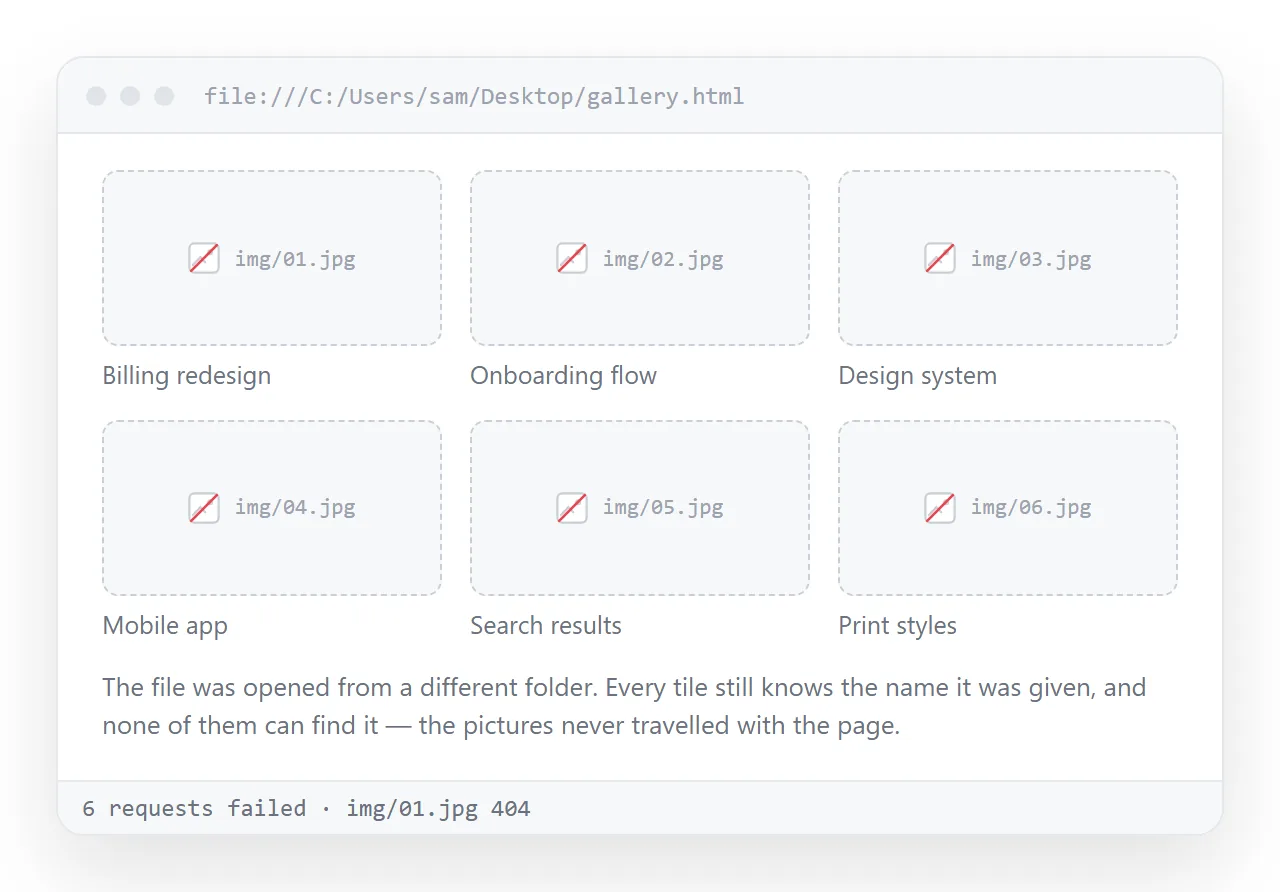
Relative paths are the default and the reason images stop showing in HTML. The reference points at a folder that only exists on your machine.
Base64 data URIs fold the pictures into the markup. The page becomes self-contained, at the cost of size, so resize before encoding.
A lightbox without JavaScript
Click to enlarge can be done with anchors and the :target pseudo-class.
Each thumbnail links to #photo-3. A hidden full-size container with that id becomes visible when it is the target, and a close link points back at #gallery.
That covers open and close. Arrow-key navigation and swipe need script, so add them only if the gallery is long enough to justify it.
Whatever you use, keep the enlarged image inside the viewport with max-height: 90vh and object-fit: contain.
Weight, and why it matters more than it used to
A gallery is the heaviest kind of page most people build. Three habits keep it usable.
- Resize before embedding. A 4000px photo displayed at 300px wastes almost all of its bytes.
- Give the browser widths.
srcsetwith two or three sizes lets phones fetch the small one. - Cap the count per page. Past about forty tiles, split into sections or pages.
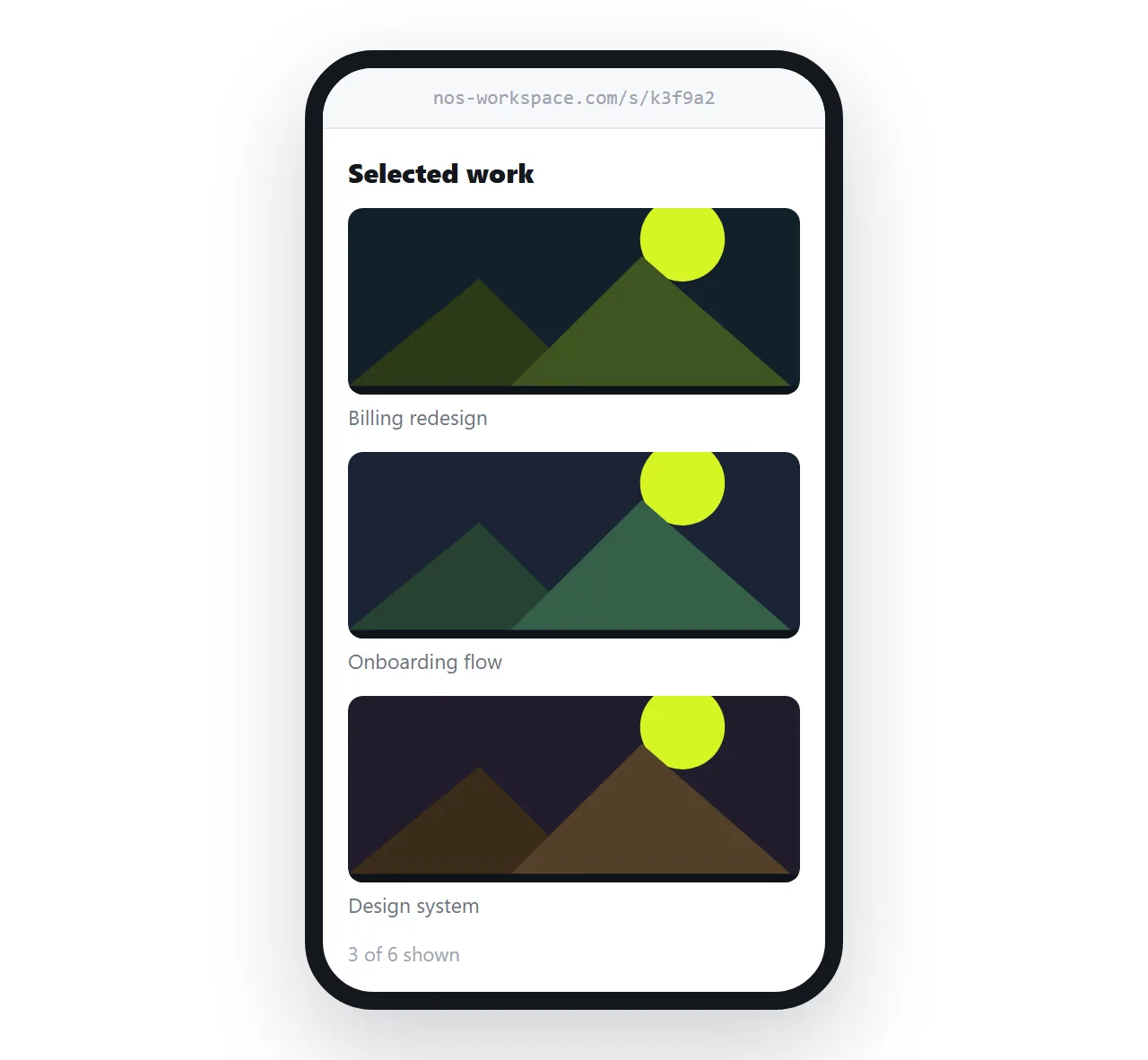
If the gallery is a portfolio rather than an archive, cut harder. Turning a portfolio into a link covers the selection question.
Order, grouping, and the first row
The first row of a gallery is most of the impression. Put the strongest images there and do not rely on the reader scrolling.
Group by section when the gallery covers more than one subject. A heading every eight to twelve tiles gives the eye somewhere to rest and makes the page skimmable.
Chronological order is the default and often the wrong one. Sort by what the reader came for, and note the date in the caption instead.
If two images are near duplicates, keep one. A gallery is an edit, and every extra tile makes the good ones slightly harder to notice.
Share the HTML image gallery as a link
A gallery sent as a file is the single worst case for attachments. The markup arrives, the pictures do not, and the reader sees broken icons.
- Open the file in the HTML file opener. If the images survive in a window that has never seen your folder, they will survive for readers.
- Paste the HTML into a NOS document. The grid and the lightbox render as written.
- Share, then Share link, then Create link. Tick Public on the web only if the gallery should turn up in search results.
- Send the link.
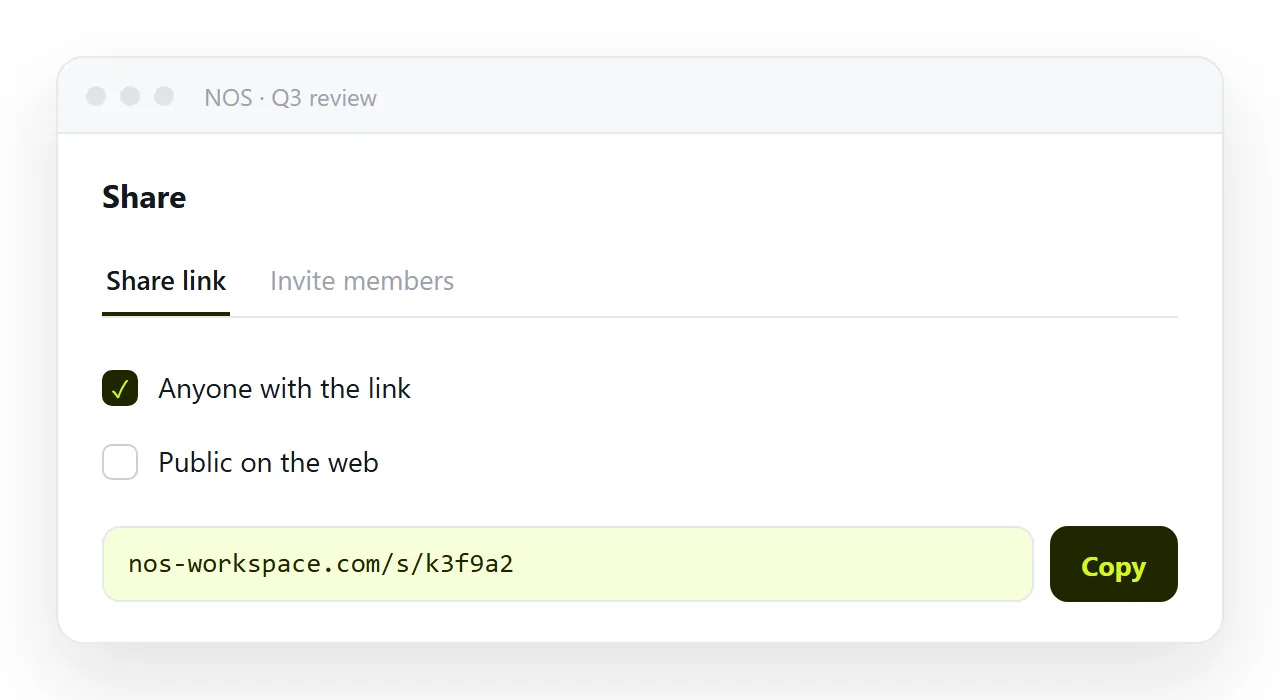
Adding a photo later means editing the page, not sending a second file. The address does not change, so the link already points at the longer gallery.
Before you send it
- Does every image load in a window that has never seen your project folder?
- Does every
<img>have analtvalue, or a deliberate empty one? - Is the total page weight reasonable, after resizing?
- Does the grid collapse to one column on a phone rather than scrolling sideways?
- Is there a
<title>, and should the link stay unlisted?