In short
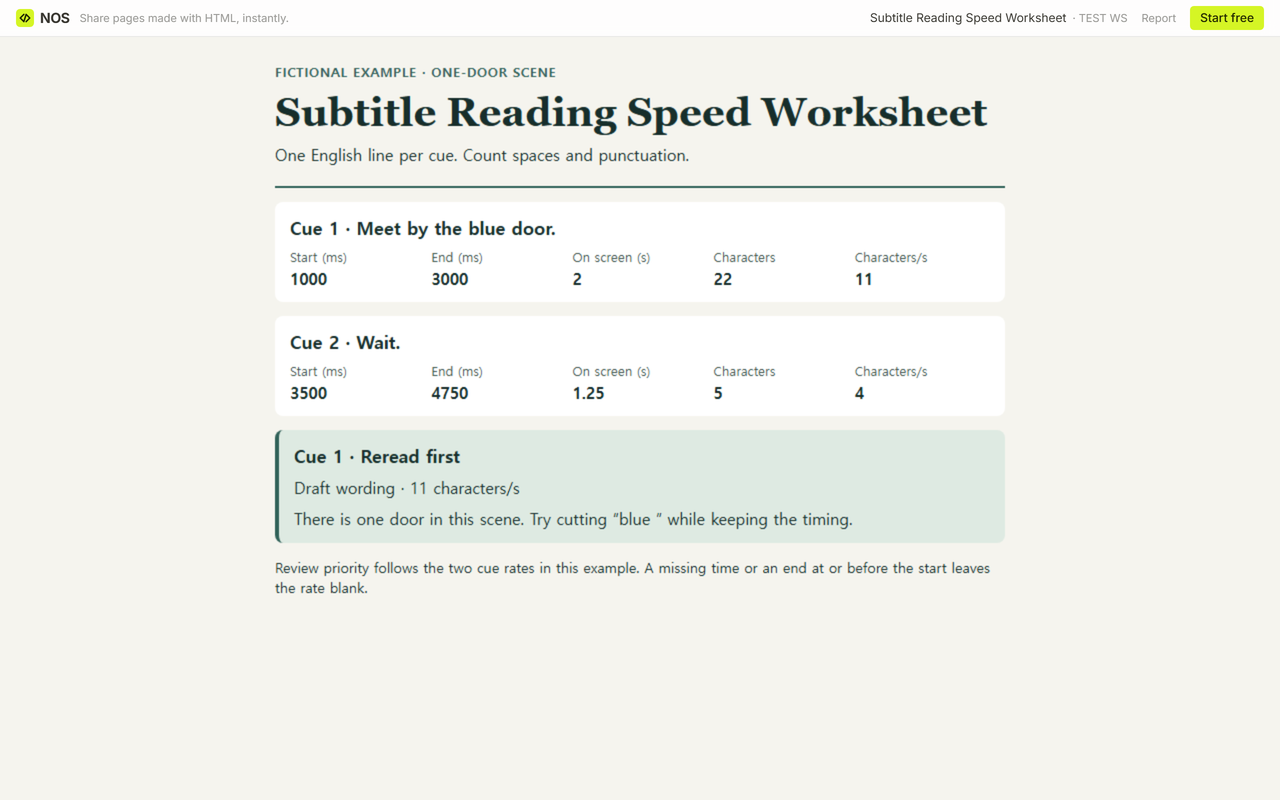
In a fictional scene with one door, “Meet by the blue door.” runs at 11 characters/s. “Wait.” runs at 4 characters/s. Start with the first cue. Taking out “blue ” brings that cue to 8.5 characters/s with the same time on screen.
Download the blank worksheetDownload the completed worksheetOpen the revised example
What goes into a subtitle cue’s character count?
Copy the single line shown in the video. The worksheet ignores ordinary spaces at either end and counts every space inside the line. Count punctuation, including straight and curly apostrophes, once per mark. “Meet by the blue door.” has 17 letters, four spaces and a full stop, for 22 characters. Keep the cue number and both times in their own fields.
Netflix’s explanation of subtitle character counting also includes spaces and punctuation. Enter one line per cue. Use printable ASCII (English letters A–Z and a–z, digits 0–9, standard keyboard punctuation and symbols, and ordinary spaces) or the curly apostrophe (’).
How do you convert the time on screen?
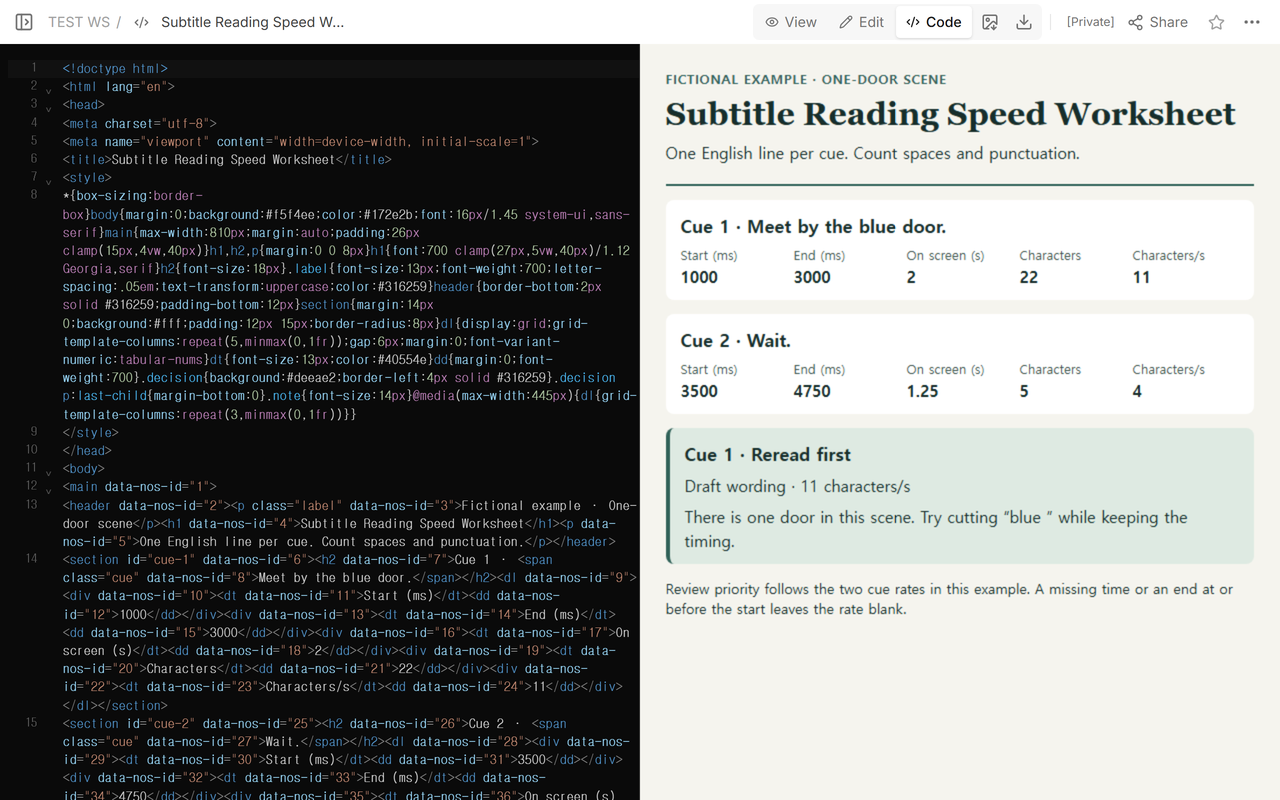
Subtract the start from the end, then divide the difference by 1,000 to get the time on screen in s. Divide the count by that duration in s. Both time fields in the download use the same unit, msec. Cue 1 starts at 1000 msec and ends at 3000 msec. Cue 2 starts at 3500 msec and ends at 4750 msec.
Cue 1. (3000 − 1000) ÷ 1,000 = 2 s. 22 ÷ 2 = 11 characters/s.
Cue 2. (4750 − 3500) ÷ 1,000 = 1.25 s. 5 ÷ 1.25 = 4 characters/s.
Each rate belongs to its cue. The pause between the two cues belongs to neither calculation.
Which line should you reread first?
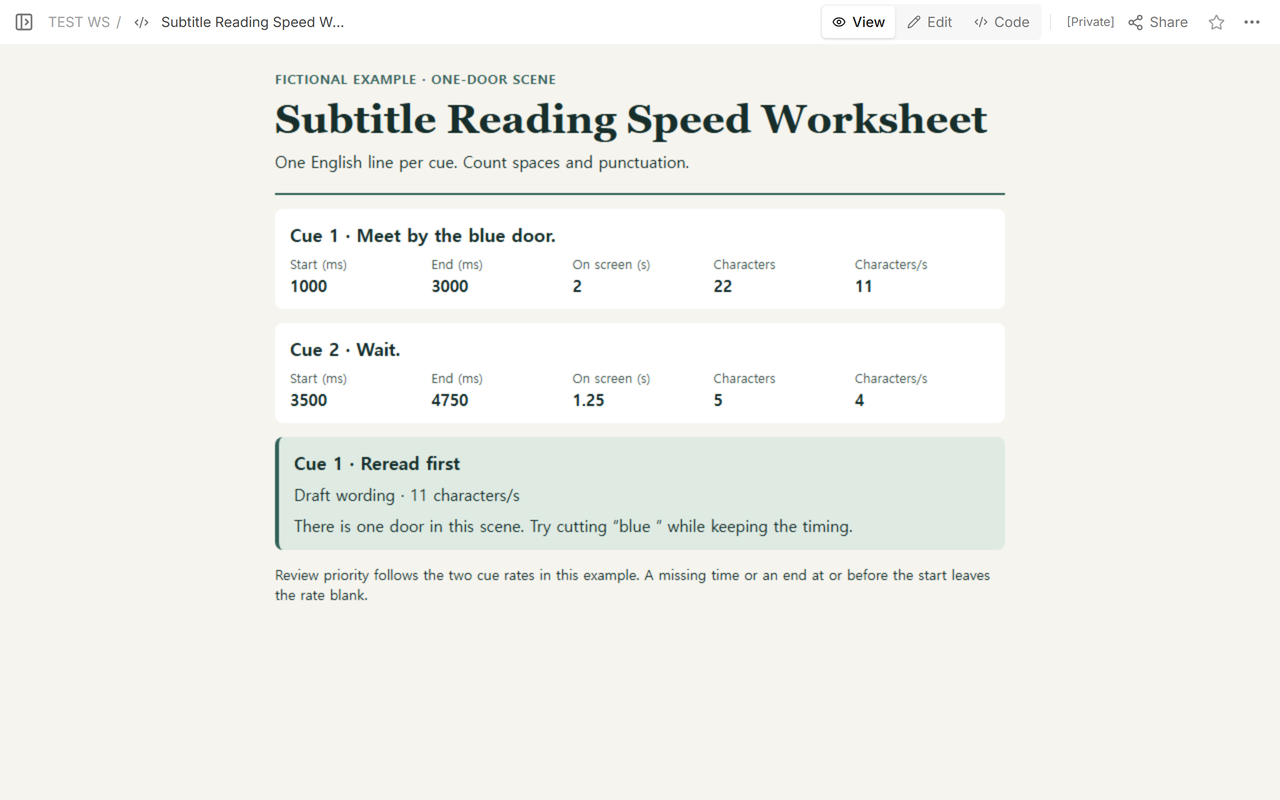
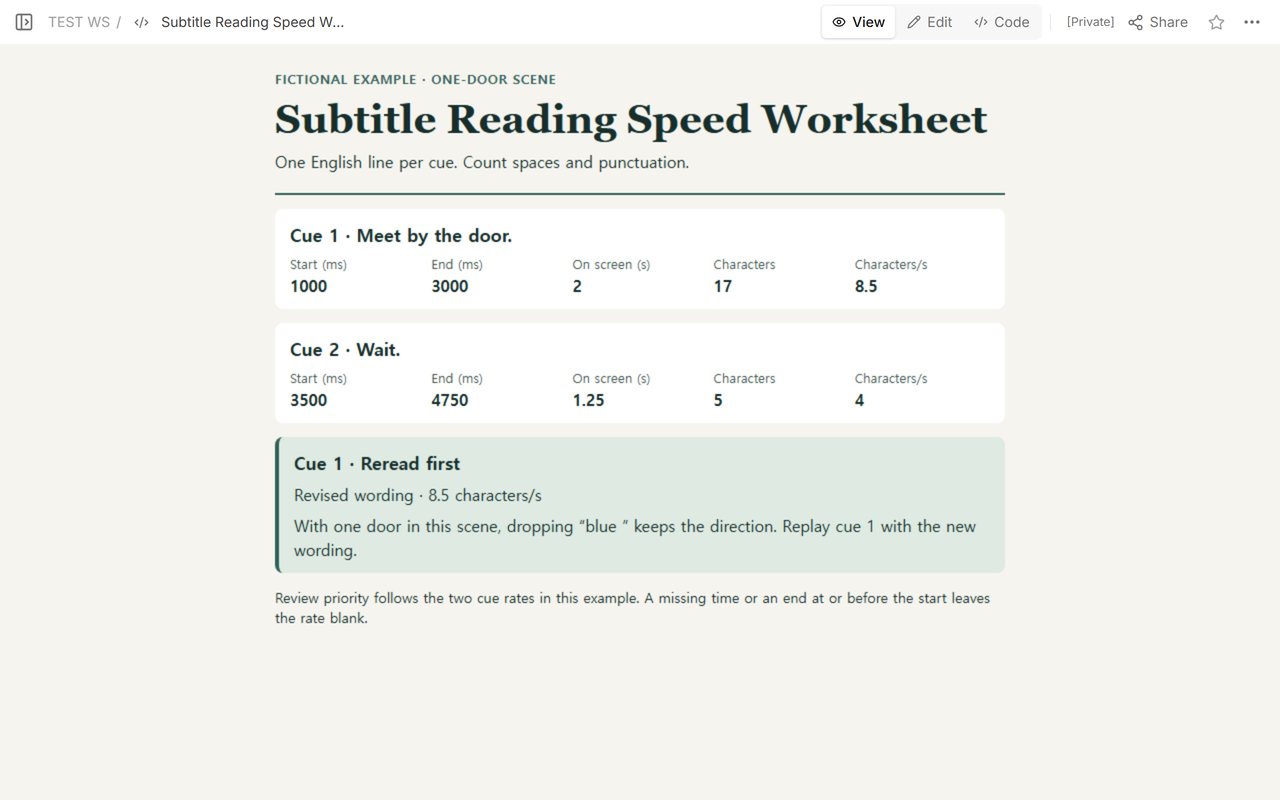
Cue 1 has the higher rate in this pair. Play that stretch and read the line while it is on screen. In the fictional scene, there is one door, so “Meet by the door.” keeps the direction. The cut removes five characters, including the space after “blue”.
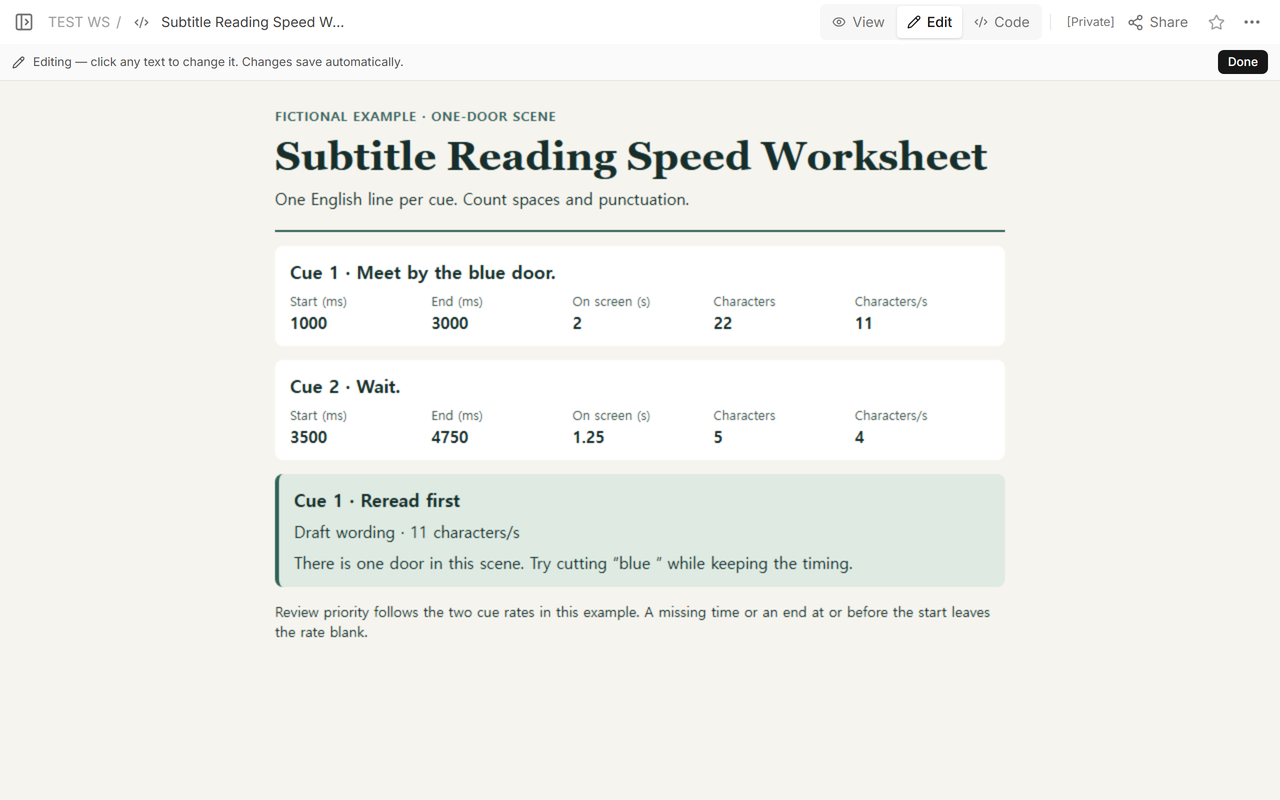
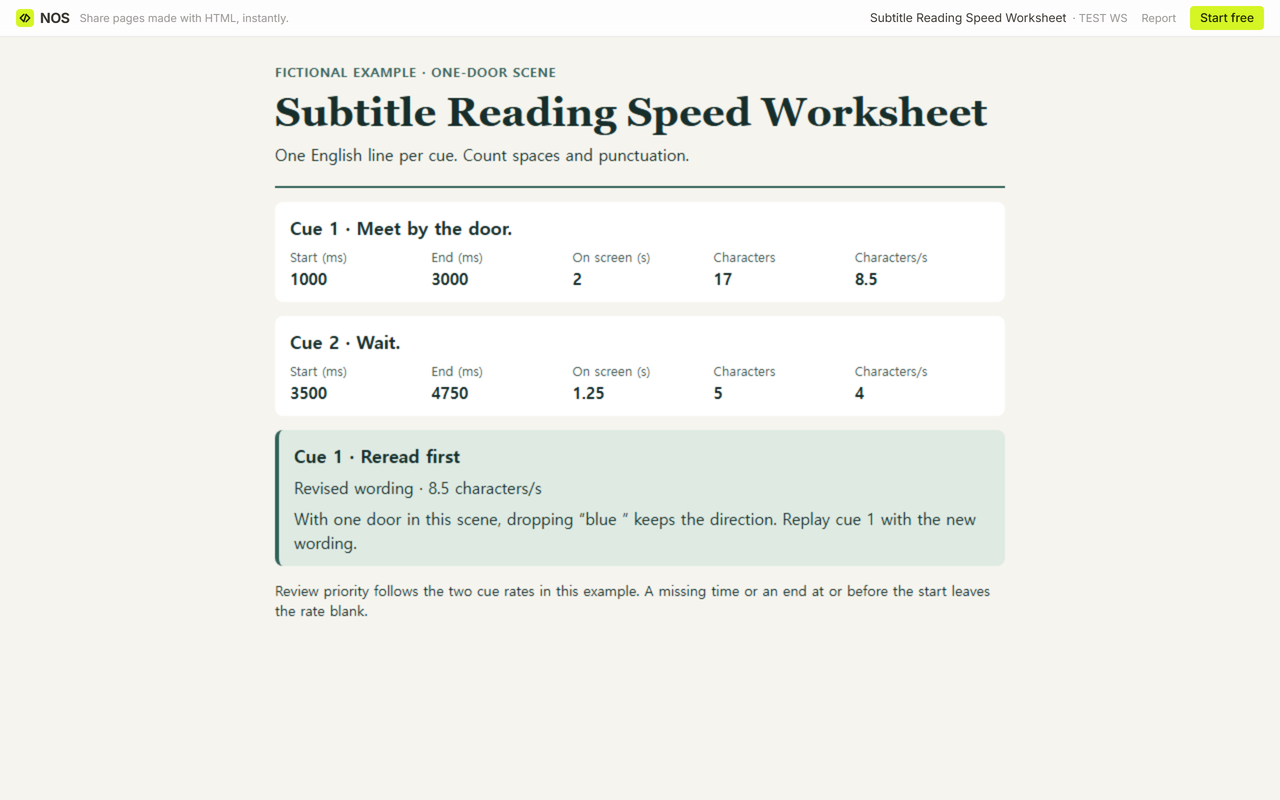
Keep the time at 1000–3000 msec. The revised line has 17 characters and 17 ÷ 2 = 8.5 characters/s. Cue 2 stays at 4, so cue 1 still comes first when you replay the pair.
What should the blank worksheet show at the edges?
Fill in the cue text, start and end. Zero is a valid start. If either time is empty, leave the rate blank. If the end equals or precedes the start, the worksheet shows “End must be after start” and leaves duration and rate blank. A line made up only of ordinary spaces leaves the character count and rate blank.
“Don’t.”(0–2000 msec) · 6 characters in 2 s = 3 characters/s“Don't.”(0–2000 msec) · 6 characters in 2 s = 3 characters/s“ Wait. ”(0–2000 msec) · 5 characters in 2 s = 2.5 characters/s“Wait here.”(0–2000 msec) · 11 characters in 2 s = 5.5 characters/sThree spaces(0–2000 msec) · Enter subtitle text. Character count and rate are blank.“Wait.”(0–0 msec) · End must be after start. Duration and rate are blank.“Wait.”(2000–0 msec) · End must be after start. Duration and rate are blank.“Café.”(0–2000 msec) · Unsupported text (é). Character count and rate are blank.
The examples above are exact. The blank worksheet puts ≈ before a rate it rounds to two decimal places. When the displayed rates look the same, the worksheet can still pick the higher underlying rate. For a true tie, replay in playback order.
What can a reviewer read at the same link?
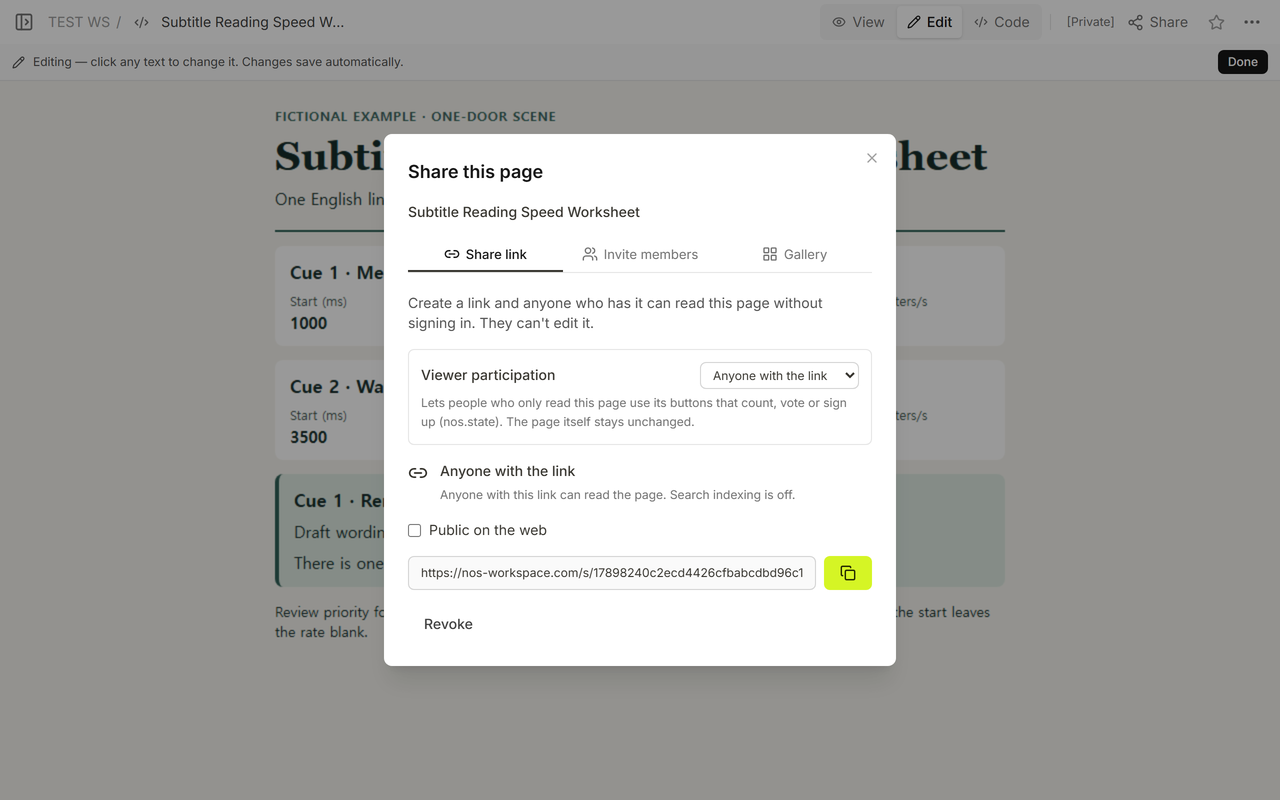
We opened the example’s reader link from Share in a signed-out browser. The page showed the longer first line and its rate of 11. After we revised the wording and updated the count and rate in Code, we opened that same reader link again.
When not to do this
Use the delivery specification if you need to prepare subtitles for a platform or an accessibility review. This worksheet compares two single-line cues in plain English. For a recording that someone needs to navigate by topic, use an interview time log. To make the spoken text searchable, share a transcript link. If you’re deciding what counts toward a text limit inside an editor, see the character count policy guide.
Where does NOS fit?
We used NOS to give a reviewer the completed worksheet at one address. A reviewer with this read-only link can open it while signed out. Send the worksheet alongside the corresponding cut so the reviewer knows which moment to replay.