Most tools people build for themselves and their colleagues are a form, some logic, and a result on screen. That is a page, and treating it as an application adds infrastructure without adding anything.
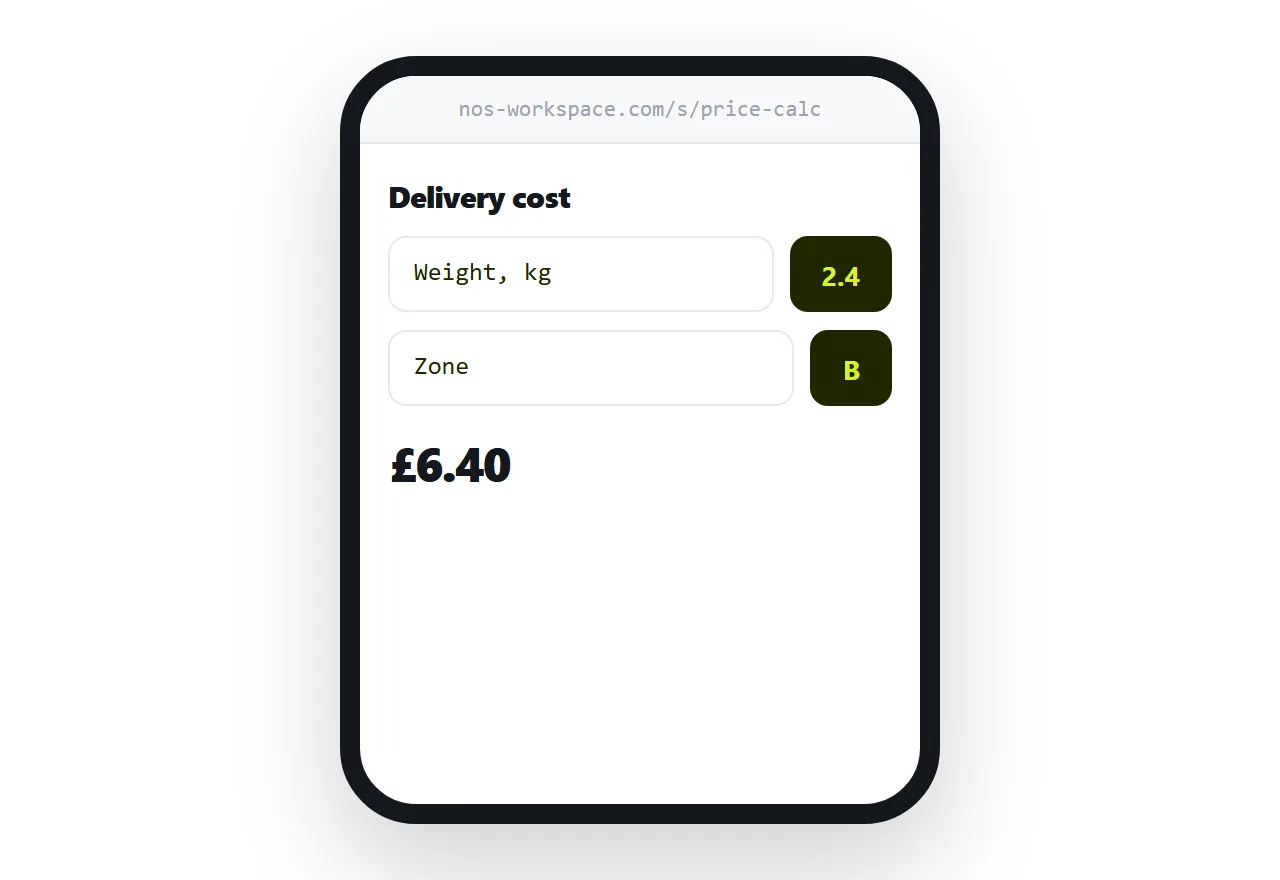
This guide covers where the line actually is and what to do on each side of it.
The three things that need a server
A secret. Any key in a page is readable by anyone who opens it. If a service requires a key that must stay private, something has to sit between the page and that service.
Shared changing state. Two people seeing the same updating data means something central holds it. Browser storage is per-device, so it cannot do this.
Work while nobody is watching. Scheduled jobs, notifications, anything that happens with the page closed.
If none of those apply, there is nothing for a server to do.
What a page covers
More than people expect.
Calculators of any complexity. Unit and currency converters with rates baked in. Quoting tools. Checklists that remember progress. Dashboards over data that does not change. Form builders. Diagram tools. Data viewers. Games. Prototypes.
All of those run entirely in the browser, work offline once loaded, need no account, and cost nothing to host.
| Single page | Needs a server | |
|---|---|---|
| Calculator, converter | Yes | |
| Internal quoting tool | Yes | |
| Checklist with saved progress | Yes | |
| Dashboard over fixed data | Yes | |
| Anything with a private key | Yes | |
| Shared live data | Yes | |
| Scheduled work | Yes |
Browser storage, precisely
localStorage.setItem('draft', JSON.stringify(values));
const saved = JSON.parse(localStorage.getItem('draft') || '{}');
That keeps values on one device, in one browser, for one person. It survives closing the tab and it does not sync anywhere.
Use it for a draft, a preference, a partially completed form, a remembered setting. Treat it as convenience so a user does not lose work when they close the tab.
Do not treat it as storage you can rely on. The user can clear it, the browser can clear it, and another device knows nothing about it.
Sending data without a server
A form can post to a form service, which receives submissions and emails them or puts them in a spreadsheet.
<form action="https://example-form-service/f/abc123" method="POST">
That covers the common case of a tool that needs to send something somewhere, with no infrastructure at all.
What it does not cover is an authenticated call to an API with a private key. That genuinely needs something in between, and at that point the tool has crossed the line.
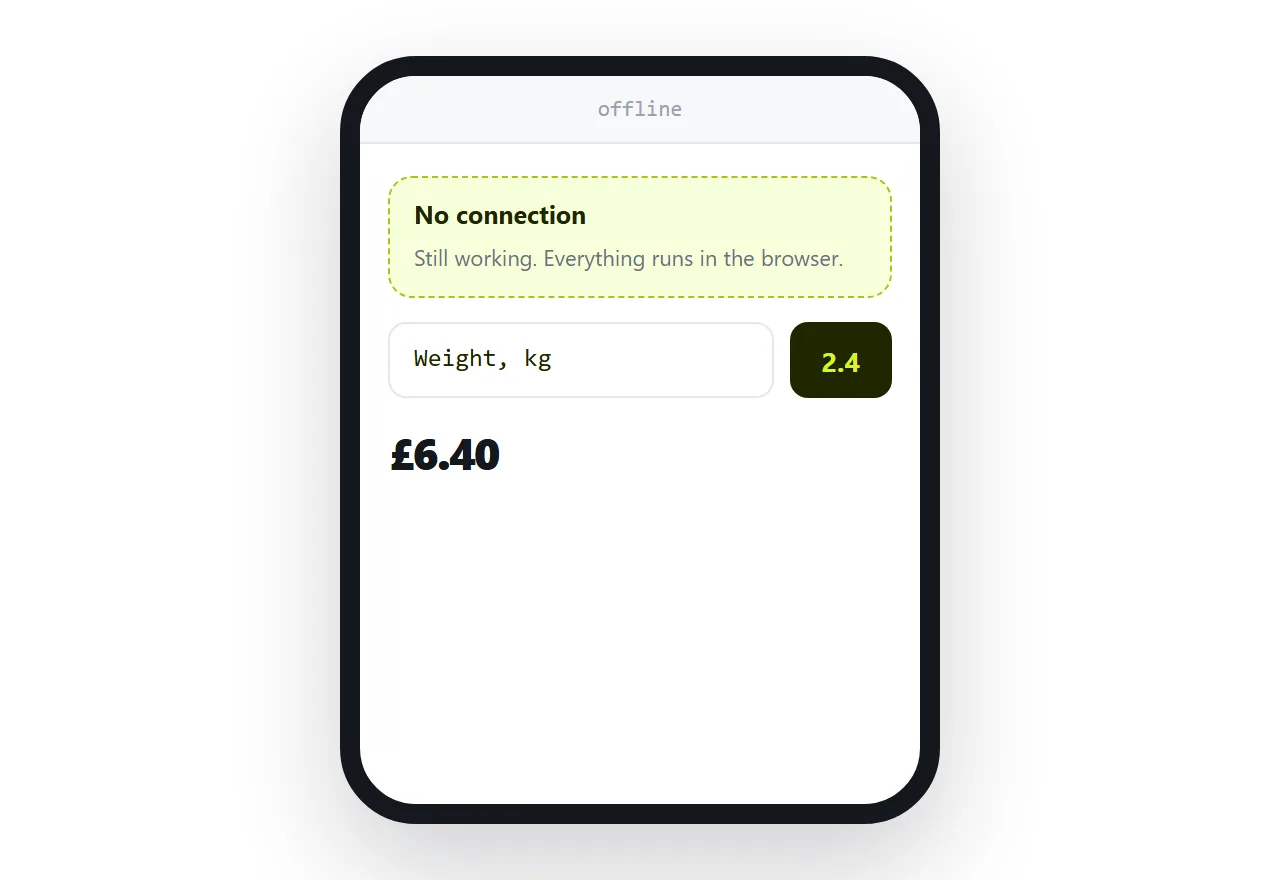
Speed
A page-based tool is usually faster than a hosted one, because there is no round trip.
The user types and the result appears immediately. No request, no waiting, no loading state. For a tool someone uses twenty times a day, that difference is the whole experience.
Publish at one address and keep it
Internal tools get bookmarked, put in team documentation, and passed between colleagues.
Use one permanent address and replace what sits behind it when the tool changes. A new address per version means half the team is using an old one and nobody knows.
If this is near what you are doing, Hosting what you built by prompting and Single HTML file apps cover the cases on either side.
Put it at an address
Check the three server requirements, build it as one page if none apply, use browser storage for convenience only, post forms to a form service, and keep one permanent address.
Then the tool works the moment somebody opens it, with nothing running anywhere.