Single HTML file apps are applications where the markup, the CSS and the JavaScript all sit inside one .html file, so there is nothing to install and nothing to build.
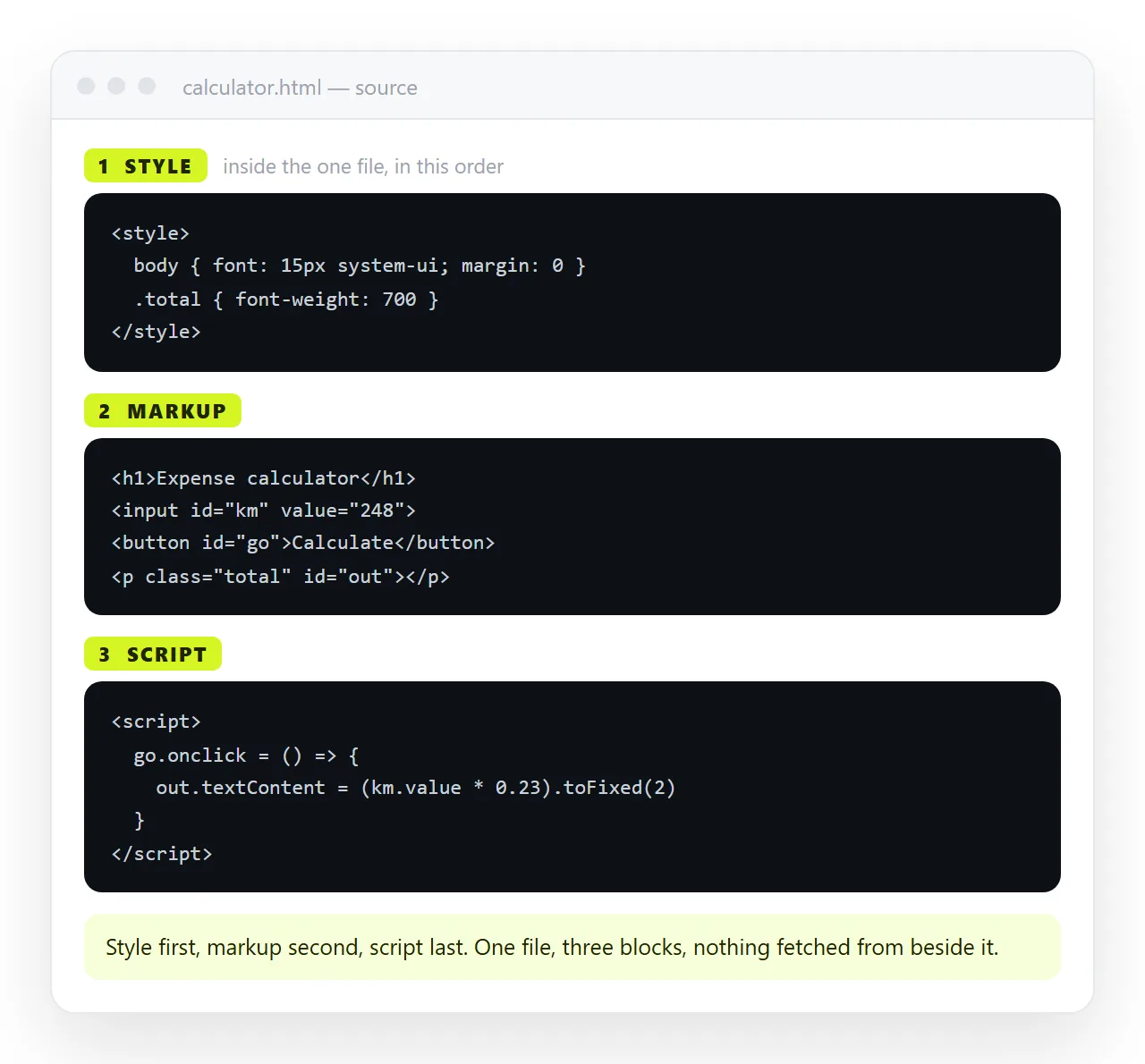
<!doctype html>
<html lang="en">
<meta charset="utf-8">
<meta name="viewport" content="width=device-width,initial-scale=1">
<title>Unit converter</title>
<style> /* everything it looks like */ </style>
<body> <!-- everything it is --> </body>
<script> /* everything it does */ </script>
</html>
That is the entire architecture. Copy the file and you have copied the app, working, including on a machine with nothing installed.
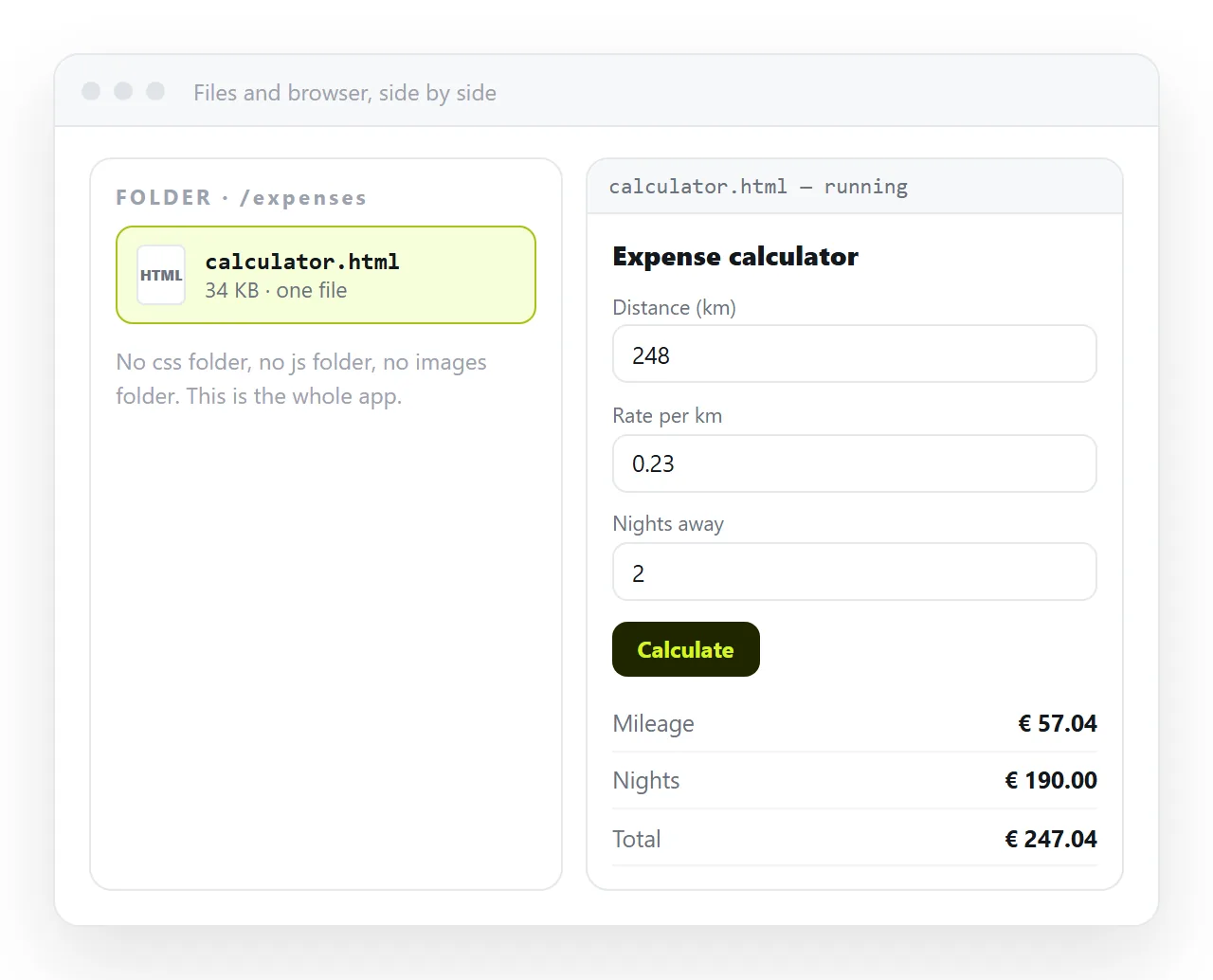
What fits comfortably in one file
The category is wider than most people assume. All of these are routinely built this way:
- Calculators and converters. Pricing, unit conversion, loan tables, dosage checks.
- Dashboards over pasted data. A chart library from a CDN and an array of numbers.
- Checklists and small trackers. A todo list with local storage.
- Form builders and previewers. Type on the left, rendered result on the right.
- Internal reference pages. Searchable tables, on-call rotas, a clock board for a distributed team.
- Report pages. Numbers, a chart, and the commentary that explains them.
The common thread is that the data is small and the state belongs to one reader.
The three hard limits
| Limit | Why | What to do instead |
|---|---|---|
| No secrets | The source is readable by anyone who opens it | Never put an API key in the file |
| No shared state | Storage is per browser, per device | Put shared data in a document or a service |
| No bundler | npm packages that assume a build step will not load | Use the library's browser build from a CDN |
The first is the one that causes real damage. A key pasted into a single file app is public the moment the page is shared, and viewing source is not a hack.
The second surprises people building trackers. Your ticks are in your browser. The reader's browser starts empty. That is correct for a personal tool and wrong for a team one.
Keeping it readable
The file has no module system, so structure has to come from discipline.
- One
<style>block near the top, one<script>block at the bottom. Scattered inline styles are what makes a single file unmaintainable. - Keep state in one object or array. Read from it, write to it, render from it.
- Redraw fully after every change. At this size a full redraw is faster to reason about than selective updates.
- Name the file with a version.
pricing-v3.htmlbeats three copies calledpricing (2).html. - Put a
<title>in. It is the browser tab, and it is the preview card when the page is shared.
Past roughly three hundred lines of script, ask whether this is still the right shape. The answer is often yes, but it should be a decision rather than a default.
Loading a library without a build step
Most well known libraries publish a browser build. One script tag is enough:
<script src="https://cdn.example.com/chart/dist/chart.umd.js"></script>
That keeps the file small, but it also means the page needs a network connection and that address has to keep working. For something meant to survive offline, paste the library source into the file instead, and accept the size.
Two related warnings. If your page is on https and the library address is http, the browser blocks it as mixed content. And a content security policy on the host can block inline scripts entirely.
Single file against a project
| Single file | A project with a build | |
|---|---|---|
| Time to first working version | Minutes | Hours |
| Install needed to run it | None | Node and dependencies |
| Multiple screens and routes | Awkward | Designed for it |
| Tests and code review | Possible, unusual | Normal |
| Handing it to a colleague | Send a link | Send a repository and instructions |
| Lifespan without maintenance | Years | Until a dependency breaks |
The last row is underrated. A single file written three years ago still opens. A project of the same age often needs an afternoon before it will run at all.
Getting it in front of people
This is where single file apps usually fail, and it has nothing to do with the code.
Sending the .html file has three separate failure modes, and any one of them is enough.
Mail gateways strip HTML attachments, because a file with a form and a script looks exactly like a phishing page. On a desktop it may open in a code editor instead of a browser. On a phone it cannot really be opened at all.
Paste the file into a NOS document instead. It renders and runs as written, scripts included, at an address of its own. Then Share, Share link, Create link, and send one line.
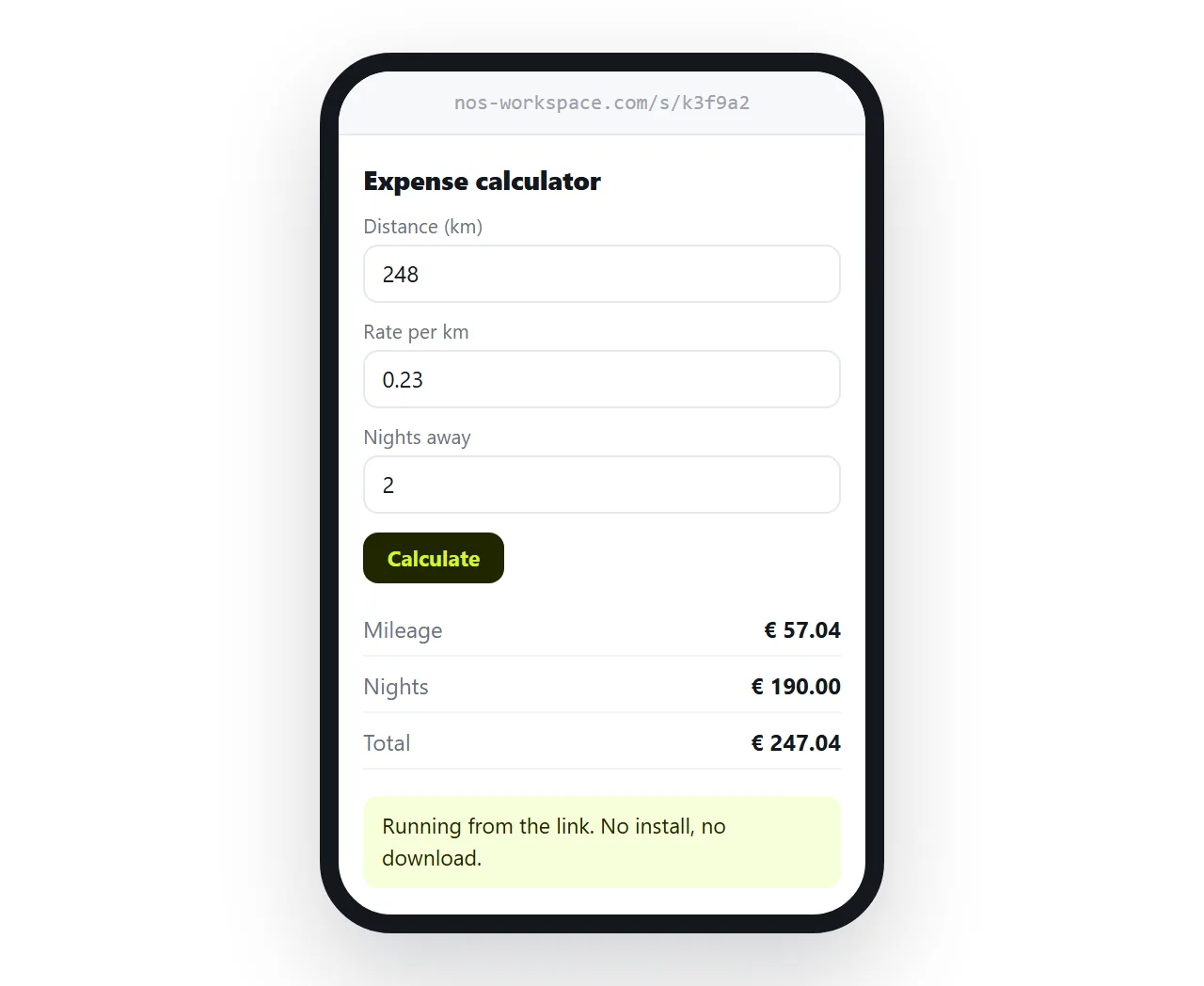
The address does not move when the content does, so fixing a rate in the calculator next month does not mean resending anything. Turning HTML into a link is that step alone, and static host against a document compares it with uploading the file somewhere.
Before you call it done
- Does it open in a window that has never seen your folder? Test in the HTML file opener.
- Are images embedded rather than sitting in a sibling folder? Self-contained HTML covers this.
- Is there any credential in the source? Remove it, and rotate it.
- Is there a viewport meta tag, since most readers will be on a phone?
- Does the state belong to one person, and is that what you intended?