A simple HTML todo list is one file: a form to add items, an array to hold them, and a render function that redraws the list after every change.
Here is the complete thing. Save it as todo.html and open it.
<!doctype html>
<html lang="en">
<meta charset="utf-8">
<meta name="viewport" content="width=device-width,initial-scale=1">
<title>Todo</title>
<style>
  body { font: 16px/1.5 system-ui, sans-serif; max-width: 460px; margin: 40px auto; }
  form { display: flex; gap: 8px; }
  input[type=text] { flex: 1; padding: 8px; }
  ul { list-style: none; padding: 0; }
  li { display: flex; gap: 8px; align-items: center; padding: 6px 0; border-bottom: 1px solid #eee; }
  li.done span { color: #8a90a0; text-decoration: line-through; }
  li span { flex: 1; }
  button.del { background: none; border: 0; color: #c0392b; cursor: pointer; }
</style>

<h1>Todo</h1>
<form id="add">
  <input type="text" id="what" placeholder="Add an item" required>
  <button type="submit">Add</button>
</form>
<ul id="list"></ul>

<script>
  const KEY = 'todo-v1';
  let items = JSON.parse(localStorage.getItem(KEY) || '[]');
  const list = document.getElementById('list');

  function save() { localStorage.setItem(KEY, JSON.stringify(items)); }

  function render() {
    list.textContent = '';
    items.forEach((item, i) => {
      const li = document.createElement('li');
      if (item.done) li.className = 'done';

      const box = document.createElement('input');
      box.type = 'checkbox';
      box.checked = item.done;
      box.addEventListener('change', () => { items[i].done = box.checked; save(); render(); });

      const span = document.createElement('span');
      span.textContent = item.text;

      const del = document.createElement('button');
      del.className = 'del';
      del.textContent = 'Delete';
      del.addEventListener('click', () => { items.splice(i, 1); save(); render(); });

      li.append(box, span, del);
      list.append(li);
    });
  }

  document.getElementById('add').addEventListener('submit', (e) => {
    e.preventDefault();
    const what = document.getElementById('what');
    items.push({ text: what.value.trim(), done: false });
    what.value = '';
    save();
    render();
  });

  render();
</script>
</html>
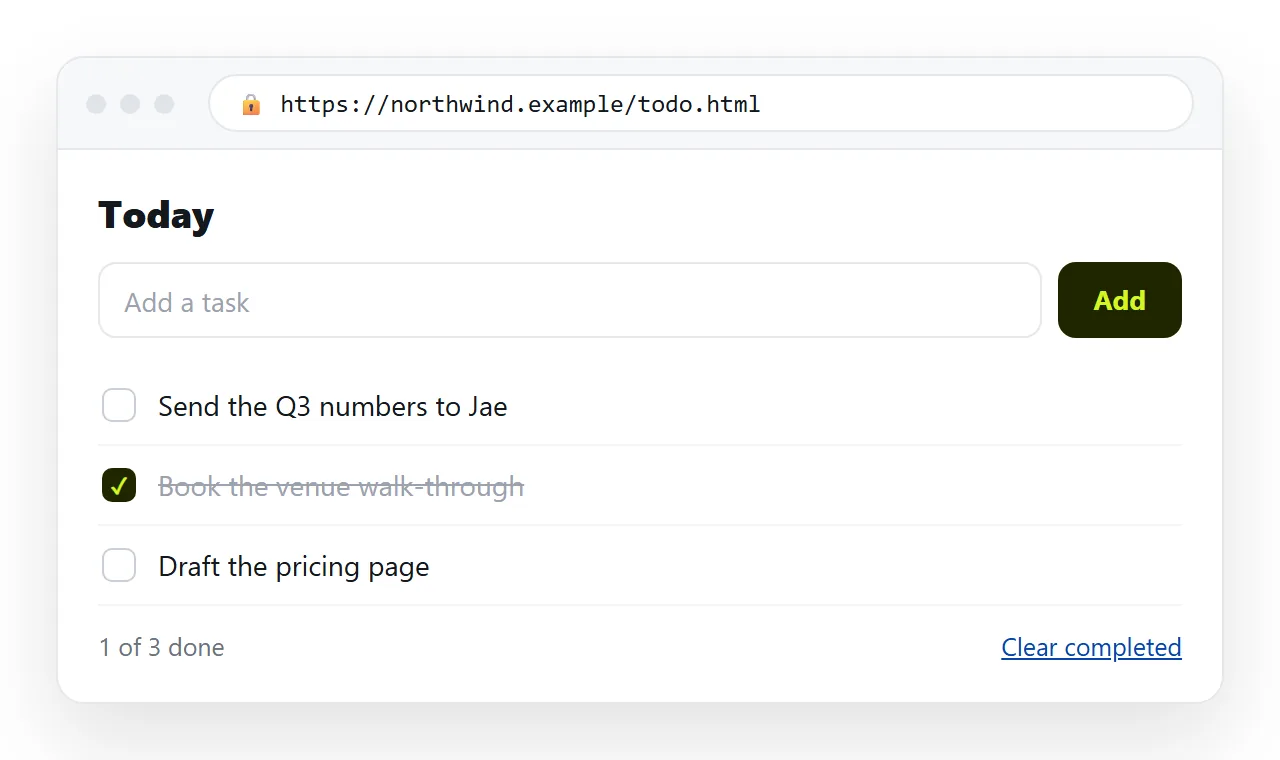
What each part is doing
| Part | Job | If you remove it |
|---|---|---|
items array |
The only source of truth | Nothing to save or redraw from |
render() |
Rebuilds the list from the array | The screen and the data drift apart |
save() |
Writes JSON to local storage | The list empties on reload |
e.preventDefault() |
Stops the form submitting | The page reloads on every add |
textContent |
Inserts text as text | Pasted markup becomes real markup |
The last row is the security-relevant one. Using innerHTML with whatever the reader typed is how a list turns into an injection point. textContent costs the same and closes it.
Rebuild everything, every time
The script redraws the entire list after any change, rather than updating one row. For a list of a few dozen items that is instant, and it removes a whole category of bug where the screen and the array disagree.
That pattern is the reason this file does not need a framework. Frameworks exist to make selective redrawing safe at scale. At this scale, a full redraw is safe by construction.
There is one cost, and it is worth knowing before it surprises you. A full redraw destroys the old elements, so anything the reader was doing in them is lost.
In practice that means focus and text selection. If you add an inline edit field later, keep a note of which item was being edited and restore focus at the end of render().
The other thing to watch is the index. Handlers capture i, the position in the array at draw time. That is correct here only because every change is followed by a redraw, which rebinds everything.
Delete an item without redrawing and the remaining handlers point at the wrong rows. This is the classic bug in list code, and the full redraw is what keeps it from appearing.
The obvious additions
Each of these is a few lines on top of what is above:
- Edit an item. Add
contenteditableto the span and write back onblur. Contenteditable covers the details. - Reorder. Add up and down buttons that swap two array entries and call
render(). - A count. Print done and total above the list, and update inside
render(). - Clear completed. Filter the array and save.
- Due dates. Change the item objects to carry a date, and sort before rendering.
Resist adding all five at once. The file stays readable at about a hundred lines, and stops being readable somewhere past three hundred.
Pick by what the list is actually for. A personal list wants editing and clearing. A list several people read wants dates and ownership, and at that point the shape has probably outgrown one file.
If you add only one thing, make it the count. Knowing there are four items left is what keeps a list in use after the first week.
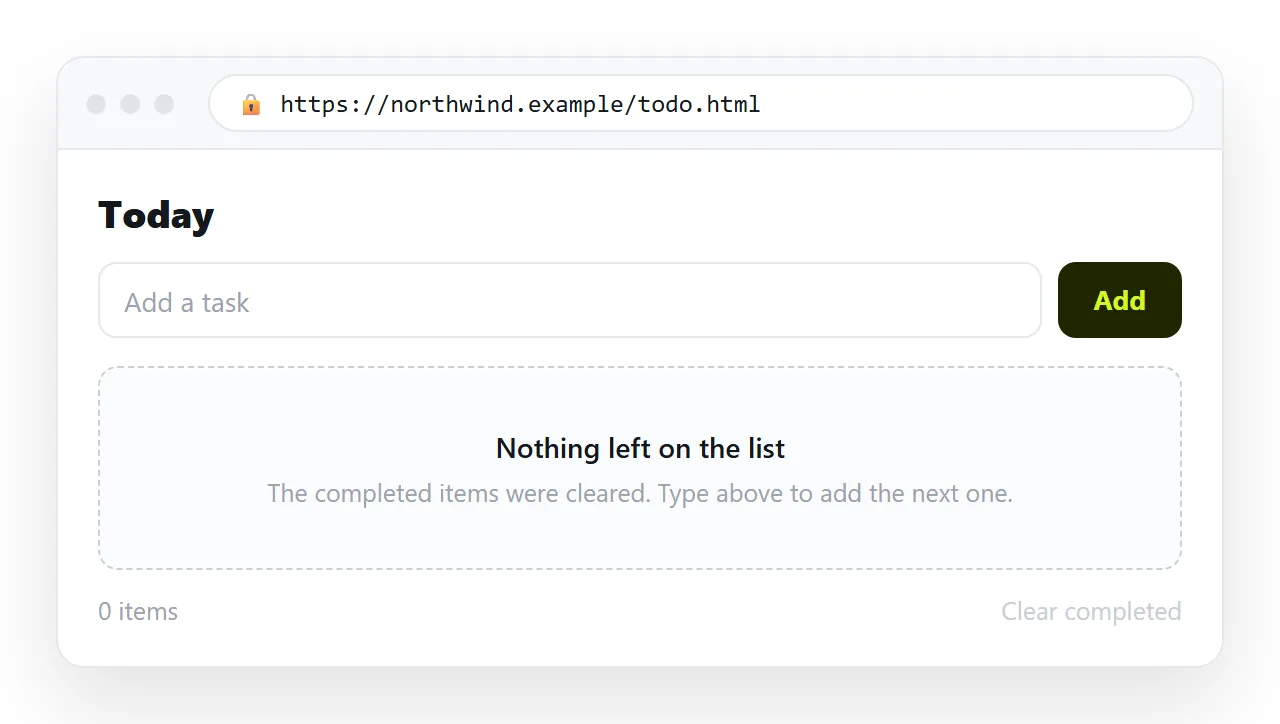
Where the items actually live
Local storage is per browser and per address. That has two consequences worth being explicit about.
Open the file from your desktop, tick two items, then open the same file from a different folder, and the list is empty. The storage is keyed to the origin, and the file protocol treats those as different.
Send the file to a colleague, and they get an empty list, not yours. Their ticks are theirs. That is correct behaviour for a personal list and wrong for a shared one.
Sharing it
Paste the whole file into a NOS document. It renders and runs as written, script included, at an address of its own.
Then Share, Share link, Create link. The reader clicks one line and the list opens, on a phone as well as a laptop, with no download and nothing to install.
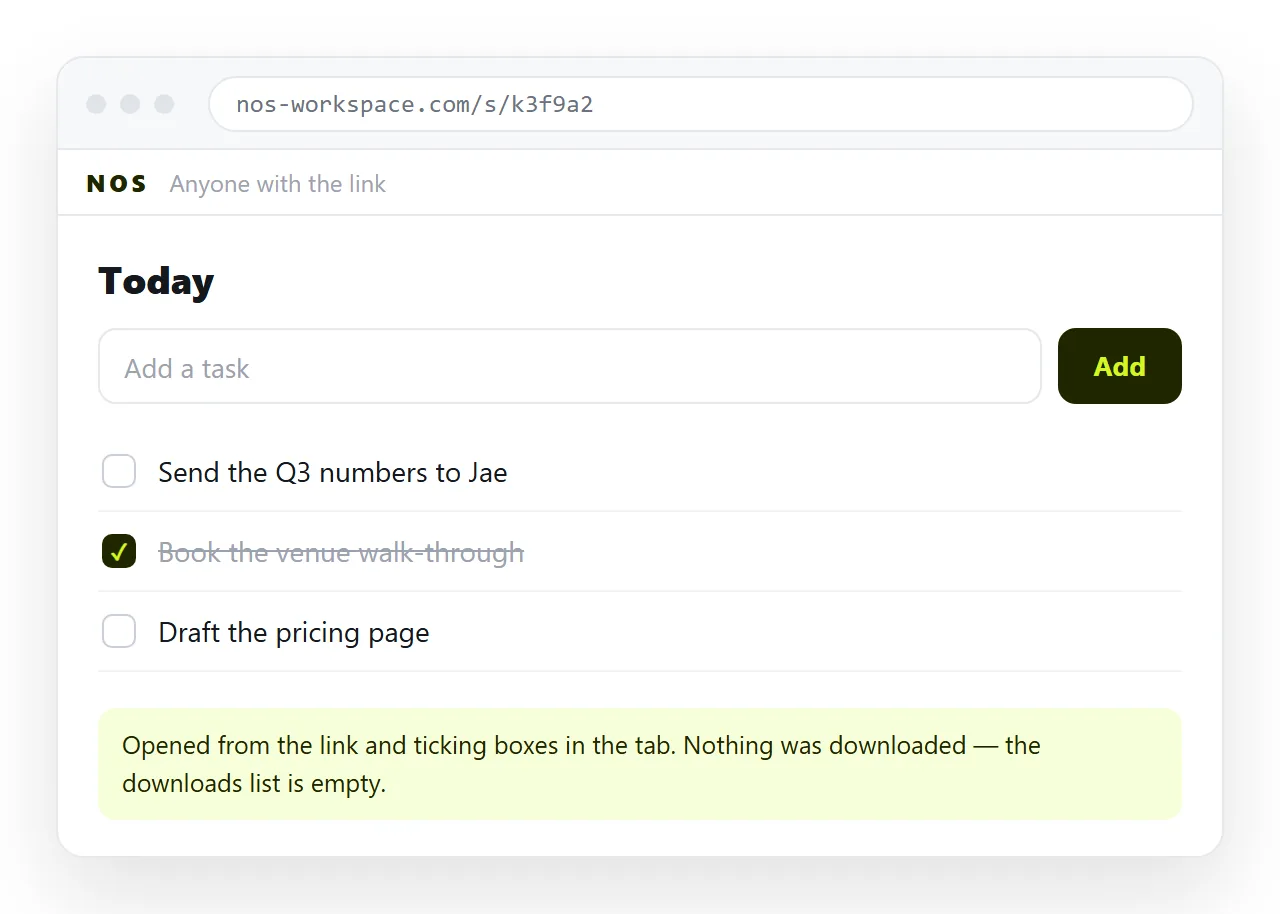
Keep in mind what does and does not travel. The page travels. The contents of your browser's local storage do not.
For a list the whole team is meant to work from, write the items into the document text itself, or use an editable table where the content is the document.
That distinction is the one people get wrong. A shared link to a personal tracker gives everyone their own empty copy, which is fine if it was meant as a template and confusing if it was not.
If you want the reader to start with your items, put them in the array as defaults and let local storage override them. The page then opens populated on a first visit and remembers changes afterwards.
Turning HTML into a link is that step on its own, and single HTML file apps covers the wider pattern this file belongs to.
Before you hand it to anyone
- Is the viewport meta tag there? Without it the list is unusable on a phone.
- Does the add form clear the input and keep focus?
- Is item text inserted with
textContent? - Does a reload keep the items?
- Have you opened it once in the HTML file opener to confirm it is self-contained?