A printed code is a permanent instruction. Everything about whether it still works in two years is decided by what sits behind it.
The address behind it
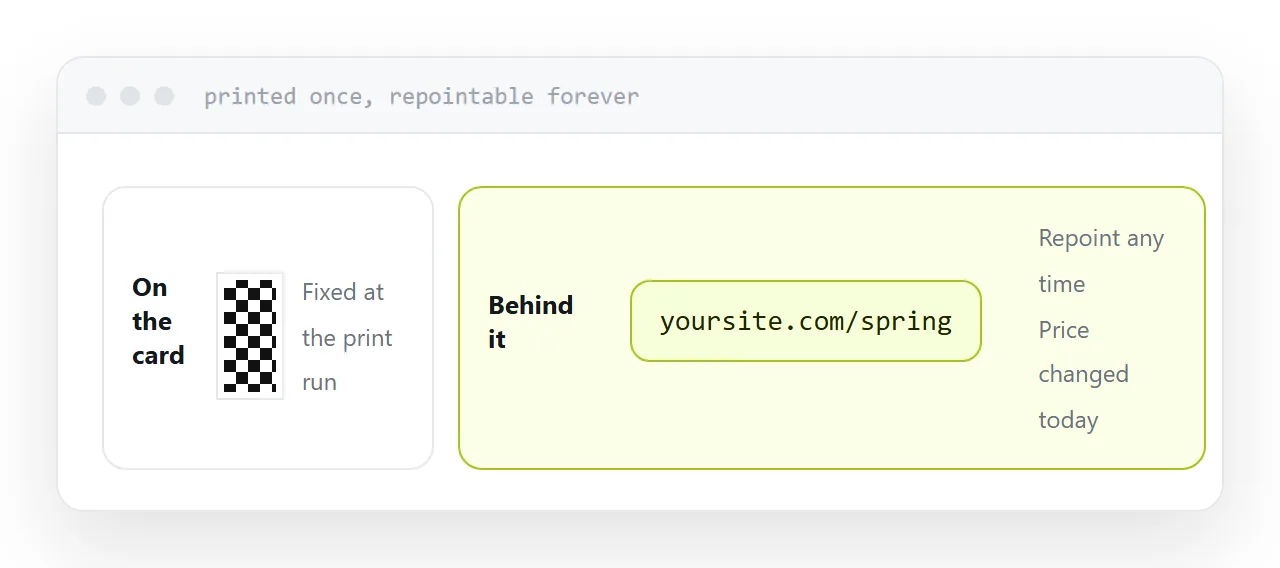
The code encodes an address and nothing else. Once printed, that address is fixed for the life of the paper.
So point it at an address you control. A page on your own site, repointable whenever the destination moves.
Never a shortener belonging to somebody else. Those services close, and when one does, every piece of paper carrying its codes becomes a dead end at once, with no way to reach anyone holding them.
Never a link that expires. The expiry is invisible at the moment of printing and arrives long after the print run.
| Points at | Still works in two years |
|---|---|
| Address you control | Yes, repointable |
| Third-party shortener | Only while it exists |
| Expiring share link | No |
| File in cloud storage | Permission-dependent |
| A page on your site | Yes |
Size and placement
Size is set by reading distance.
About two centimetres on a page held in the hand. Four on a poster read from a metre. Much larger on anything read across a room, and the usual failure is a code sized for a page and pasted onto a banner.
Keep clear space around it. Keep it away from folds, because a crease through the middle stops it scanning. Keep it on a light background, because inverted codes fail on many cameras.
Label it
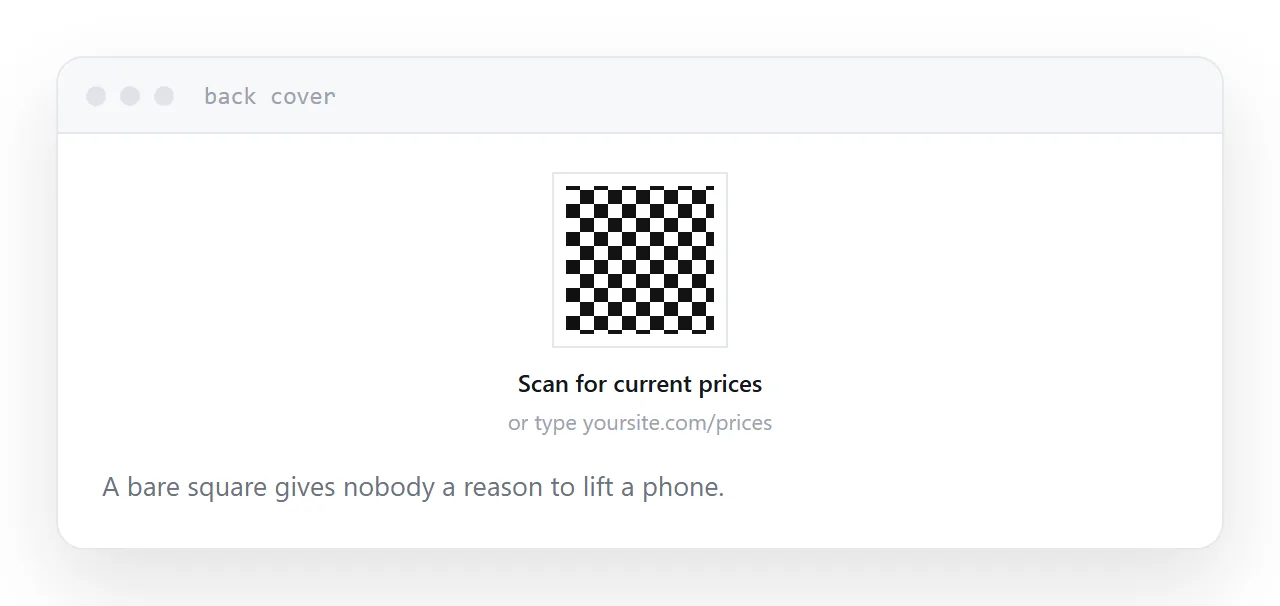
A bare square gives nobody a reason to lift a phone.
One line underneath saying what happens: read the full catalogue, book a slot, see current prices. Unlabelled codes are scanned far less often, and that is the whole cost of printing it.
Print a short readable address under the code as well, for anyone who will type rather than scan.
Logos in the middle
Codes carry error correction, which is what lets a small logo sit in the centre.
The budget is limited. Cover more than roughly a fifth and scanning becomes unreliable, and unreliable means it works on your phone and fails on a customer's older one.
Test with several devices in ordinary light before committing to a print run. The failure is invisible until the paper is on a counter.
What it gives back
A printed document reports nothing. A code pointing at an address does.
Scans per day, which piece of print produced them, and what people did next if you use a separate address per item. That turns a print run from a cost into something measurable, which is the strongest practical reason to include one.
Two neighbouring cases are worth a look: How to turn a PDF into a QR code and How to make a QR code you can change later.
Put it at an address
Point the code at an address you control, size it for the reading distance, label it, keep it off folds and dark backgrounds, and print a short address underneath.