A menu is read at a table, on a phone, in poor light, by someone who wants to find one section and two prices.
Almost every technical decision follows from that, and the most common one made in hospitality gets it wrong.
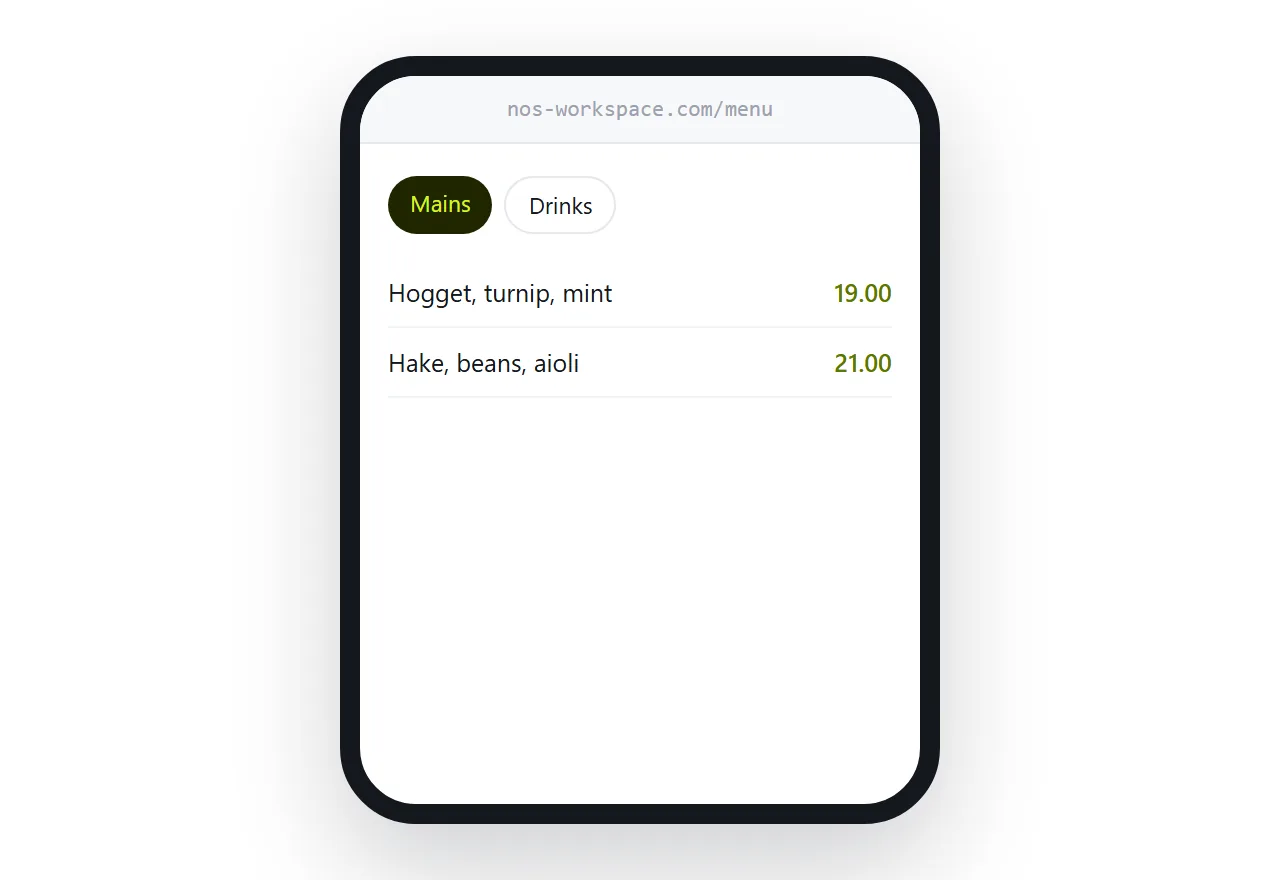
This guide covers the PDF problem, what goes first, and running out of things.
The PDF menu is the mistake
The pattern is everywhere: a code on the table pointing at a document.
The customer scans, waits for a download, and then has an A4 page on a five-centimetre screen. They zoom in, lose their place, pan around looking for the section they wanted, and give up to ask the server instead.
None of which is what the code was supposed to achieve.
A page reflows. Text is readable at the size it arrives. Sections are tappable. It appears in under a second because it is text rather than a document.
| PDF behind a code | Page behind a code | |
|---|---|---|
| Time to readable | Several seconds | Under one |
| Readable without zooming | No | Yes |
| Jump to a section | No | Tap |
| Price change | Reprint or re-upload | Edit |
| Mark an item unavailable | No | During service |
The code points at an address, forever
This is the decision that determines whether you ever reprint.
A code pointing at a permanent address means the menu behind it can change every week and every table tent, card and window sticker stays correct.
A code pointing at a specific document means a new document produces a new code, and every printed item in the building is wrong.
Decide this before printing anything, because it cannot be applied afterwards.
Categories first
Most customers scan the code already knowing roughly what they want. Mains. Drinks. Something without meat in it.
So the top of the page is the list of sections, tappable, before any dishes. Someone looking for desserts reaches desserts in one tap rather than scrolling past everything else.
Dietary filters are worth the effort if the kitchen can support them honestly. A customer who can see what they can eat orders faster and asks fewer questions.
Running out is the underrated feature
Kitchens run out of things. It happens most services.
With a printed or fixed menu, the customer chooses the thing, the server explains it is unavailable, and everyone restarts. Several times a night.
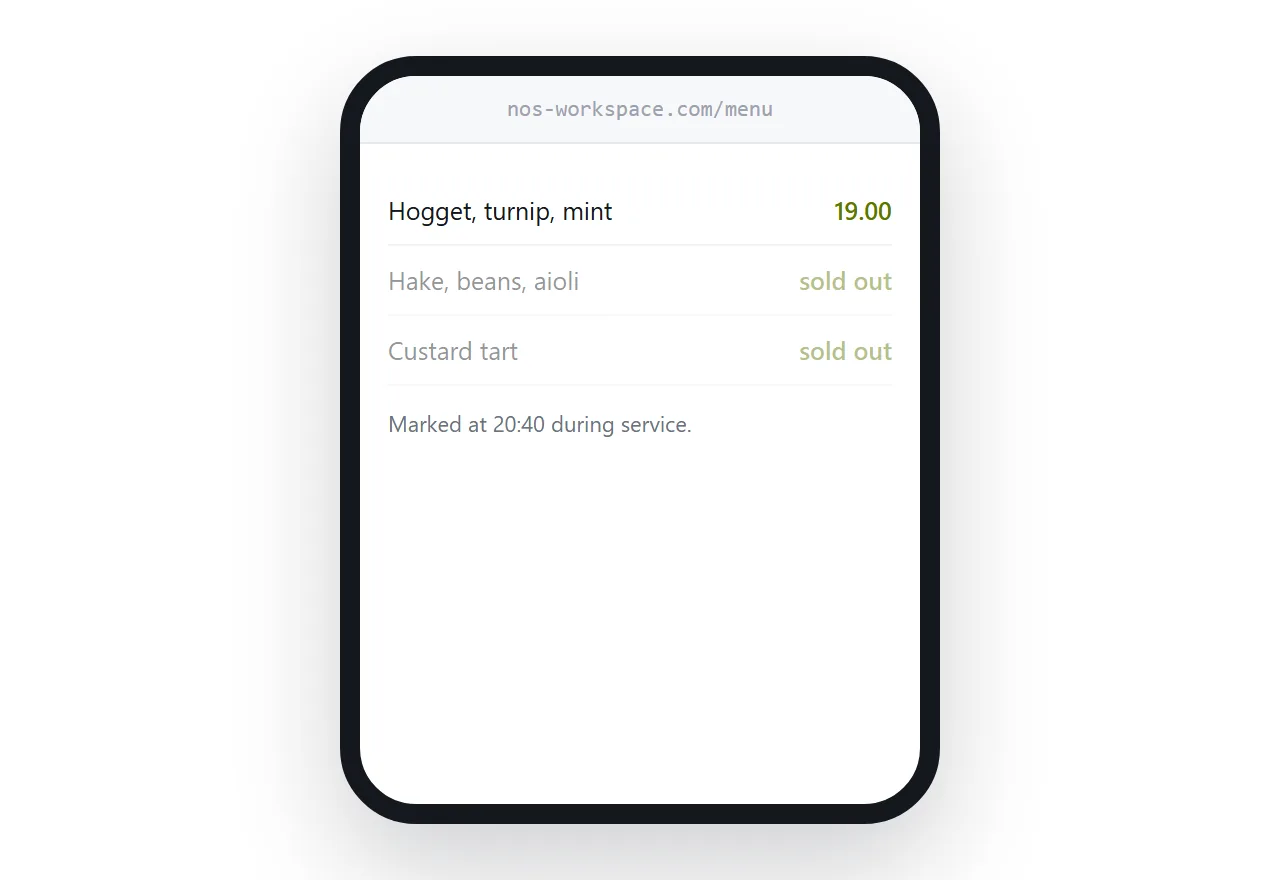
With a page, the item is marked during service. Grey it out, say sold out, leave it visible so people know it exists and can ask about tomorrow.
This is the change that staff notice most, and it costs about ten seconds to make.
Keep the printed menu
A printed menu is part of the room and part of the experience, and not everyone has a phone to hand.
Keep it. Print the address on it, discreetly, so that when prices change the paper still leads somewhere current. A printed menu with an address is a longer-lived object than one without.
Closely related: How to put a menu at a link, and How to make a QR code you can change later for the adjacent problem.
Put it at an address
Never point a code at a document, use one permanent address, put tappable categories at the top, mark unavailable items during service, and print the address on the paper menu.
Then the customer at the table finds what they wanted in four seconds.