A status page has one job and it only matters on the worst days. Everything about how it is hosted should follow from that.
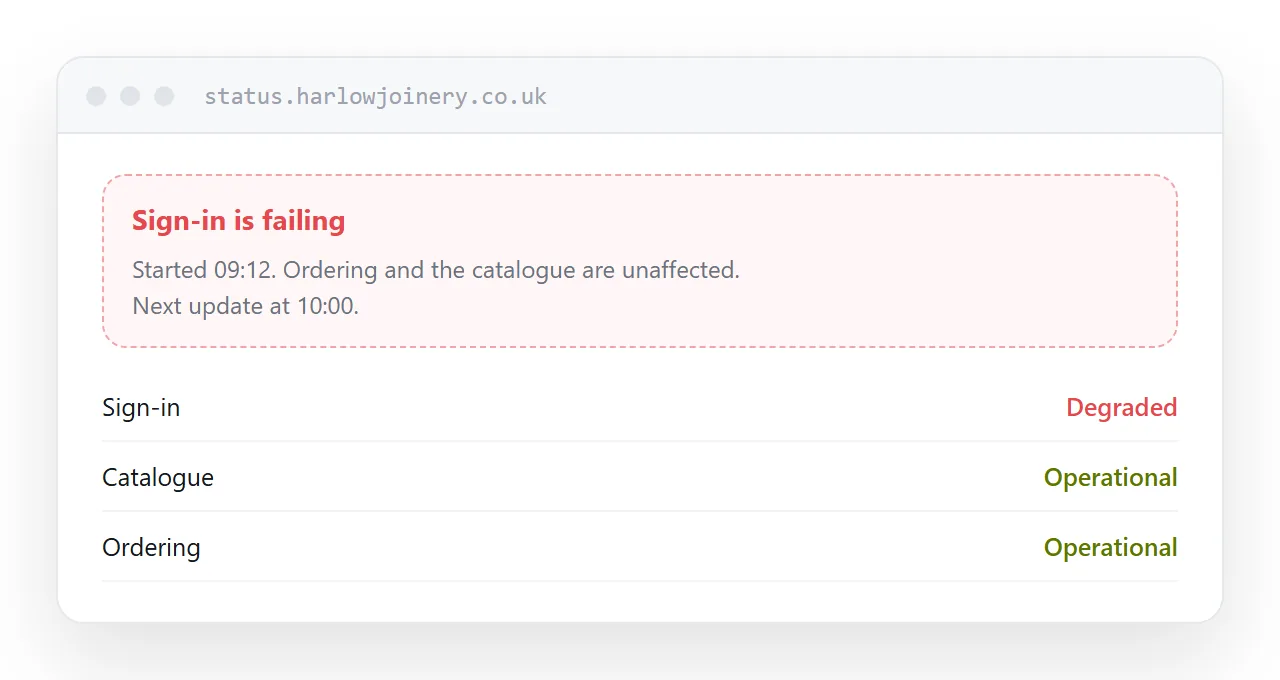
This guide covers where it lives, the first update, and what to write.
Host it somewhere else entirely
The failure is obvious in hindsight and extremely common.
The status page sits on the same infrastructure as the product. The infrastructure has a problem. Both go down, and customers find a broken status page, which tells them nothing except that things are worse than they thought.
Host it on a different provider. Different domain or subdomain, different company, nothing shared. A simple static page somewhere unrelated is exactly right, because it has almost nothing that can fail.
The first update, within minutes
Say something early, even before you know anything.
We are aware of a problem affecting sign-in and are investigating. Next update in thirty minutes.
That sentence, posted five minutes in, prevents most of the support contacts an incident generates. Customers are not looking for an explanation at that point; they are looking for confirmation that it is not just them.
Waiting until you have a full picture means an hour of silence, during which the support queue fills with people who cannot tell whether the problem is yours or theirs.
| Silence until resolved | Update at minute five | |
|---|---|---|
| Support contacts | Many | Far fewer |
| Customer knows it is not them | No | Yes |
| Trust afterwards | Damaged | Usually improved |
| Effort | None | One sentence |
What each update contains
What is affected. Specifically.
What is not affected. This narrows the panic and it is routinely omitted.
What you are doing. Briefly, without internal detail.
When the next update comes. A time.
That last one does most of the work. A customer told there will be an update at half past does not refresh every two minutes, and does not email to ask.
Then keep it. An update at the promised time saying there is nothing new is still keeping it.
Afterwards
Post a resolution and, for anything significant, a short account of what happened.
Plain language, no blame, what went wrong, what you changed. Customers are far more forgiving of a problem explained than of one that was silently fixed.
Leave the history up
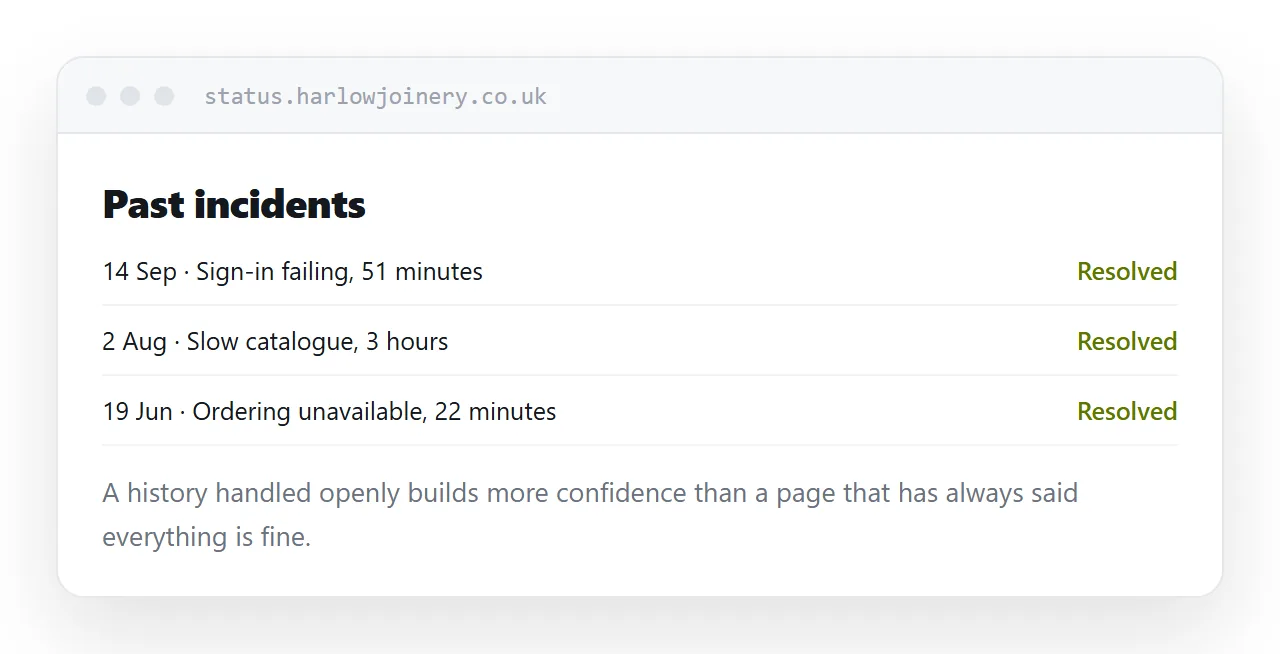
A status page with no incidents in its history reads as either very new or not honest.
A history of incidents handled openly, with clear updates and honest accounts, builds more confidence than an unblemished record. Anyone evaluating whether to depend on you reads it that way.
Automated checks come later
Monitoring that updates the page automatically is worth having eventually.
It is also worth knowing that automated checks go green while customers cannot log in, because the check tested something else. A page updated by a person who knows what is actually broken is more useful than a green tick that is wrong.
Start manual. Automate once the manual habit exists.
For the surrounding ground, see How to host a changelog and How to set up a client portal.
Put it at an address
Host it away from the product entirely, post within minutes, say what is not affected, promise and keep a next update time, and leave the history visible.
Then the page works on the day it is needed.