A changelog is read by somebody with a specific question: was my thing fixed, why did this move, is this still maintained.
Writing it from the commit log answers none of those.
This guide covers what an entry should say, structure, and what to include.
Write for the person affected
Two versions of the same change.
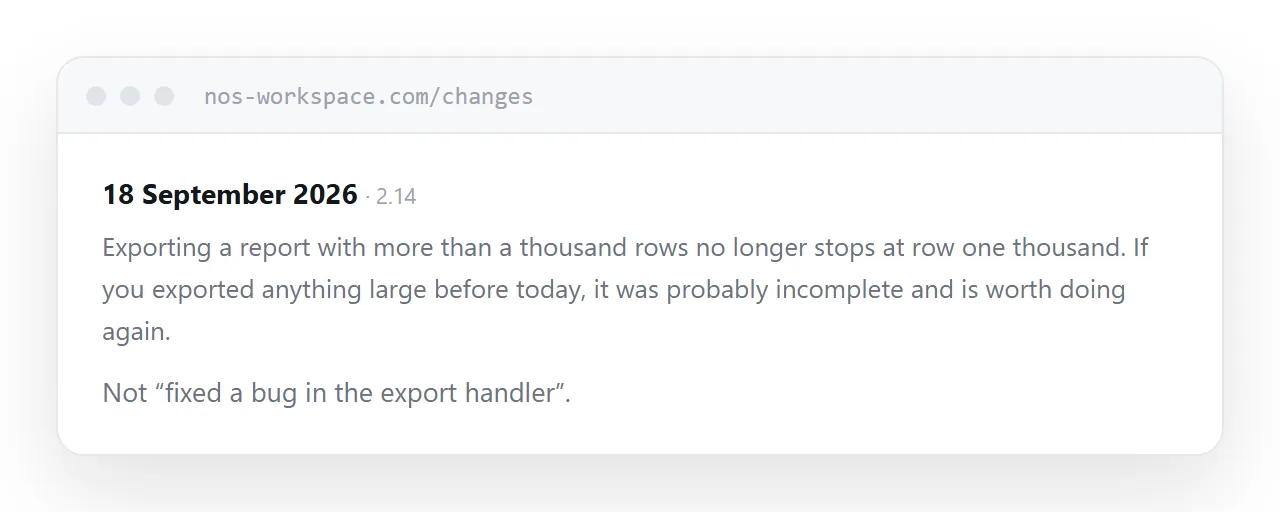
Fixed a bug in the export handler.
Exporting a report with more than a thousand rows no longer stops at row one thousand. If you exported anything large before today, it was probably incomplete and is worth doing again.
The second tells the reader whether it affected them and what to do. The first is a note to yourself.
That is the whole discipline, and it takes about thirty seconds more per entry.
One page, anchored entries
Newest at the top, every entry with its own anchor.
<h3 id="2026-09-18-export-limit">18 September 2026</h3>
The anchor is what makes it useful in practice. Support replies with a link to the exact entry rather than "see our changelog". Users send each other a specific change.
Separate pages per release make that harder and give the reader more navigation for no benefit.
| Version numbers only | Dated user-facing entries | |
|---|---|---|
| Reader knows if it affects them | No | Yes |
| Support can link to one change | Rarely | Yes |
| Shows the product is alive | Weakly | Yes |
| Reader knows what to do | No | Yes |
Lead with the date
Most users do not know what version they are on and have no way to find out.
A date they can compare against when they noticed something is far more useful. Put the version number alongside for the people who track them.
Mark anything requiring action
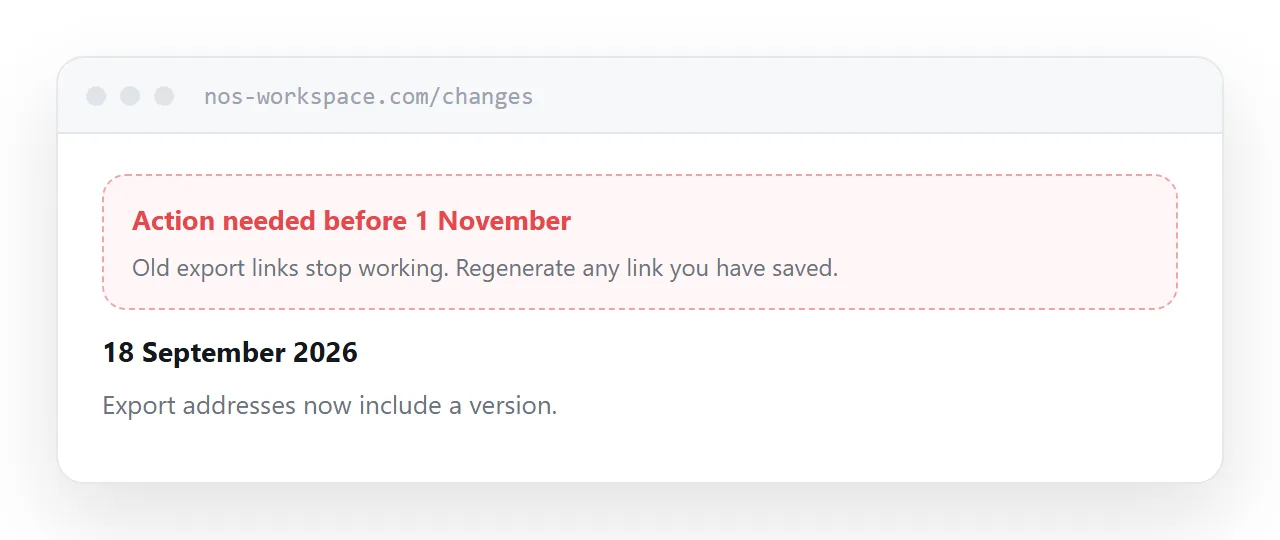
Some changes need the reader to do something: update an integration, change a setting, re-export something, check their data.
Those go at the top of the entry, marked, in plain language. Not buried in a list of eleven items.
A reader scanning a changelog for things that affect them should be able to find those in two seconds.
Publish the small changes
The temptation is to only write up significant releases.
The effect is a changelog with three entries this year, which reads as a product nobody is working on. That impression matters to anyone evaluating whether to depend on it.
Small entries are cheap and they demonstrate momentum. A fortnight of small fixes listed honestly reads better than silence followed by a large release.
Keep the whole history
Never trim old entries.
Somebody debugging a problem needs to know what changed six months ago. Somebody evaluating the product wants to see the pattern over a year. Both are served by a complete history and neither by a tidy one.
If this is near what you are doing, HTML changelogs as pages, written for the customer and How to publish an article as a link cover the cases on either side.
Put it at an address
Write entries from the user's point of view, keep one page with anchored entries newest first, lead with the date, mark anything requiring action, and publish the small changes too.
Then the changelog answers the question the reader arrived with.