A newsletter has two forms. The email that lands in an inbox, and the page at an address that the email points at.
Most publishers build the first and treat the second as an afterthought. It is the other way round: the page is the issue, and the email is one way of announcing it.
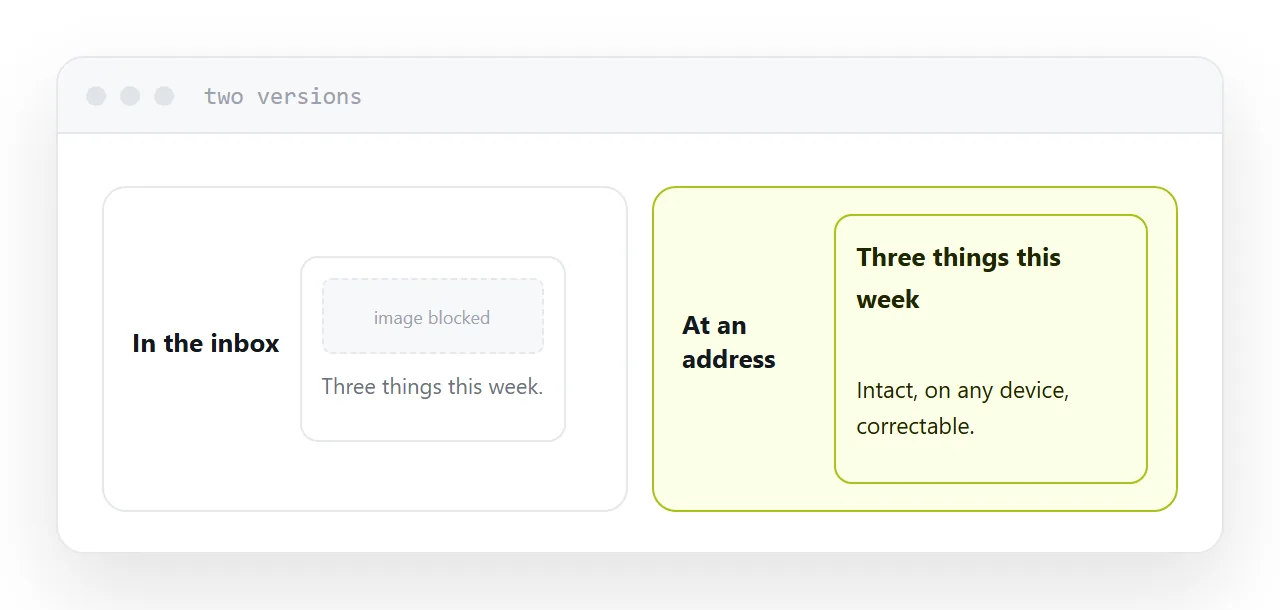
This guide covers why email rendering fails, what a web version rescues, and why the archive matters more than any single send.
Email rendering is genuinely broken
This is not carelessness on your part.
Outlook on Windows renders email using an engine built for word processing, not for the web. Modern layout rules are ignored outright. That is why professional email templates still use nested tables and inline styles that would look like a mistake on any normal page.
Every client is different. Gmail strips some styles, Apple Mail keeps others, and the same issue can look correct in three clients and collapse in the fourth.
You cannot test every combination, and you do not have to, as long as there is a web version that always renders correctly and the reader can reach it in one tap.
Images arrive blocked
Most mail clients do not load remote images until the reader allows it.
So the version many of your readers see first is: your words, with grey rectangles where the pictures were. If the issue depends on a hero image or a graphic with text in it, that reader gets nothing.
Write so the issue works with images off. Put the point in the words. Use alt text that says something rather than repeating the file name. Treat images as improvement rather than as the content.
| Email only | Email plus a web version | |
|---|---|---|
| Layout survives every client | No | The page does |
| Images blocked | Issue is empty | Page is intact |
| Forwarded to a non-subscriber | Awkward | One address |
| Found in search later | Never | Yes |
| Correcting a mistake | Impossible | Edit the page |
What a web version rescues
The broken renders. One link at the top saves every reader whose client mangled it.
Forwarding. Somebody wants to send one issue to a colleague. An address does that cleanly; a forwarded email arrives with headers and quoted text.
Mistakes. A wrong date, a wrong price, a broken link. The email is gone and unrecoverable. The page you edit.
Search. The email is invisible to search engines forever. The page starts being found the week it goes up and keeps going.
Put the link to it at the top of the email, in normal-sized text. The conventional placement at the bottom in six-point grey is a habit from an era when it was a legal formality rather than a rescue.
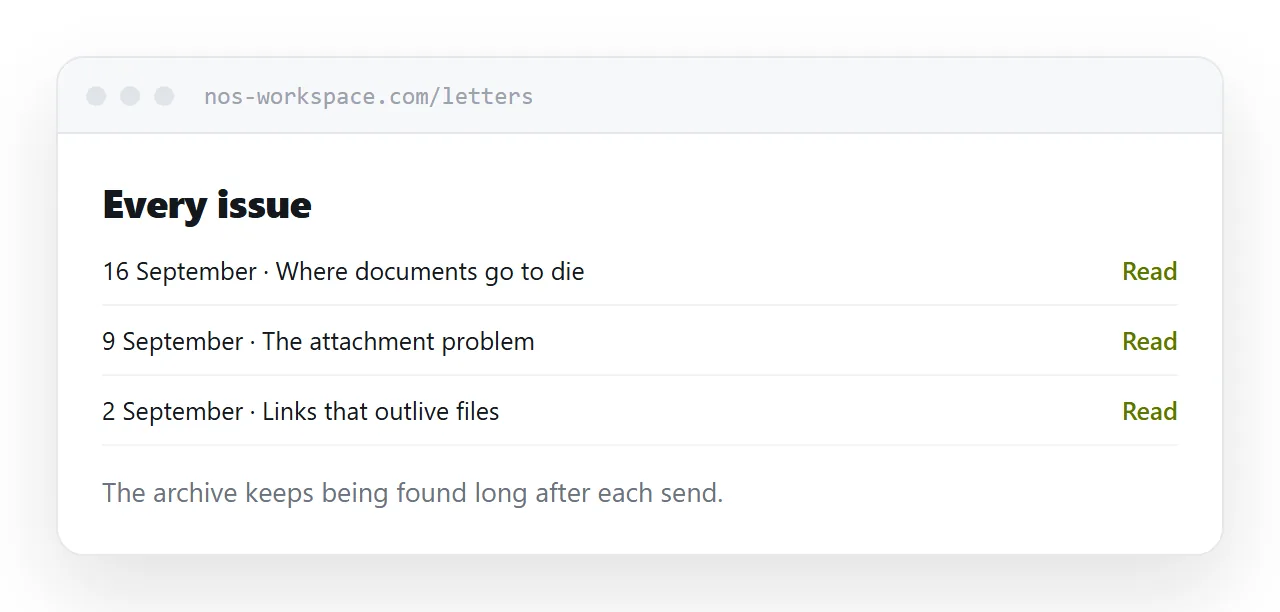
The archive outlives every send
A single issue gets opened for about a day. Then the email is done.
The same issue at an address keeps being found by people searching its subject, for years. Across a couple of years of publishing, the archive usually becomes a bigger source of new readers than any individual send.
Keep it public. An archive somebody can read before subscribing is the most honest argument for subscribing, and putting it behind the signup form removes exactly the evidence that would have convinced them.
Two neighbouring cases are worth a look: HTML email newsletter and How to publish a digital magazine. Setting up a document workflow is also close.
Put it at an address
Publish the issue at an address, announce it by email, put the link at the top, write so it survives blocked images, and never take the archive down.
Then the issue keeps working long after the morning it was sent.