Publishing an article as a link means one piece of writing sits at one address that never changes, and everything else points at it.
That sounds trivial. It is the decision that most affects whether the piece is still being read in three years.
This guide covers naming, what breaks when an address moves, and the metadata that decides whether a share gets opened.
The address is permanent, so name it once
Once an address is published it is out of your control. It is in messages, bookmarks, other people's pages, search results, and a browser history you cannot see.
Change it and all of that breaks simultaneously, with no warning to anyone.
So name it for the subject, in words a reader would recognise, and assume you are naming it for good.
Do not put the date in it. A piece with this year in its address looks stale in January, and when you update the piece you will be tempted to make a second address, which splits every link between two versions.
Keep it short. It gets read aloud, typed, and printed more often than you expect.
Lowercase, hyphens. Mixed case addresses behave inconsistently across servers and are a source of avoidable breakage.
If you must move one
Sometimes an address genuinely has to change: a subject rename, a restructure.
Leave a redirect at the old address, and leave it permanently. Not for a month. The links you are worried about are the ones you cannot see, and those never expire.
| Keep the address | Change it without a redirect | |
|---|---|---|
| Existing shares | Work | Dead |
| Search position | Kept | Starts again |
| Links from other sites | Work | Dead |
| Bookmarks | Work | Dead |
Why a shared link looks bare
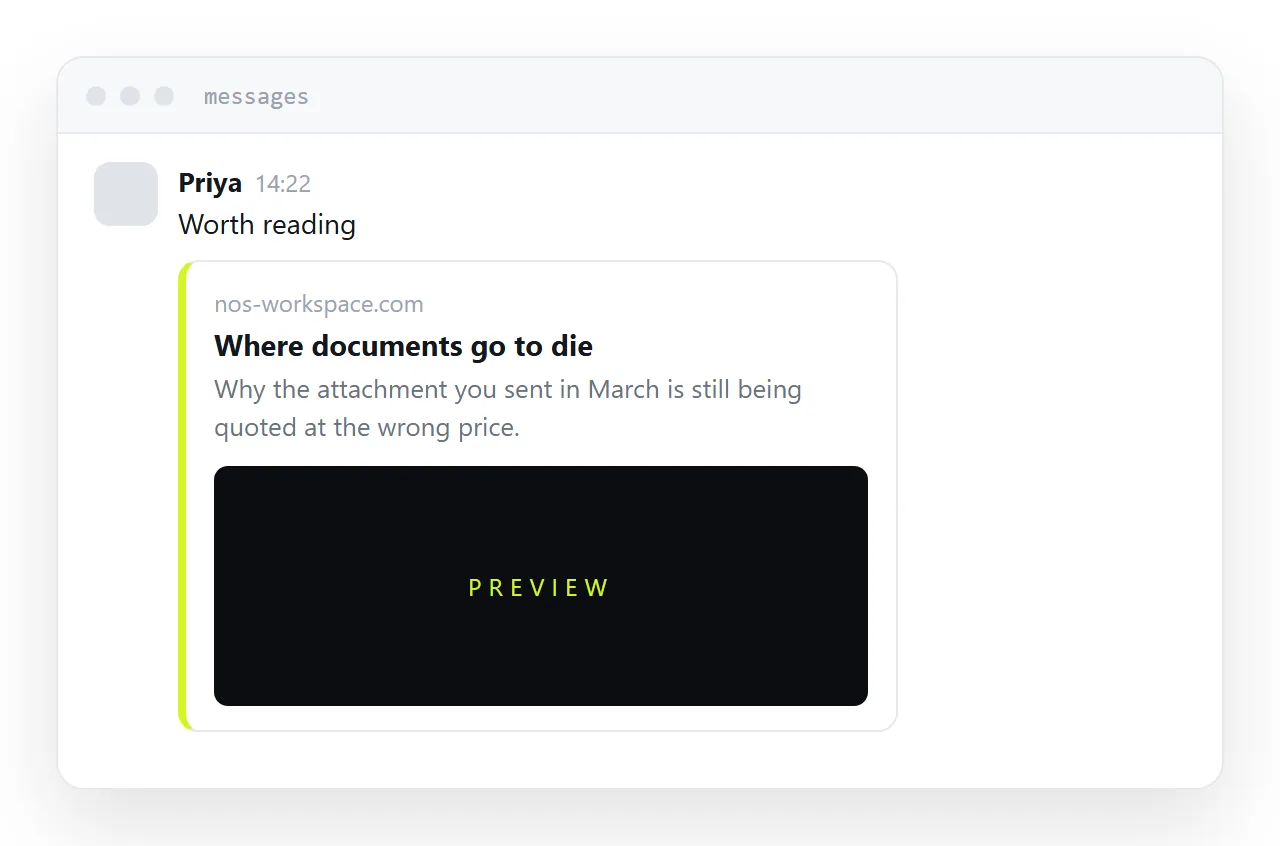
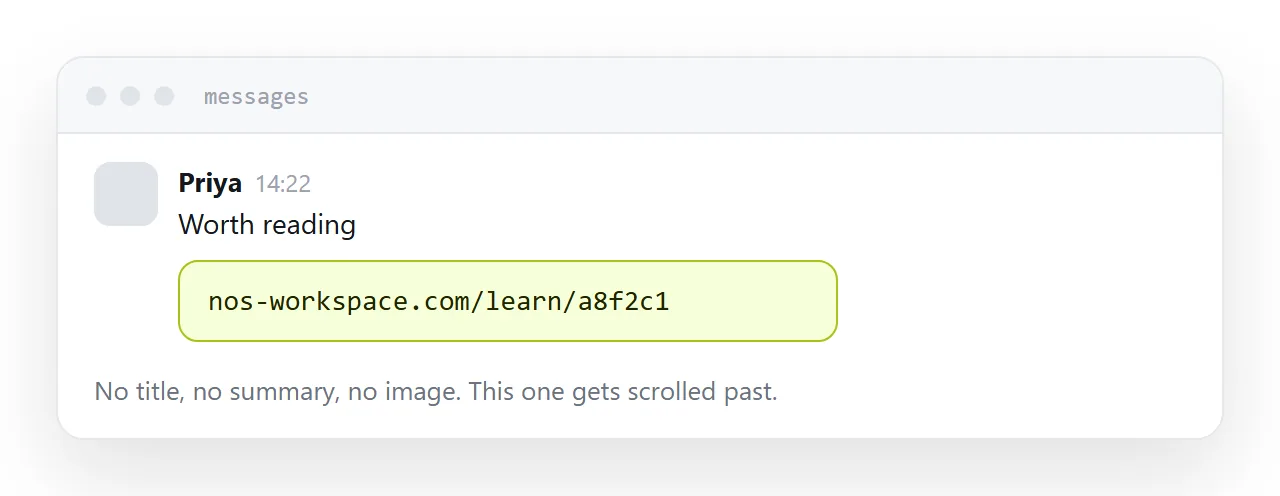
Paste an address into a messaging app and you either get a card with a title, a summary and an image, or you get a naked string of characters.
The difference is metadata in the page. A title, a one-line description, and an image of the right shape. Without them the app has nothing to show and falls back to the address itself.
That card is doing real work. It is the difference between a link someone taps and a link someone scrolls past, and it costs three lines in the page head.
Write the description for a human deciding whether to open it, not as a keyword list. One sentence saying what the piece is.
Update in place
A piece that is worth revising is usually a piece that has accumulated links and search position at its existing address.
Republishing at a new address throws all of that away and leaves two versions competing with each other, one of which is wrong.
Update the page, change the date shown on it, and say what changed if it matters. The address stays, the readers stay, and everyone holding a link gets the better version.
Closely related: How to publish a digital magazine, and How to publish a digital newsletter for the adjacent problem. How to share comic pages you have drawn is also close.
Put it at an address
Name the address after the subject, decide it is permanent, add the metadata that makes a share look like something, and revise in place.
Then the piece keeps being reachable long after you stopped thinking about it.