A digital magazine works when an article is one tap away and readable in the two minutes someone actually has.
Most digital magazines are an issue exported as a single file, which means a download, a reader app, and a reader who postpones it until later and never returns.
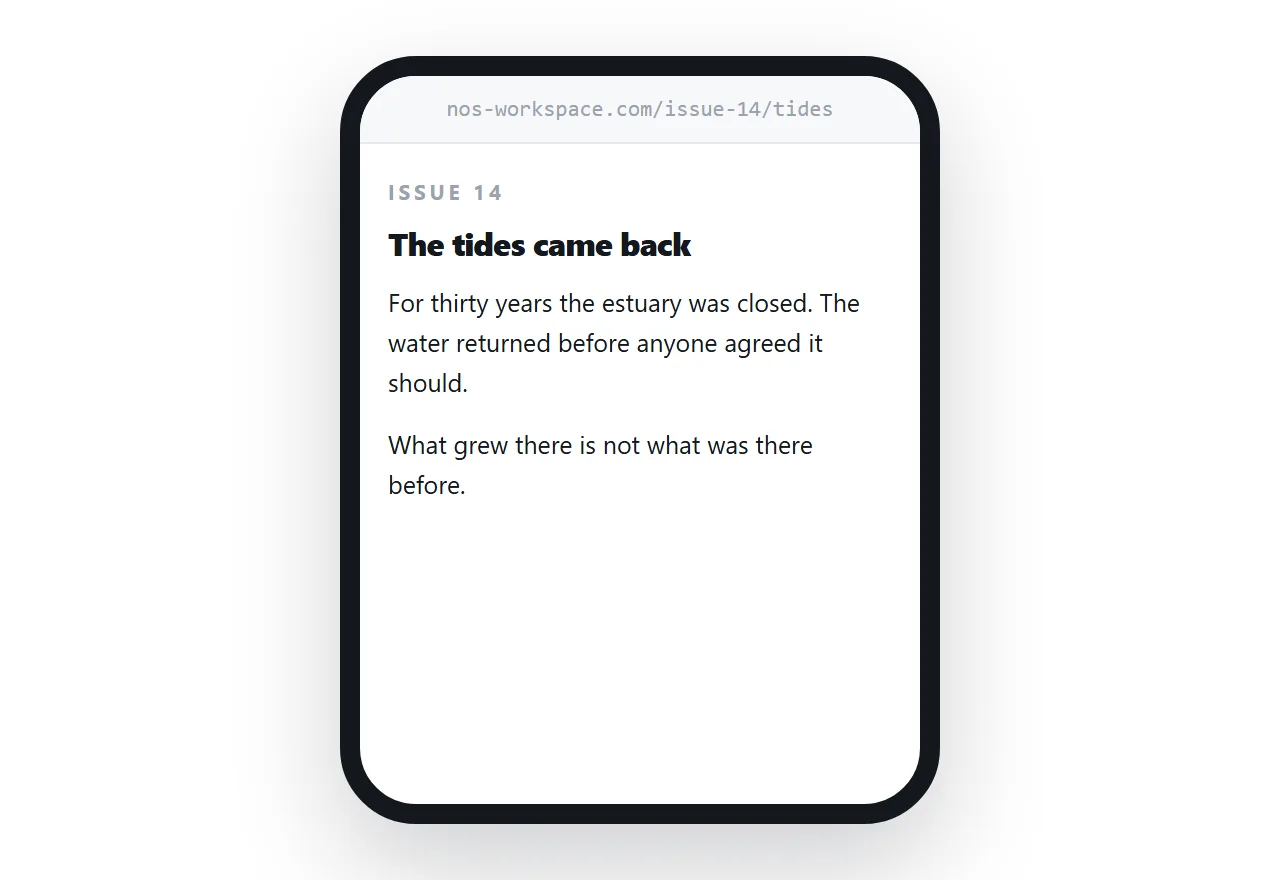
This guide covers the structure that gets articles read, what to do with back issues, and why the flip effect costs you.
One page per article
The instinct is to treat the issue as the unit, because that is how print works. On the web the article is the unit.
An article at its own address can be found in search by someone who has never heard of the magazine. It can be sent to one person who cares about that one subject. It can be linked from elsewhere. A reader can finish it without scrolling past three articles they did not want.
Keep a contents page that links them all and carries the issue identity. That page is the magazine; the articles are what people actually arrive at.
| Issue as one file | Article as a page | |
|---|---|---|
| Found in search | Rarely | Individually |
| Shared | The whole issue | The one article |
| Read on a phone | Zoom and pan | Scroll |
| Finished | Often not | Often |
| You can see what worked | No | Per article |
Two addresses, on purpose
Keep one address that always shows the current issue, and one address per issue that never changes.
The first goes in a signature block, on a business card, on a poster. It is the address you give out when you do not know when someone will use it.
The second is what makes the archive work. A link to an article from two years ago still opens that article, at the issue it belonged to, exactly as it was.
Mixing these up is the common failure. If the only address is the current issue, every old link silently starts showing something else.
The flip effect, briefly
Flipbook readers take an exported issue and add a page-turn animation.
It is familiar and it is expensive. The animation is slow on a phone, the text is an image so search engines read none of it, deep links to an article are impossible, and readers regularly get stuck in a nested scroll.
The magazine that gets read is the one that behaves like the rest of the web the reader is already using.
Back issues are the asset
This is the part most publishers get wrong, and it is expensive.
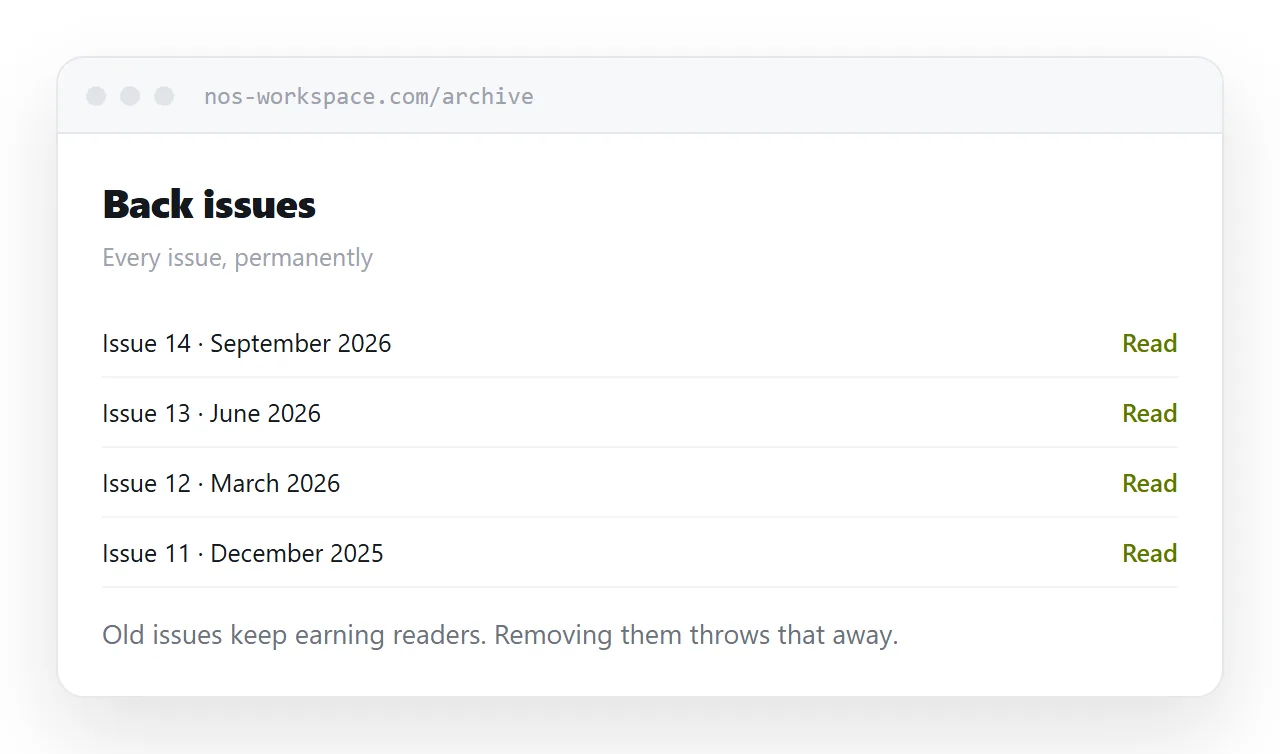
An article published two years ago keeps accumulating search traffic for as long as it exists. It is found by people searching the subject, not the magazine. Over a few years the archive quietly becomes a larger source of readers than the current issue.
So: never remove a back issue, never change its address, and never put the archive behind a login unless you are genuinely selling access. Every one of those throws away readers who were already arriving.
What to measure
A downloaded file tells you a download happened. That is all.
Articles at addresses tell you which subjects were opened, which were finished, and which were shared. That is the information that decides what to commission for the next issue, and it is the practical reason to move away from files.
For the surrounding ground, see How to make a digital brochure and How to publish a digital newsletter. How to host a job description is also close.
Put it at an address
One page per article, a permanent address for each issue, a stable address for the current one, and an archive you never take down.
Then the magazine is read in the gaps where reading actually happens.