An essay link is a piece of writing published at an address, so a reader opens it immediately instead of downloading a document to decide whether it interests them.
The download step is small and it filters out more readers than most writers realise.
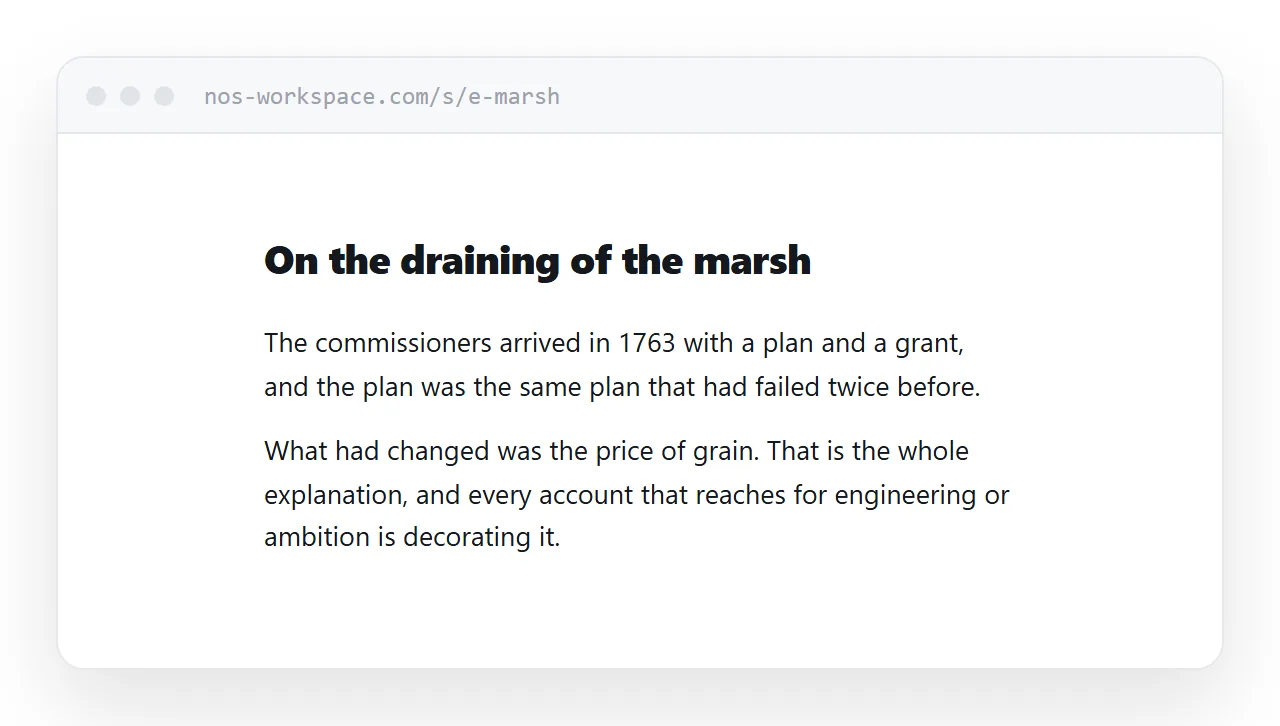
This guide covers the typography that makes long text readable on a screen, handling notes and citations, what a link changes about drafts, and where a document is still required.
The column is the whole design
Almost everything about reading comfort comes down to line length.
A line of sixty to seventy characters is comfortable. A line of ninety is not, because the eye has to travel further to find the start of the next line and loses its place more often. On a wide monitor, unconstrained text produces lines well over a hundred characters.
.essay {
  max-width: 34rem;
  margin: 0 auto;
  padding: 0 1.25rem;
  font-size: 1.08rem;
  line-height: 1.75;
}
.essay p { margin-bottom: 1.1em; }
The whitespace on a wide screen is not wasted space. It is what makes the text readable, and it is what every well-set book page does.
Line height matters more on screen than in print. Print can get away with tighter leading because the contrast and resolution are different. Screens need the air.
Paragraphs need separation, not indentation
Print marks a new paragraph with a first-line indent and no extra space. On screen that reads as an undifferentiated block.
Use space between paragraphs instead. Pick one convention and hold it: space or indent, never both, because both together looks like a mistake.
Notes that work in both directions
Footnotes on a page can do something paper cannot: take the reader to the note and bring them back.
<p>The figure has been disputed since publication.<a href="#n3" id="r3"><sup>3</sup></a></p>

<section class="notes">
  <p id="n3"><a href="#r3">3.</a> Marchetti (2019) gives 14%, which
     later recalculation reduced to under 9%.</p>
</section>
The note links back to the exact sentence the reader left. That single detail makes annotated writing far more pleasant to read on a screen, where losing your place is otherwise easy.
What a link changes about drafts
Sending a draft as a file commits you to that version. Every subsequent improvement requires another file and an awkward note asking the reader to ignore the last one.
With a link, you revise and the reader who opens it tomorrow reads the better version. There is no version to choose, which removes the entire small social friction of sharing unfinished writing.
The one discipline worth keeping: if someone has already given you notes, date substantial revisions so they can tell the text moved. Nothing is more disorienting than returning to a piece you commented on and finding the paragraph gone with no acknowledgement.
Where a document is still required
Coursework goes through the institution's system in the format they specify. That is non-negotiable and the link does not change it.
Competitions and submissions to publications usually specify a format too, often with anonymised files and particular formatting. Follow their rules exactly, because failing on format is the easiest way to be rejected without being read.
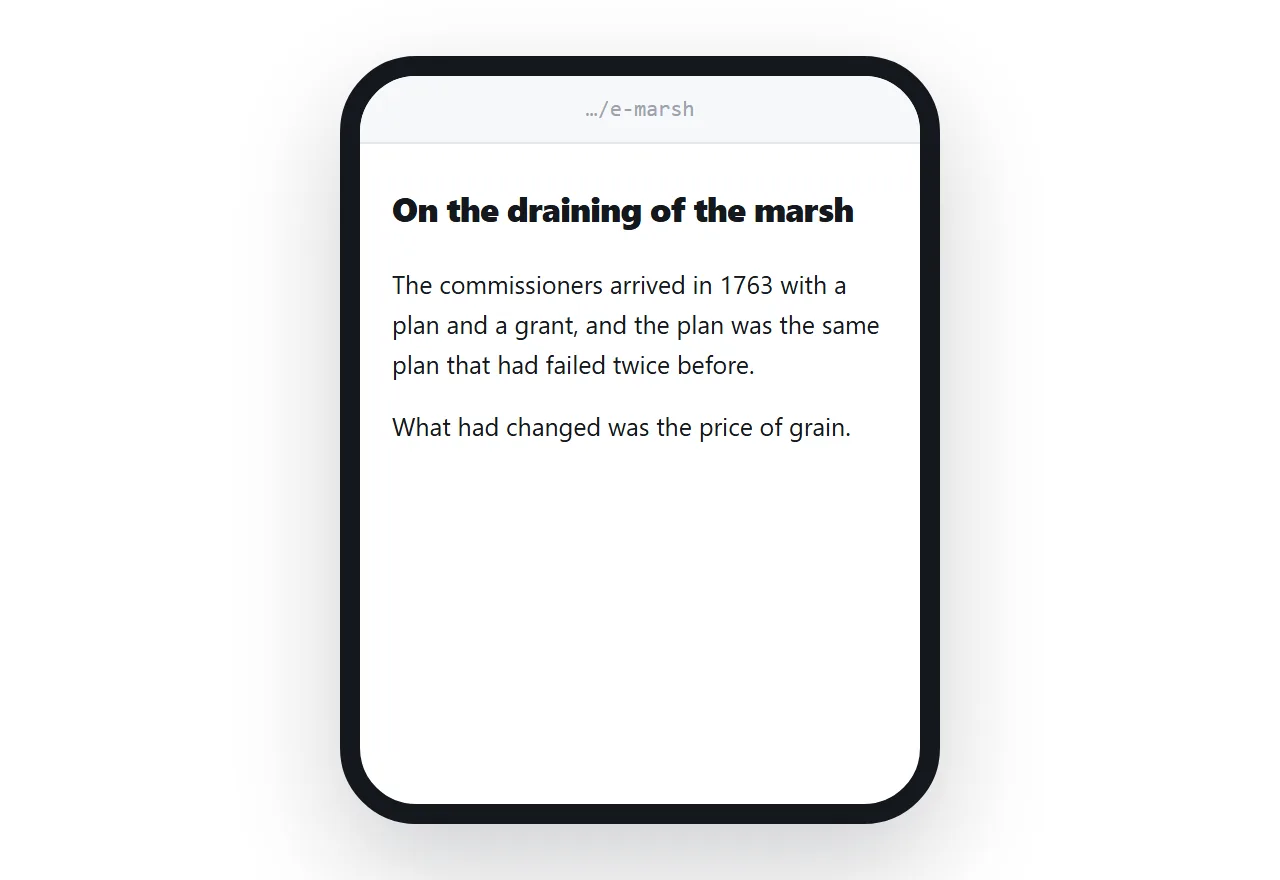
For those cases, print rules can produce a clean document from the same page.
@media print {
  nav { display: none; }
  @page { size: A4; margin: 25mm; }
  .essay { max-width: none; font-size: 12pt; line-height: 1.6; }
}
More in export HTML to PDF.
Put it at an address
Write the essay as a page, set the column narrow, paste it into a document, and create a share link.
The reader taps once and is reading. That is the only thing standing between your first paragraph and the person you wrote it for.