A research paper link is a web copy of a paper, usually the accepted manuscript, kept at an address so readers reach the part they came for without downloading the whole file.
The published article stays the citable record. The page exists so the work can actually be read by people who found it through one figure.
This guide covers which version you are allowed to post, labelling it so citation stays unambiguous, linking to individual figures, and what a page does better than a column-formatted PDF.
Which version you can post
This is the part people get wrong, and it is worth getting right because publishers do occasionally enforce it.
| Version | What it is | Usually allowed on your own site |
|---|---|---|
| Submitted manuscript | Before peer review | Often, sometimes called a preprint |
| Accepted manuscript | Your text after review, before typesetting | Usually, sometimes after an embargo |
| Version of record | The journal's formatted PDF | Rarely |
The accepted manuscript is the practical answer for most authors. Your funder may require it to be available within a set period, and most publisher agreements permit it.
Read your own agreement. Policies vary by publisher and have changed in recent years, and a general rule is not a substitute for the document you signed.
Label the version at the top
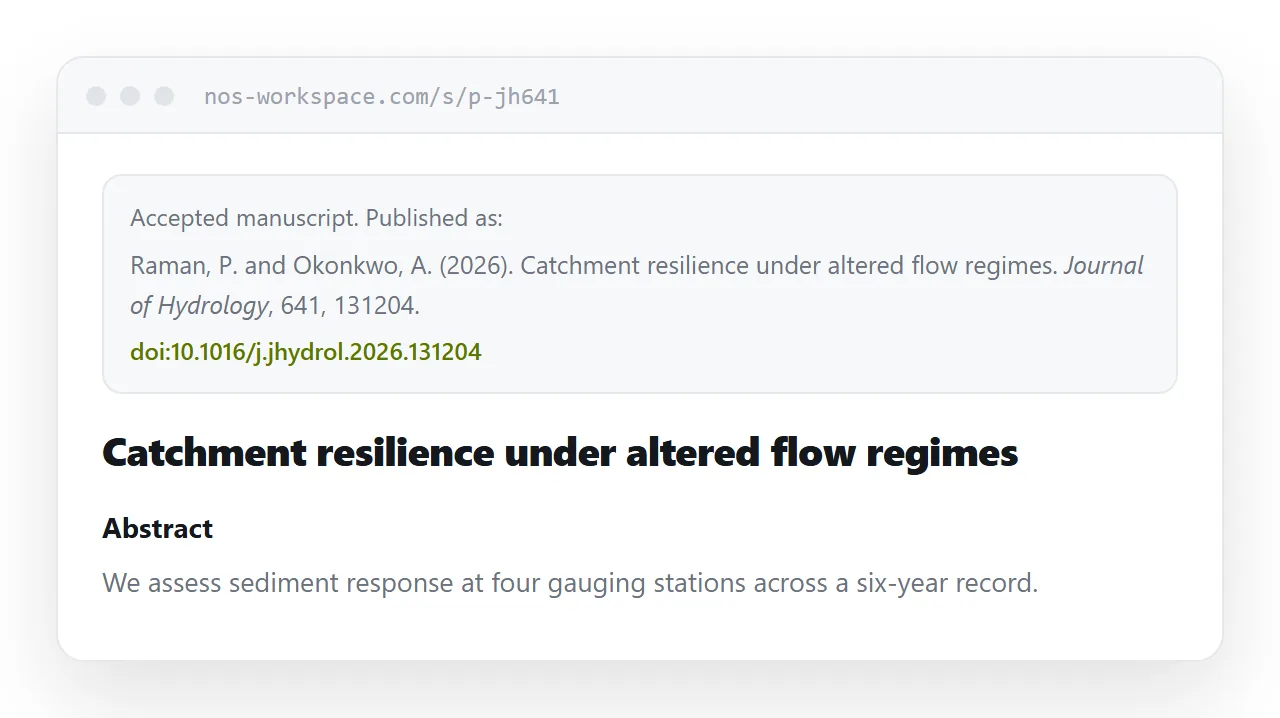
One block, before the abstract, removes every ambiguity.
<div class="version">
  <p>Accepted manuscript. Published as:</p>
  <p class="cite">Raman, P. and Okonkwo, A. (2026). Catchment resilience
     under altered flow regimes. <em>Journal of Hydrology</em>, 641, 131204.</p>
  <p><a href="https://doi.org/10.1016/j.jhydrol.2026.131204">doi:10.1016/j.jhydrol.2026.131204</a></p>
</div>
Anyone citing you now has what they need, and nobody mistakes the page for the record. It also means a reader who has institutional access can go straight to the typeset version.
Sections and figures get addresses
Papers are discovered piecemeal. Someone saw Figure 3 in a talk, or was told your methods section describes a technique they need.
<figure id="fig-3">
<a href="/paper/fig3-full.png">
<img src="/paper/fig3.webp" alt="Discharge against sediment load at four gauging stations, 2019-2024"
width="1200" height="760" loading="lazy">
</a>
<figcaption><b>Figure 3.</b> Discharge against sediment load at four gauging stations.
<a href="/paper/fig3-full.png">Full resolution</a> ·
<a href="/paper/fig3-data.csv">Data</a></figcaption>
</figure>
Three things happen here that a PDF cannot do. The figure is legible at screen size, the original is one click away, and the underlying data can sit beside it.
Writing the caption as text rather than baking it into the image means it is searchable and readable by a screen reader.
Why a page beats a two-column PDF on screen
Journal PDFs are typeset for print. Two columns at A4 is an efficient use of paper and an awkward thing to read on a phone, because the reader scrolls down one column, back up, and down the next.
A page reflows to one column at whatever width it opens. Nothing is lost except the printed layout, and the printed layout was never the point of the content.
Keep the data reachable
If your data is deposited somewhere, link it from the page and from the figure it supports rather than only from a data availability statement at the end.
Most people who want your data want it while looking at a specific figure. A link in that caption saves them a search through a repository, and makes reuse more likely.
A printable version
Some readers still print papers to annotate them. Print rules from the same page handle it.
@media print {
  nav, .version a { display: none; }
  @page { size: A4; margin: 20mm; }
  figure { break-inside: avoid; }
}
Keeping figures whole across page breaks is the main thing. Details in export HTML to PDF.
Put it at an address
Check what your agreement permits, write the accepted manuscript as a page, label the version and cite the published article, and create a share link.
Then when someone asks about Figure 3, send them Figure 3.