A dissertation link is a web copy of your dissertation, or of one chapter of it, kept at an address so a supervisor can open the current text without hunting through email.
It sits alongside the document you will eventually submit. It does not replace it, and the boundary matters.
This guide covers what a link fixes during supervision, how to organise chapters so they can be sent individually, keeping the formatted submission separate, and what to check before making anything public.
The version problem is the real cost
Dissertation supervision runs for months in rounds. Each round conventionally produces a file.
| Emailing a file each round | One link | |
|---|---|---|
| Which draft is current | Filenames, and hope | The address |
| Supervisor reading on a phone | Downloads, opens an app | Opens |
| Sending one chapter | The whole document | That chapter |
| You revise after a meeting | Another file | Same address |
| Six rounds later | Six files in a thread | One address |
The last row is where it hurts. By the fourth month, neither of you can be sure which file a comment referred to, and time goes into reconstructing that instead of into the work.
One address per chapter
Chapters are the natural unit because supervision happens at chapter level.
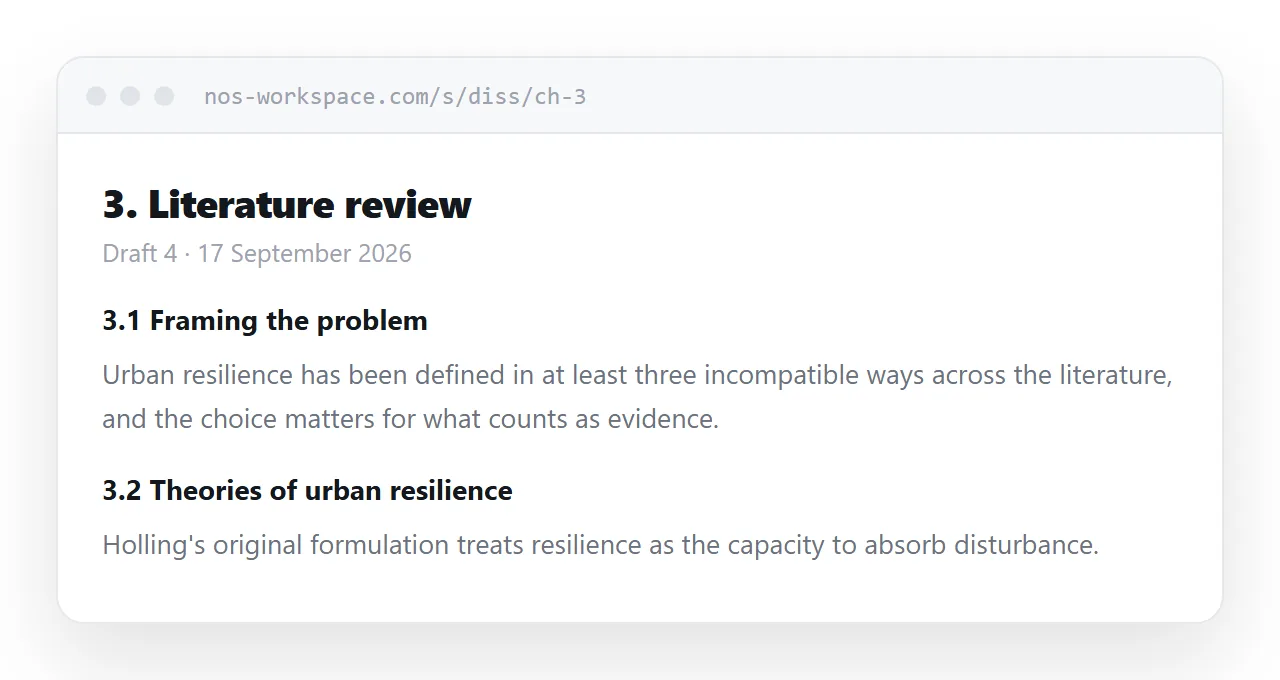
<article id="ch-3">
<h1>3. Literature review</h1>
<p class="draft">Draft 4 · 17 September 2026</p>
<section id="ch-3-2">
<h2>3.2 Theories of urban resilience</h2>
</section>
</article>
The draft line matters as much as the chapter heading. Your supervisor should be able to see at a glance which text they are reading, especially if they open it a week after you sent it.
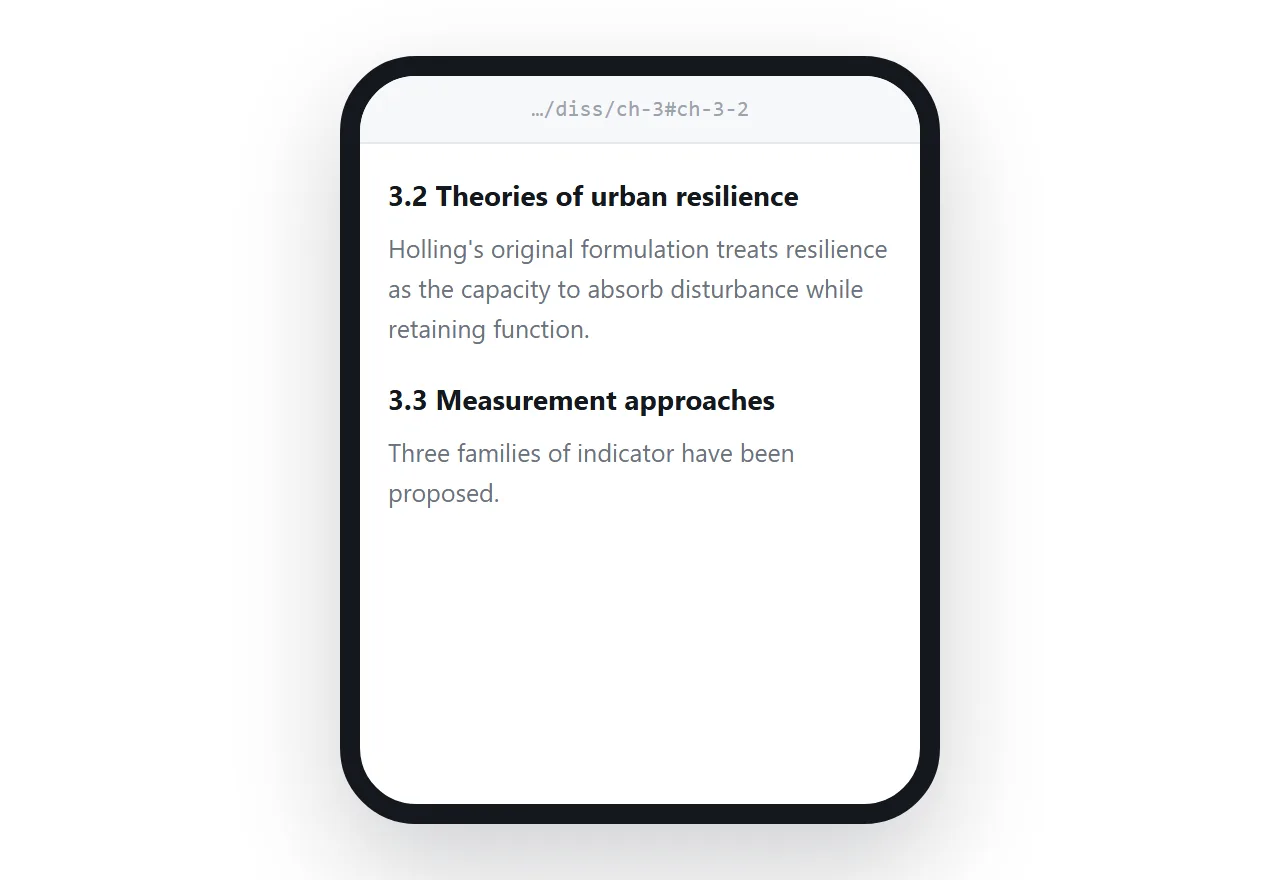
Ids on subsections mean a comment like "the paragraph in 3.2 about Holling" becomes a link rather than a hunt.
Keep the submission file separate
Departments specify margins, line spacing, font, word count, and how the bibliography is formatted. Those rules apply to the document you hand in.
Trying to make one artefact satisfy both the format rules and good screen reading usually fails at both. Draft in whatever produces the submission file, and treat the page as the readable mirror of the current text.
The exception is when you want a clean printable version for yourself. Print rules handle that from the same page.
@media print {
  nav, .draft { display: none; }
  @page { size: A4; margin: 25mm 20mm; }
  h1, h2 { break-after: avoid; }
}
More in export HTML to PDF.
Make the structure visible
A dissertation chapter can run to eight thousand words. Without navigation, a reader arriving at it has no map.
A short contents list at the top of each chapter, linking its own subsections, solves most of it. The pattern is in an HTML table of contents.
Keep numbering identical to your submission document. Anyone moving between the two should never have to translate.
Before it goes anywhere public
Two checks, both quick, both worth doing.
Your institution's position. Some departments treat submitted work as covered by their own publication policy, and some funders impose conditions. If a chapter is heading to a journal, publishing it openly can count as prior publication.
Other people's material. Figures, long quotations and datasets from other sources are usually permitted in an assessed dissertation under an exception that does not extend to publishing on the web. Replace them, get permission, or leave them out of the web copy.
Until you are sure, keep the address unguessable and out of search engines. That covers supervision, which is what the link is mainly for.
Put it at an address
Write each chapter as a page, paste it into a document, create a share link, and send the same address each round.
Your supervisor opens the current text on whatever device they are holding. You revise in place. And nobody spends a meeting working out which version they read.