A letter link is a formal letter published at an address, so the recipient opens it in one tap, reads it on a phone, and prints it properly if they need a copy.
The letter format exists because some messages need to look like documents. A page can do that; an email body usually cannot.
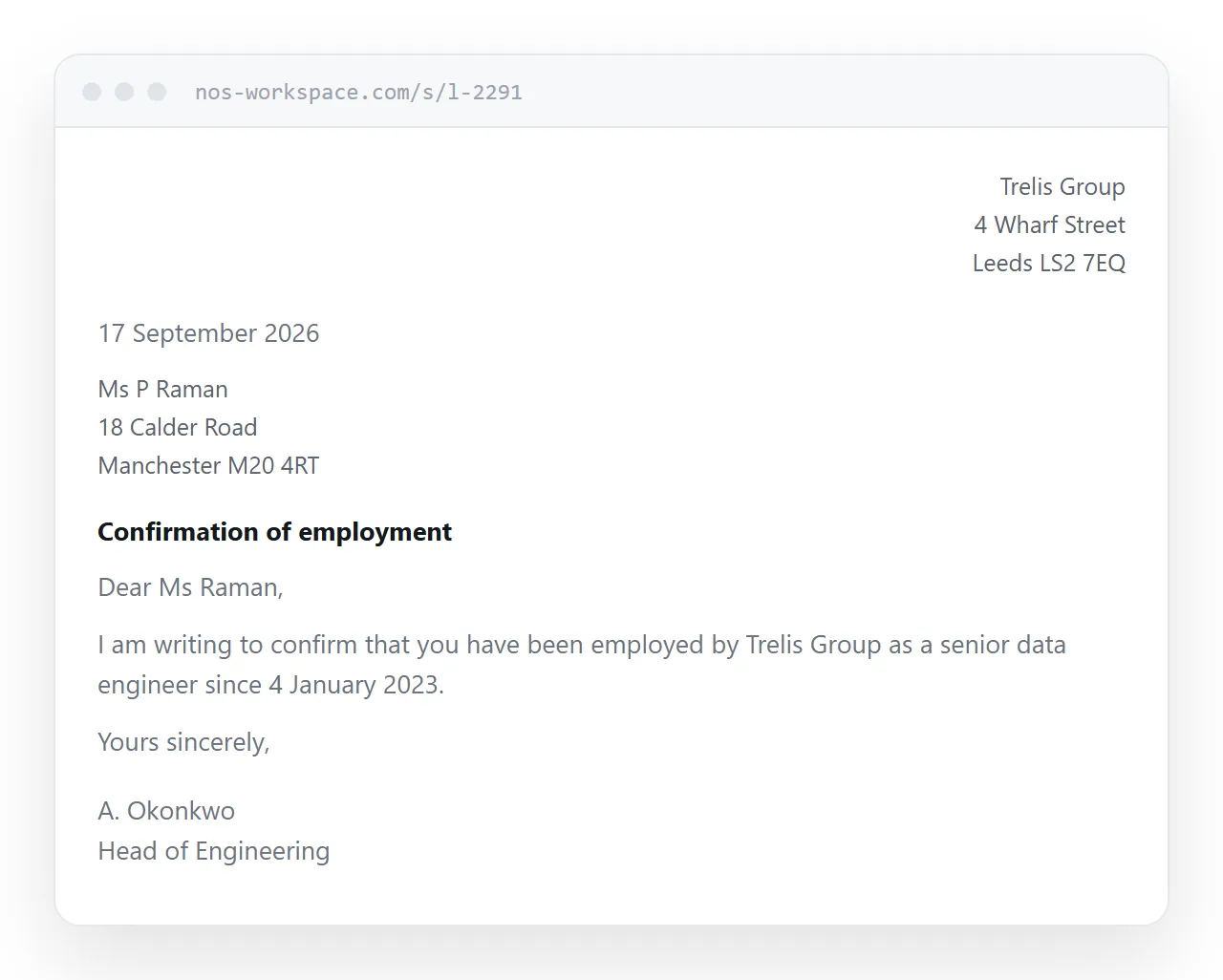
This guide covers the layout, print rules that matter more here than anywhere, the signature question, and where a signed file is still required.
Keep the conventional layout
The shape of a letter is doing work. It signals formality, it puts the parties on record, and it makes the document readable by someone who was not the original recipient.
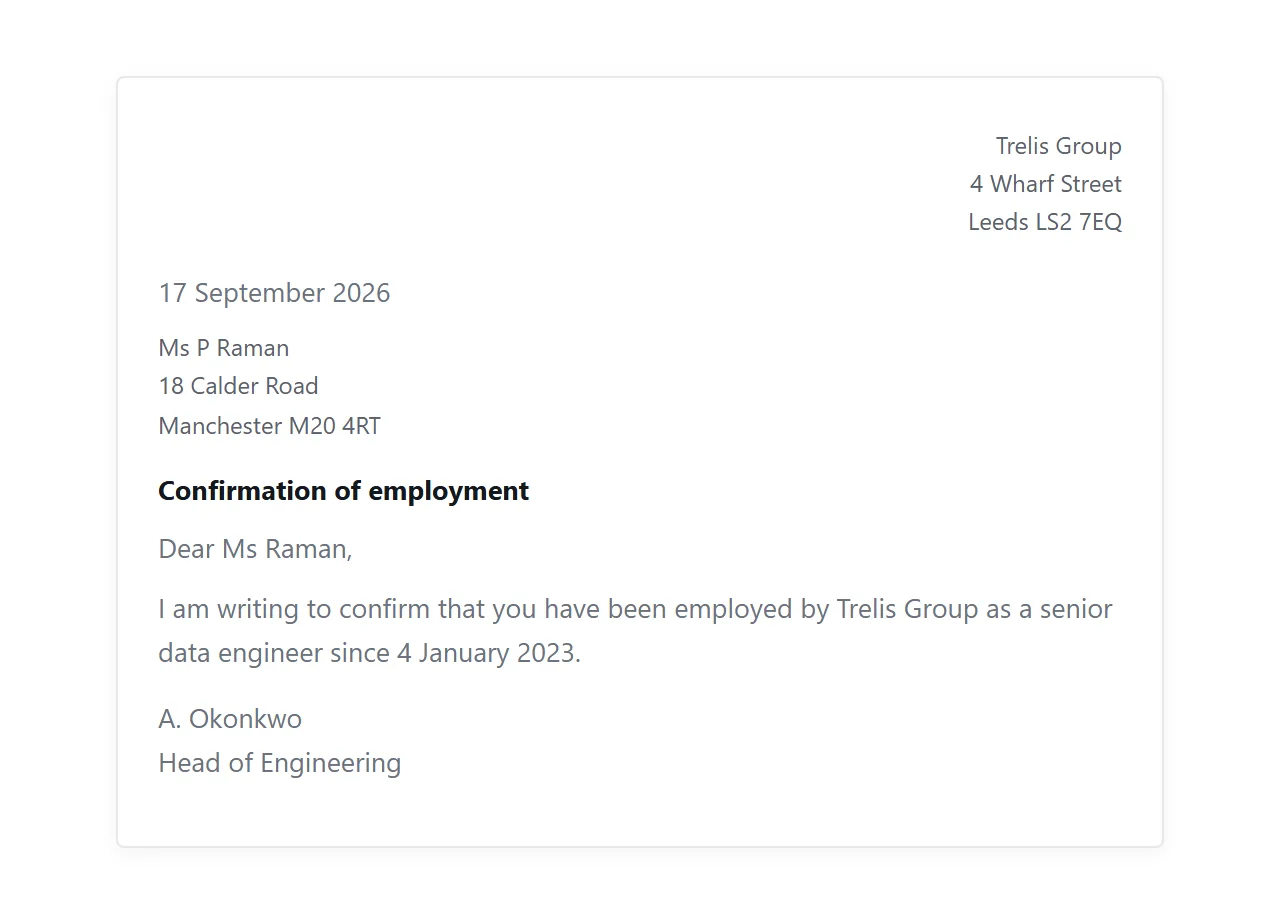
<article class="letter">
  <address class="from">
    Trelis Group<br>4 Wharf Street<br>Leeds LS2 7EQ
  </address>
  <p class="date">17 September 2026</p>
  <address class="to">
    Ms P Raman<br>18 Calder Road<br>Manchester M20 4RT
  </address>
  <p class="subject">Confirmation of employment</p>
  <p>Dear Ms Raman,</p>
  <p>I am writing to confirm that you have been employed by Trelis Group
     as a senior data engineer since 4 January 2023.</p>
  <p>Yours sincerely,</p>
  <p class="sign">A. Okonkwo<br>Head of Engineering</p>
</article>
The subject line matters more than it looks. A letter forwarded to a third party is read by someone with no context, and one line telling them what this is saves an email.
Print rules are not optional here
Most pages are never printed. Letters are, or they are saved to PDF, which is the same operation.
Without print rules the recipient gets your navigation, a browser-added header with the URL and date, and paragraphs split across pages.
@media print {
  nav, .actions { display: none; }
  @page { size: A4; margin: 25mm 20mm; }
  .letter { max-width: none; font-size: 11pt; line-height: 1.55; }
  .letter p { break-inside: avoid; orphans: 3; widows: 3; }
  a { color: inherit; text-decoration: none; }
  a[href^="http"]::after { content: " (" attr(href) ")"; font-size: 9pt; }
}
The orphans and widows rules stop a single line of a paragraph stranded at the top or bottom of a page, which is what makes a printed letter look accidental.
The last rule prints the destination of external links, which is useful in a letter and irritating everywhere else. More in print stylesheets and export HTML to PDF.
The signature question
There is a temptation to paste in a scanned signature so the page looks complete.
It achieves very little. A signature image at a reachable address can be copied by anyone, which means it proves nothing about who wrote the letter, and it hands a copy of your signature to whoever wants one.
Use a typed name and title. Where a signature genuinely matters, that is a sign the letter needs to be a signed file rather than a page.
Where the file is required
Some letters are evidence, and evidence has format expectations.
| Letter | Link alone | Signed file |
|---|---|---|
| Covering note with a quote | Fine | Unnecessary |
| Confirmation of an arrangement | Fine | Optional |
| Employment reference | Not sufficient | Expected |
| Notice with legal effect | Not sufficient | Required |
| For a bank, landlord or authority | Not sufficient | Required |
Institutions assessing a letter want a document they can file, often on letterhead and signed, sometimes an original. Send that, and use the link as the copy the person reads on their phone.
Tone, and when not to use a link
A link is a delivery mechanism and delivery carries meaning.
For routine correspondence it is neutral. For difficult news it is not. A letter about redundancy, a rejection, or a decision that affects someone's circumstances should reach them directly rather than as an address to visit. Sending someone a link to find out they have lost something reads as administrative distance, whatever the letter says.
Put the substance in front of the person and use the page as the formal record afterwards.
Put it at an address
Lay the letter out conventionally, write the print rules, use a typed name, and create a share link.
Send the signed file wherever the letter is evidence, and let the link be the copy that opens in one tap.