A contract link is an agreement published at an address so both parties read the same text, which helps enormously during negotiation and does not by itself record that anyone agreed.
That split is the whole subject. Get it right and links make contracts less painful. Get it wrong and you have an agreement nobody can prove the wording of.
This guide covers what a link is genuinely good for, how to make long terms readable, and where the fixed signed file has to take over.
What a link fixes
Contract negotiation by attachment is miserable in specific ways, and a link removes most of them.
| Problem | With attachments | With a link |
|---|---|---|
| Which draft is current | Filenames ending in v4-final | One address |
| Reading on a phone | Paper-sized, so unreadable | Fits the screen |
| Pointing at clause 7.2 | "Page 4, about halfway down" | A link straight to it |
| Both sides looking at once | Two copies, maybe different | Same page |
| A clause changes mid-call | Resend and reopen | Refresh |
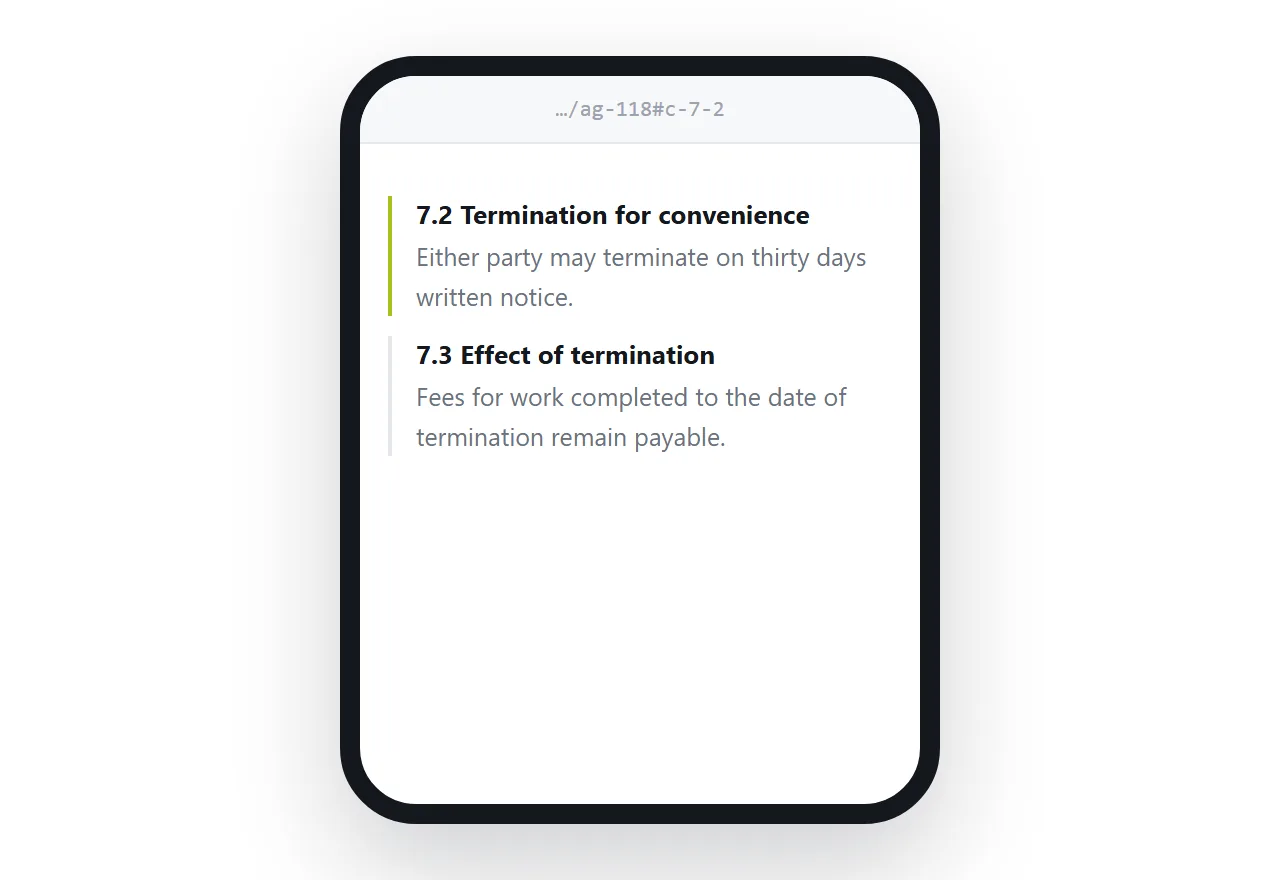
The third row saves more time than people expect. A clause with an id can be linked directly, so "see 7.2" becomes something the other side can click rather than hunt for.
<section id="c-7-2">
  <h3>7.2 Termination for convenience</h3>
  <p>Either party may terminate on thirty days' written notice.</p>
</section>
Now the address ends in #c-7-2 and lands on that clause. On a long agreement this is the difference between a five-minute call and a twenty-minute one.
What a link cannot do
A page can be edited. That is its advantage everywhere else in this site and its disqualifying flaw here.
If the only artefact is a page, then a month after signing there is no way to establish what the text said on the day of agreement. Not because anyone acted badly, but because nothing recorded it. The other side's screenshot and yours are equally weak evidence.
So the rule is simple. Negotiate on the link. Sign a file.
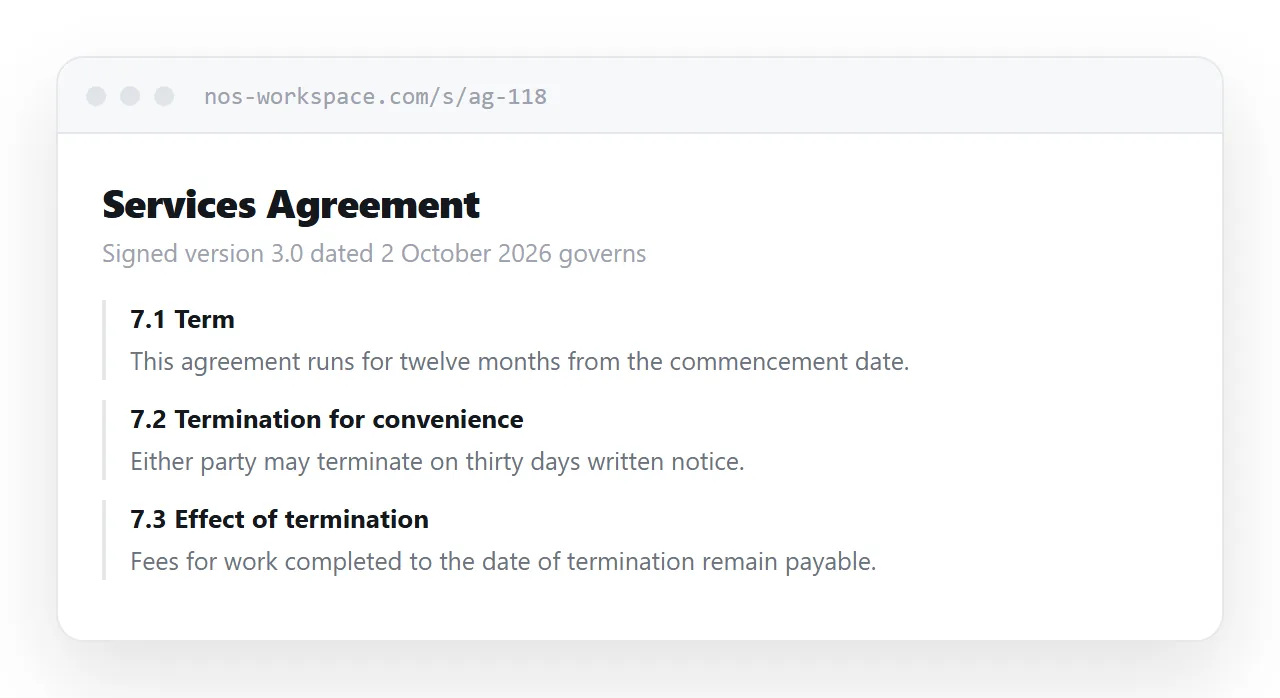
Produce the final text as a fixed document, have it signed by whatever method suits the value of the deal, and keep that document. The page carries on being the readable copy, with a line at the top naming the signed version and its date.
Make long terms actually readable
Nobody reads terms that arrive as a wall. Structure is what turns a document people skip into one they skim correctly.
Number every clause and give each a heading in plain words. "Termination for convenience" tells the reader what the clause is for; "Clause 7.2" tells them nothing.
Put a contents list at the top and link it to the clauses. On a phone, make it collapsible so it does not push the actual terms below the fold.
<details open>
  <summary>Contents</summary>
  <ol>
    <li><a href="#c-1">Definitions</a></li>
    <li><a href="#c-2">Scope of work</a></li>
    <li><a href="#c-7">Termination</a></li>
  </ol>
</details>
A details element does this with no JavaScript, which means it still works when the page is printed or saved.
Printing and signing
Whatever you agree, someone will print it. A print stylesheet decides whether that copy is usable.
@media print {
  nav, details { display: none; }
  @page { size: A4; margin: 20mm; }
  section { break-inside: avoid; }
  a[href^="#"]::after { content: ""; }
}
Stop clauses breaking across pages, hide the navigation, and suppress the URL that browsers otherwise print after every link. Details in export HTML to PDF and keeping links in the PDF if cross-references matter.
Access, in proportion
Not every agreement needs the same care.
Standard terms you would publish on your own site can sit at an ordinary address. A negotiated agreement with commercial terms should sit at an address nobody can guess, and should not be indexed. Anything containing personal data belongs behind access control, not behind obscurity.
If the page needs a barrier, understand what browser-side approaches do and do not give you before relying on one: password protecting an HTML page is a deterrent, not security.
The short version
Use a link so the other side reads the terms. Use a signed file so both sides can prove what the terms were. The page says which file governs, and the file is the one that counts.
Done that way, links make contracts easier to negotiate without making them harder to enforce.