A quote link is a quote published at a web address rather than attached as a file, so the client can open it on a phone, compare the options, and come back to the same address after a revision.
Quotes are read fast and compared against other quotes. Anything that adds friction to reading costs you the comparison.
This guide covers what goes in the first screen, how to lay out options so they can actually be compared, what to do about validity dates, and how revisions work when the link is already out.
The first screen decides
The client opened your quote on a phone, between other things. You get one screen before they either read on or put the phone down.
Three things belong there: the total, what it covers in one line, and how long it stands. Everything else is supporting detail and can come later.
<header class="lead">
  <p class="scope">Brand identity and a five-page site</p>
  <p class="price">4,800.00 <span>excl. VAT</span></p>
  <p class="valid">Valid until 30 October 2026</p>
</header>
Resist the urge to open with company background. The client already decided you were worth asking. What they are doing now is comparing numbers.
Make the options genuinely comparable
Most quotes offer tiers, and most tiers are laid out in a way that makes comparison hard. On paper you have the width to put three columns side by side. On a phone you do not, and stacked columns force the reader to scroll up and down holding differences in their head.
The fix is to lead with the difference rather than repeating everything each tier includes.
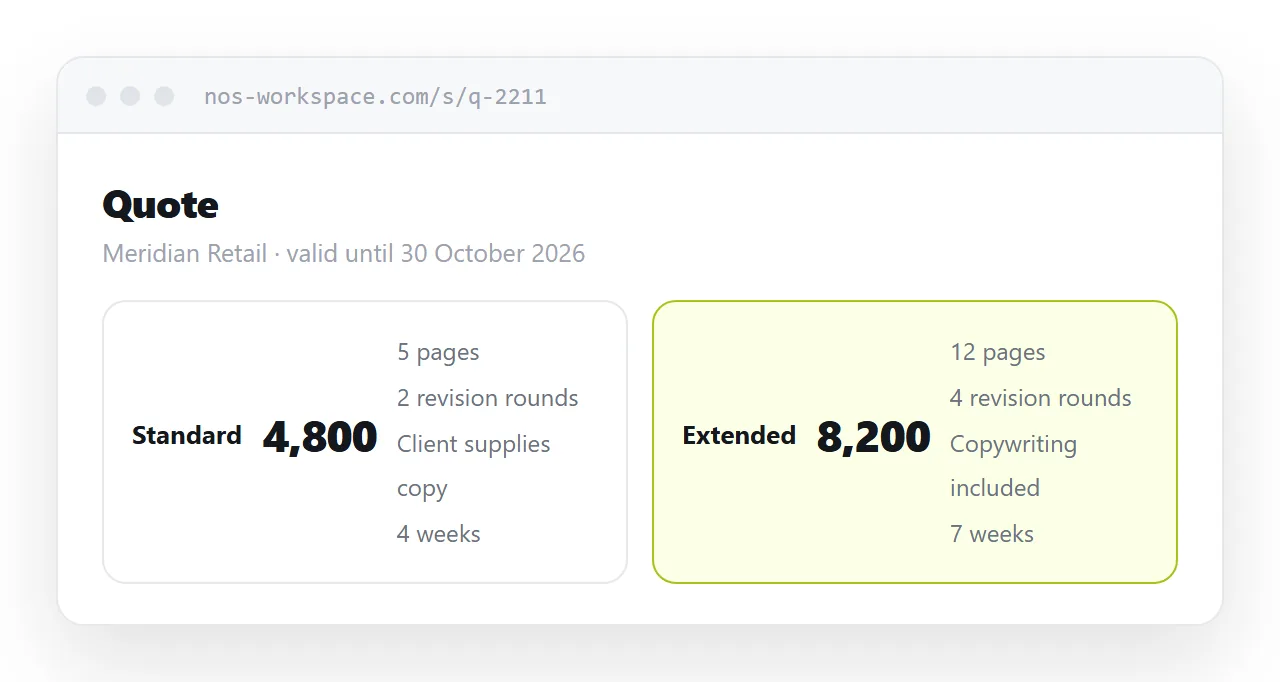
| Standard | Extended | |
|---|---|---|
| Pages | 5 | 12 |
| Revision rounds | 2 | 4 |
| Copywriting | Client supplies | Included |
| Delivery | 4 weeks | 7 weeks |
| Price | 4,800 | 8,200 |
A table like this reads on a narrow screen because each row is one comparison. Three cards that each repeat eight identical bullet points do not.
Keep it in a real table rather than positioned boxes, and let it scroll horizontally only as a last resort. If the table has to go narrow, collapse the header and label each cell instead.
Validity is a date, not a dead link
There is a temptation to make quotes expire by turning the link off. It backfires.
A client who opens a dead link does not conclude the quote lapsed. They conclude your systems are unreliable, or that you have stopped trading. Neither helps.
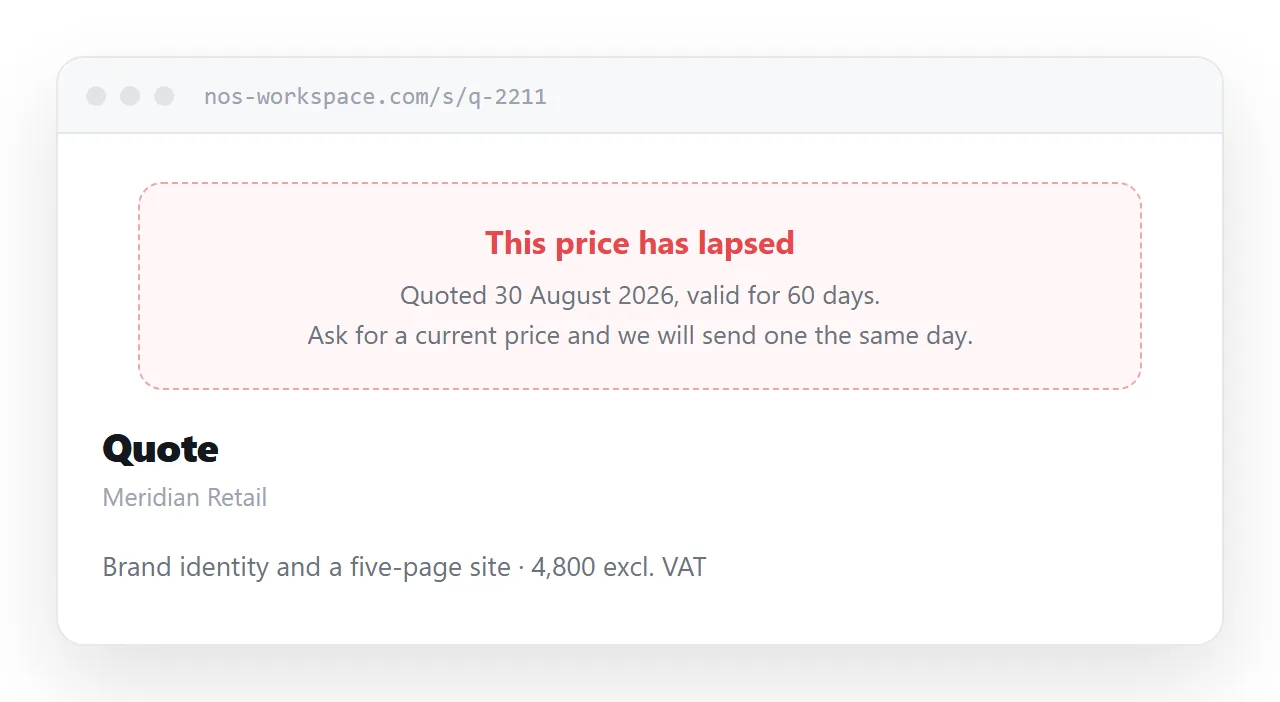
Put the date on the page and leave the page up. After the date, the page can say so plainly and invite them to ask for a current price. That converts an expired quote into a conversation, which is the entire point.
Revisions without a version mess
This is where files hurt most. A quote goes through two or three rounds in a normal negotiation, and each round as an attachment means another file in the thread with a name like final-v3-revised.
With a link, you change the page. The client's saved message still points at the right thing. There is no version to pick, so nobody picks the wrong one.
Two habits make this trustworthy. Put a revision line near the top, something like "Revised 12 October: delivery moved to seven weeks at the client's request." And never quietly reduce a scope after the client has agreed to a price, for the same reason you would not swap a page in a signed paper quote.
What a client actually checks
Ask anyone who buys services and the list is short and consistent.
- The total, including or excluding tax, stated which. Ambiguity here is the single most common cause of a follow-up email.
- What is not included. Naming the exclusions makes the number credible rather than suspicious.
- When it starts and when it finishes. A price without a schedule is half a quote.
- What happens if scope changes. A rate or a method, not a promise to "discuss".
- Payment terms. Deposit, stages, and the period for the final payment.
- Who to reply to. A name and a direct address, not a generic inbox.
None of these need a particular file format. They need to be findable, which text on a page is and text in a picture of a page is not.
When the file is the requirement
Some procurement systems accept an uploaded document and nothing else. Some public sector tenders specify the format down to the font. Some clients simply want something to print and put in a folder.
Produce it. The link is the copy the human reads on their phone; the file is the copy the process consumes. Print rules control what that file looks like, because saving to PDF from a browser is printing.
@media print {
  nav, .actions { display: none; }
  @page { size: A4; margin: 18mm; }
  .options { break-inside: avoid; }
}
What survives the conversion is covered in export HTML to PDF.
Put it at an address
Write the quote as a page, paste it into a document, create a share link, and send that link in the body of your email.
The client opens it on whatever is in their hand. The options are comparable. And when the negotiation moves, as it will, you move the page rather than the conversation.