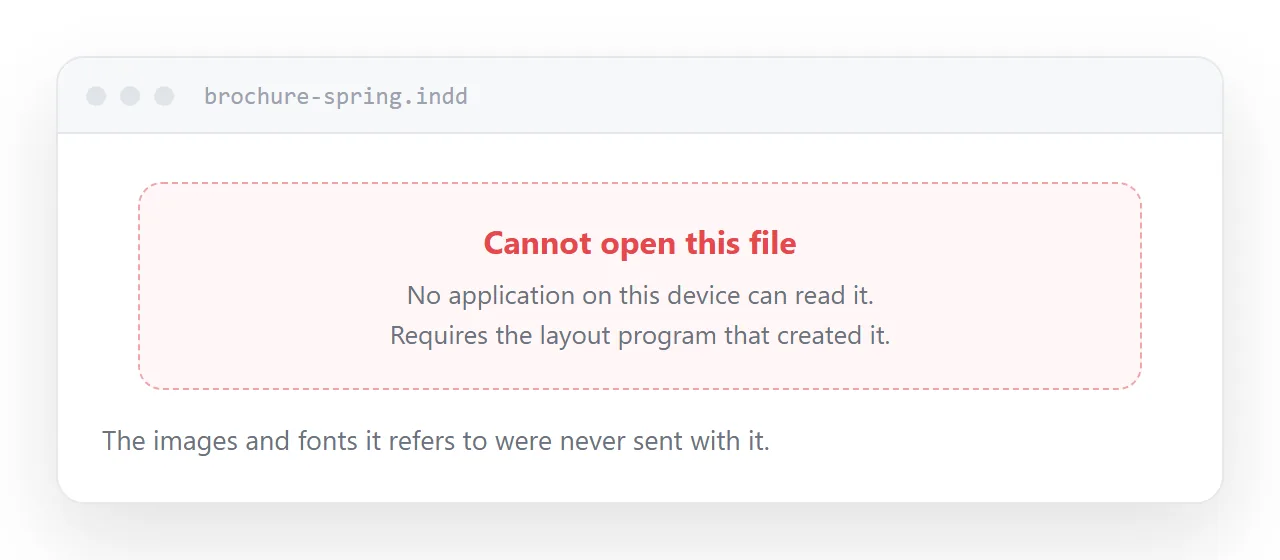
A layout working file is not a document. It is a set of instructions plus references to images and fonts stored elsewhere, which is why it only opens in the program that wrote it.
What the file actually contains
The page you see on the designer's screen is assembled at the moment it is opened.
The images sit in a folder beside the file. The fonts are installed on that machine. The file holds positions, styles and links.
Send only the file and the links point at nothing. That is why online converters return an error or a page of grey boxes, and why emailing it to a colleague never works.
| What you need | What to send |
|---|---|
| Read and approve | Exported document |
| Comment on wording | Exported document |
| Send to a printer | Print-ready export |
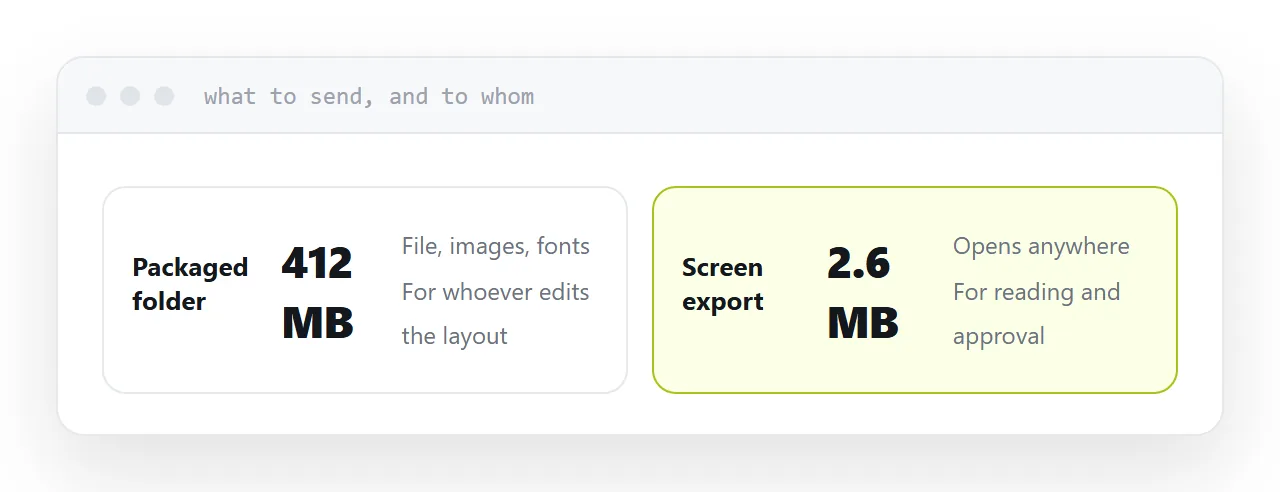
| Edit the layout | Packaged folder |
| Publish for customers | Export at an address |
The export nobody specifies
Export settings are a menu most people accept the default of, and the default is usually print.
For anything read on a screen, choose the screen or smallest-size preset. It downsamples the images and typically removes eighty percent of the size with no difference visible on a display.
For a printer, use their specification rather than guessing. They will supply one and it will mention bleed and colour profile.
Sending a print-ready export to a client for approval is the common mistake: a sixty megabyte document that bounces off their mailbox.
If somebody genuinely needs to edit it
Use the package command in the layout program. It collects the file, the linked images and the fonts into one folder.
That folder opens correctly on another machine. The bare file does not, and sending the bare file is the normal cause of a designer being asked to resend.
The part that still goes wrong
The export arrives and the client opens it on a phone.
A design-led document is large, and large documents download rather than display. They get a file in a downloads folder, an application prompt, and on a work phone sometimes nothing at all.
Putting the export at an address removes that. It opens in the browser, on any device, with no application involved, and the approval comes back the same day rather than after a round of instructions.
Closely related: How to open an AI file, and How to open a PSD file without Photoshop for the adjacent problem.
Put it at an address
Ask for an export rather than the working file, choose screen settings for reading, do not expect converters to work, package the file if the layout needs editing, and publish the export at an address.
Then approval is a link rather than a support exercise.