A portfolio PDF is not wrong. It is a specific tool with specific strengths, and it is used well outside them more often than not.
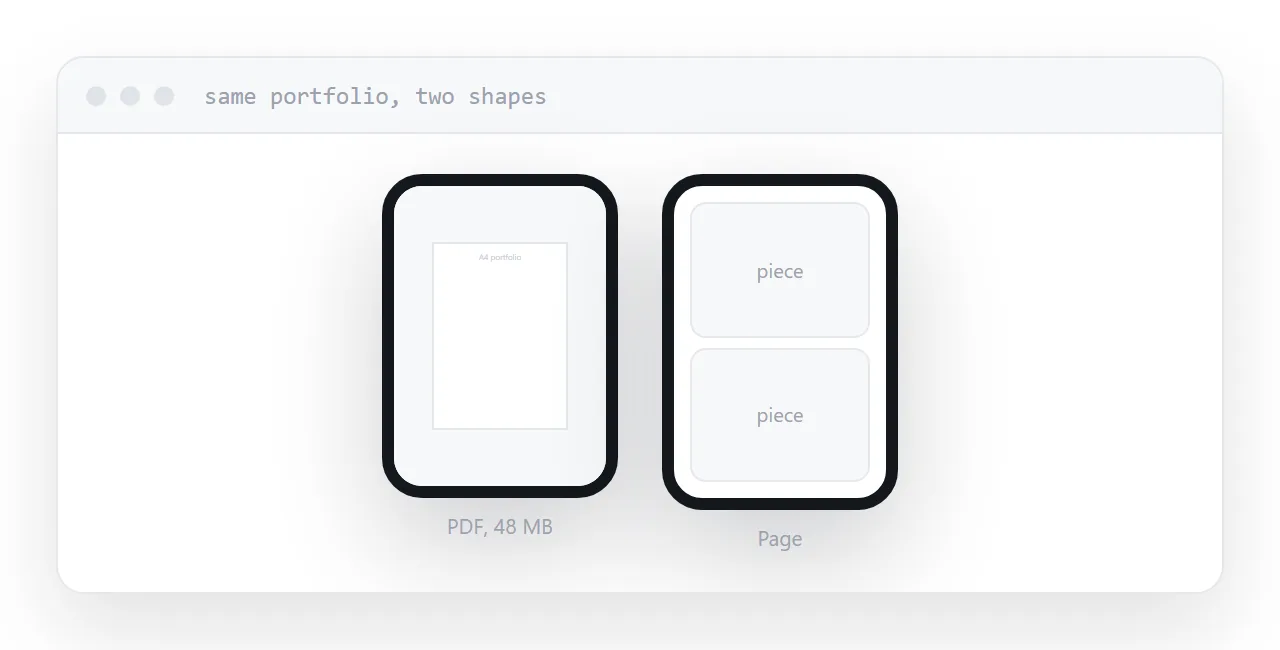
This guide covers what the format is good at, where it costs you, and how to keep both without double work.
What it is genuinely good at
Controlled layout. Every spread is exactly as you composed it. For work where the composition is the point, that matters.
Print. Some reviewers print portfolios and mark them up. A page cannot be handed round a table.
Systems that want a file. Recruitment software and some studio submission processes require an upload. Arguing with them is not a strategy.
Offline review. A reviewer working through forty applications on a plane wants files, not links.
Those are real and they are why the format persists.
Where it costs you
The reviewer is frequently on a phone, and the format performs badly there.
It downloads first, which is several taps and a wait before any work appears. Then it renders a large fixed page on a small screen, so every image is scaled down and every caption is unreadable without zooming.
And it is large. Portfolio PDFs routinely exceed mail limits, bounce, and produce an exchange about how to send it that happens instead of an exchange about the work.
| Page | ||
|---|---|---|
| Opens on a phone | Downloads | Immediately |
| Layout controlled | Exactly | Reflows |
| Size | Often over 10MB | None |
| Update after sending | No | Yes |
| Accepted by application systems | Yes | Usually not |
| Printable | Yes | Awkward |
Keep the size down
Export images at screen resolution rather than print resolution.
A portfolio at print resolution is easily fifty megabytes, which bounces off every mail system and takes minutes to download on a phone connection.
The same portfolio exported for screen is a few megabytes and looks identical on the device it will be viewed on. Keep a separate print-resolution version if anyone actually prints it, which is rarer than people assume.
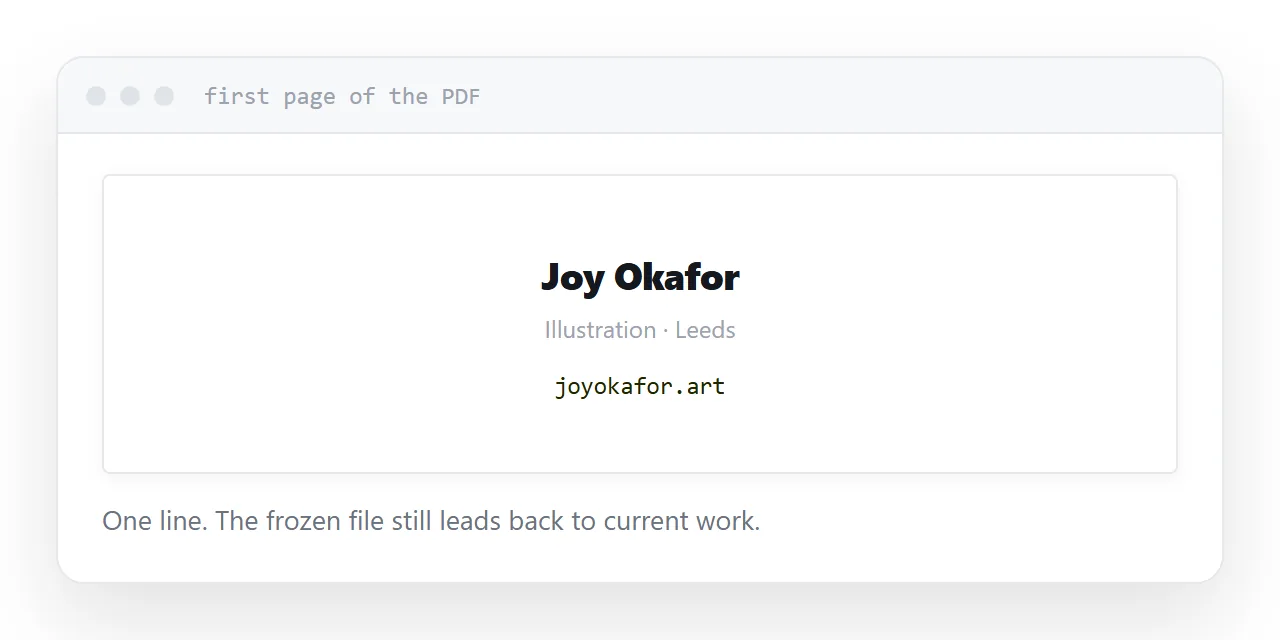
Put your address on the first page
The PDF is a snapshot. Your work moves on.
An address on the first page means the file always leads back to the current portfolio. A reviewer who saved it six months ago and comes back to it finds what you are doing now rather than what you were doing then.
This one line turns a frozen artefact into a route.
Do not maintain two portfolios
The mistake is treating the page and the PDF as separate projects, each with its own selection and its own ordering.
They drift. One gets updated, the other does not, and eventually a reviewer sees the old one.
Keep one selection of work in one order, and produce both from it. Change the selection once, regenerate. That is a few minutes rather than a second portfolio to keep alive.
Closely related: An HTML portfolio template that opens in seconds, and How to share a PDF as a link for the adjacent problem.
Put it at an address
Keep the page as the main version, export a PDF for the processes that require one, size the images for screen, print your address on the first page, and generate both from one selection.
Then the reviewer on a phone sees the work, and the submission system still gets its file.