A portfolio link in a resume is opened at one specific moment: when a reader has become interested enough to want proof. Everything about how you place it should serve that moment.
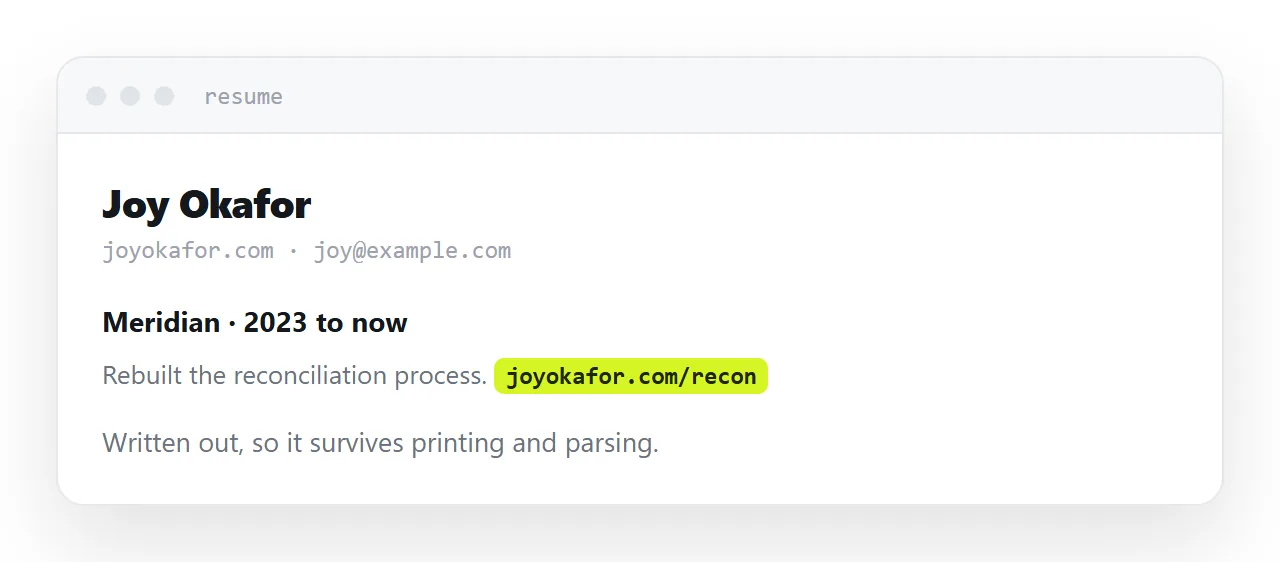
This guide covers placement, link text, and the password problem.
Write the address out
The instinct from web writing is to hide the address behind descriptive words. On a resume that is wrong, for two reasons.
Resumes get printed. A link behind the words "see my portfolio" prints as the words and nothing else, and the reader holding the paper has no way to reach it.
Resumes get parsed. Applicant tracking systems strip formatting, and a hidden link commonly disappears in the process, leaving text that promises something the reader cannot get to.
So write it out, visibly, as text. It is slightly less elegant and it survives everything.
Short enough to type
Assume at some point a person will type your address by hand, off a printed page, into a phone.
That rules out long paths, random strings and anything with characters that are ambiguous when read. A short address on your own domain is ideal. A short path on a hosting service is fine.
If the portfolio itself lives at a long address, put a short address in front of it that redirects. The reader never sees the long one.
| Hidden link | Written-out address | |
|---|---|---|
| Survives printing | No | Yes |
| Survives parsing systems | Often not | Yes |
| Can be typed by hand | No | Yes |
| Looks tidier on screen | Yes | Slightly less |
Two placements, two readers
In the header, beside your name. This is for the reader deciding whether you are worth a closer look. They may click it before reading anything else, and it should lead to your strongest work immediately.
Beside each relevant experience line. This is for the reader who has read something specific and wants to see it. A line describing a project, with the address of that project next to it, is much more persuasive than a general invitation to browse a portfolio.
The second placement is the one most people miss, and it is the one that converts interest into a conversation.
Link to the work, not the front door
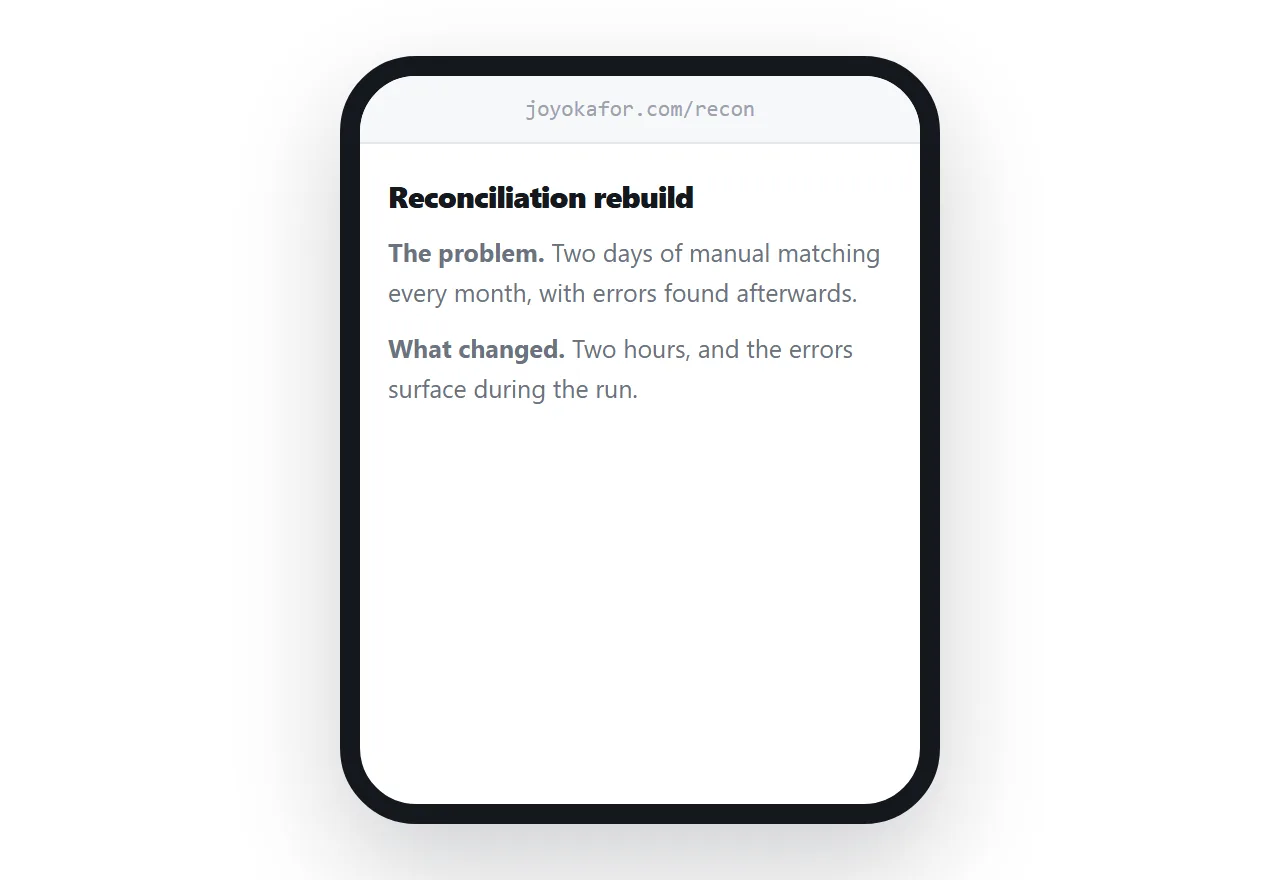
A portfolio homepage asks the reader to find the relevant piece themselves. Most will not bother, and the ones who do may land on something unrelated to the role.
Link the specific project. The reader sees exactly the thing the resume line was describing, in context, in one tap.
This means the individual pieces need their own addresses, which is worth arranging for its own sake.
The password problem
If the work is under an agreement that prevents publishing it, you still have to show it somehow.
Put it at a private address and print the password in the resume next to the link. Nobody emails a candidate to request access to a portfolio. They move on.
If it genuinely cannot be shown at all, say so in one line and describe what you did instead. That reads as professional; a link that goes to a login wall reads as careless.
If this is near what you are doing, An HTML portfolio template that opens in seconds and How to share your resume as a link cover the cases on either side. Hosting your work while studying is also close.
Put it at an address
Write the address out, keep it short enough to type, put it in the header and beside the relevant projects, link to the specific work, and print the password if there is one.
Then the moment someone wants proof, they have it.