Storage is organised around one question: can somebody find this later. Usually somebody who is not you, working from a half-remembered detail.
This guide covers naming, folder depth, and versions.
The filename does the work
Search engines inside storage products index filenames reliably and document contents unevenly. Scanned documents contain no text at all unless recognition has been run.
So the name is what makes something findable.
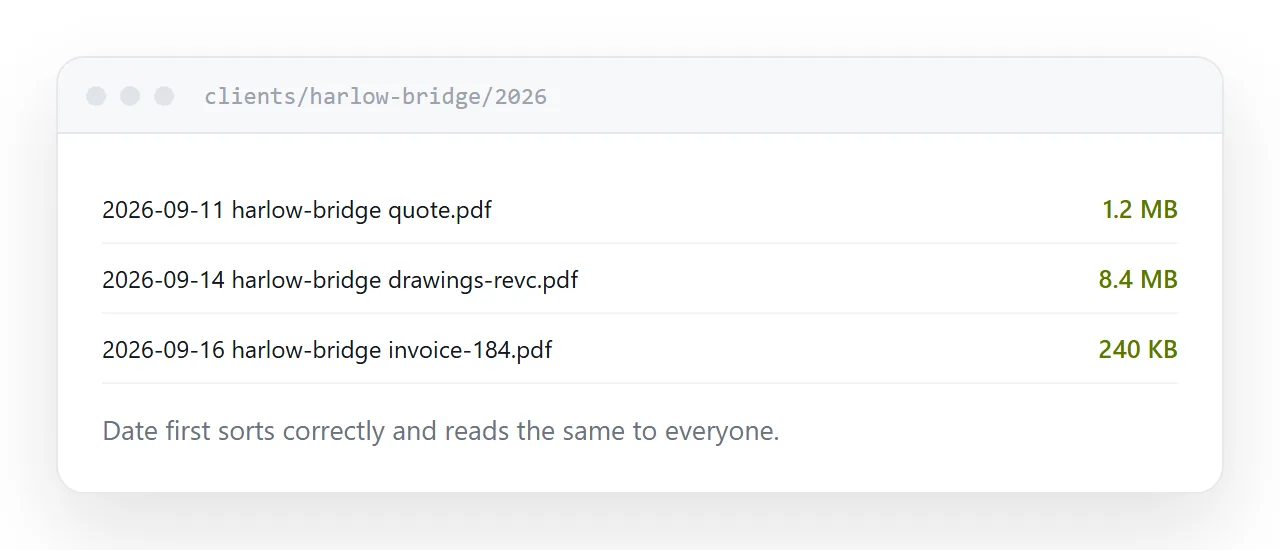
2026-09-14 harlow-bridge quote.pdf
2026-09-16 meridian invoice-2026-184.pdf
Date first, in year-month-day form. That sorts chronologically in every system and reads identically regardless of where the reader is from, which the alternatives do not.
Then who it concerns, then what it is. Three parts, lowercase, hyphens.
| Typical name | Findable name | |
|---|---|---|
| Sorts by date | No | Yes |
| Unambiguous date format | No | Yes |
| Findable by client | Sometimes | Yes |
| Findable by type | No | Yes |
Two levels of folders
Client, then year. Or type, then year. Two levels.
Deeper structures produce ambiguity: a quote for a client in a particular year could reasonably sit in three places, so different people file it differently and nobody finds anything consistently.
Two levels plus good filenames beats six levels plus poor ones, every time.
The versions problem
Every organisation eventually has a folder containing final, final2, final-v3 and final-really-this-one.
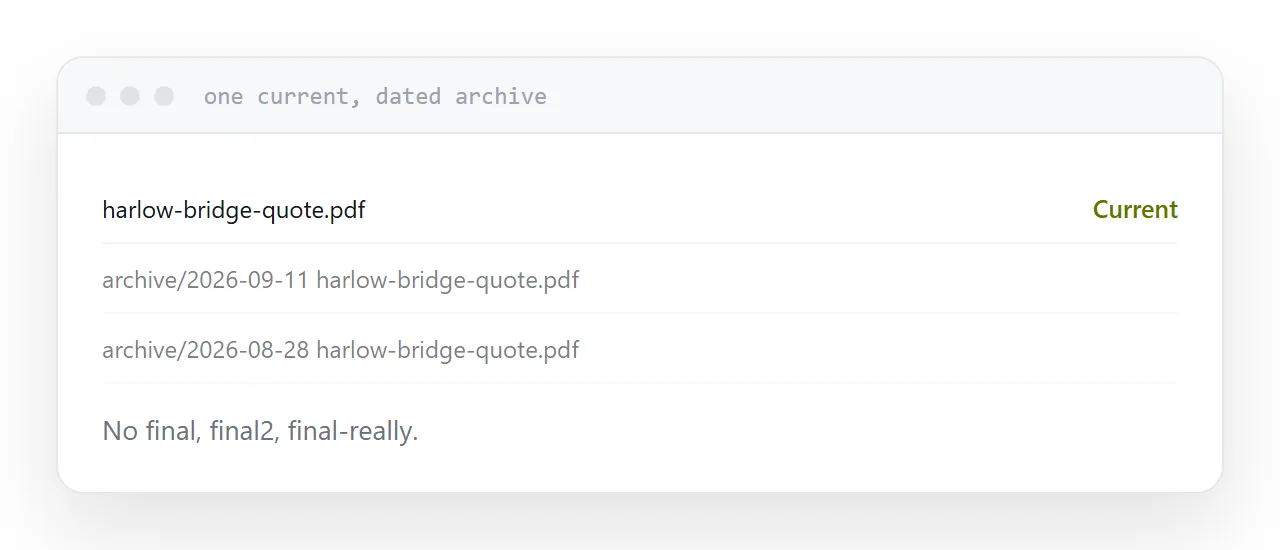
The fix is a rule. One current version at a fixed name, with no version in it. Superseded versions move to an archive folder with their date prepended.
harlow-bridge-quote.pdf
archive/2026-09-11 harlow-bridge-quote.pdf
Anyone looking for the current one finds it without deciding anything. The history is kept and out of the way.
Run recognition on scans
A scanned document is a stack of photographs. Nothing inside it is searchable.
Most storage products and operating systems can run text recognition, either automatically or on request. Doing it once at filing time makes the document findable by anything written in it.
For anything you might need to search later, particularly contracts and correspondence, this is worth the minute.
Storage is not publishing
The important distinction.
Storage is for you finding things again. It is organised around your structure, your accounts, your habits.
Anything somebody outside reads is a different problem. A shared storage link puts a permission screen in front of them and downloads on their phone. That document belongs at an address.
Keeping those two separate is what stops storage becoming a distribution mechanism it was never built to be.
For the surrounding ground, see PDF storage and hosting and How to share a PDF as a link.
Put it at an address
Name files date first, keep folders two levels deep, hold one current version with dated archives, run recognition on scans, and publish anything a client reads.
Then a document filed today is findable in two years by somebody who was not there.