Drive is storage. Sharing was added to storage, and it behaves like it whenever the recipient is not a colleague.
This guide covers the three things that go wrong, and what to use for the recipients where they matter.
The permission screen
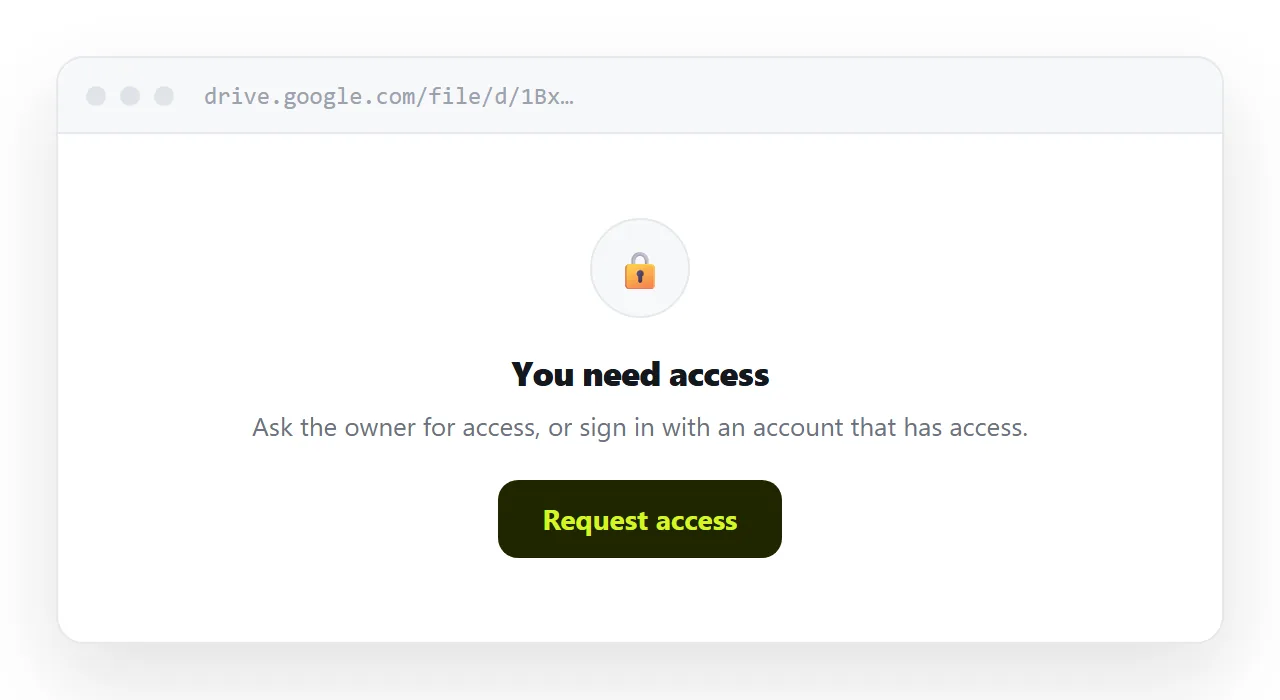
The default sharing setting is restricted. Sending a link without changing it produces a request-access screen for the recipient.
They then either request access, which arrives in your inbox at an unpredictable time, or they assume it was a mistake and reply asking.
Either way, the first thing they experienced was a barrier.
This is entirely avoidable and it keeps happening, because the setting is per-file and easy to forget under time pressure.
The download on a phone
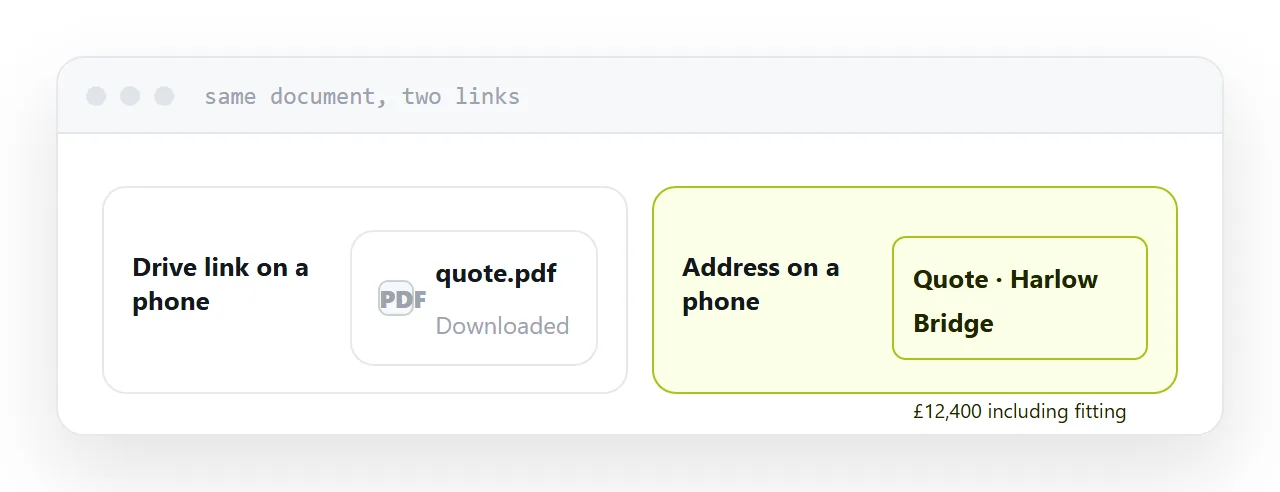
Even with the setting correct, a document link opened on a phone usually downloads rather than displaying.
The recipient now has a file in a downloads folder and needs an application that opens it. For a document format that is common; for anything less common it is a dead end.
A meaningful share of recipients stop there, and they do not tell you.
| Drive link | Page at an address | |
|---|---|---|
| Permission screen | Often | No |
| Opens on a phone | Usually downloads | Opens |
| Shows your folder structure | Often | No |
| Needs an account | Sometimes | No |
| Good for colleagues | Yes | Yes |
| Good for clients | Not really | Yes |
The folder structure
A Drive address is a location in your drive.
The recipient sees something about how your files are arranged, and if you share a folder rather than a file, they see everything in it. Including the things you forgot were in it.
Sharing a folder with a client is the most common way internal material reaches an outside party, and it is usually discovered months later or not at all.
Never share a folder outside the organisation. Share a file, or better, publish what they need.
What to use instead
For anything a client is going to read, publish it at an address.
They tap and see it, on whatever they are holding, with no account and no download. The address says nothing about your files. And you can replace what sits behind it when the document changes.
That covers proposals, reports, quotes, brochures, price lists and most of what actually gets sent to clients.
Keep Drive for what it is good at
None of this is an argument for abandoning it.
Storage, version history, working files, collaboration with colleagues who have accounts. All of that is what Drive is built for and it does it well.
The change is narrow: stop using it as the delivery mechanism for people outside the organisation.
Test in a private window
Whatever you send, open it in a private browsing window before sending.
Your own session hides every permission problem, because you have access to everything. A private window shows you what the recipient will see, and it takes ten seconds.
This single habit catches most sharing mistakes before they reach a client.
Closely related: How to share a file without making anyone log in, and File sharing website or a link to a page for the adjacent problem.
Put it at an address
Keep Drive for storage and colleagues, publish at an address for anything a client reads, never share a folder outside, and test every link in a private window.
Then the client sees the document rather than a permission screen.