The subscription is usually paying for a capability set an order of magnitude larger than the work being done with it.
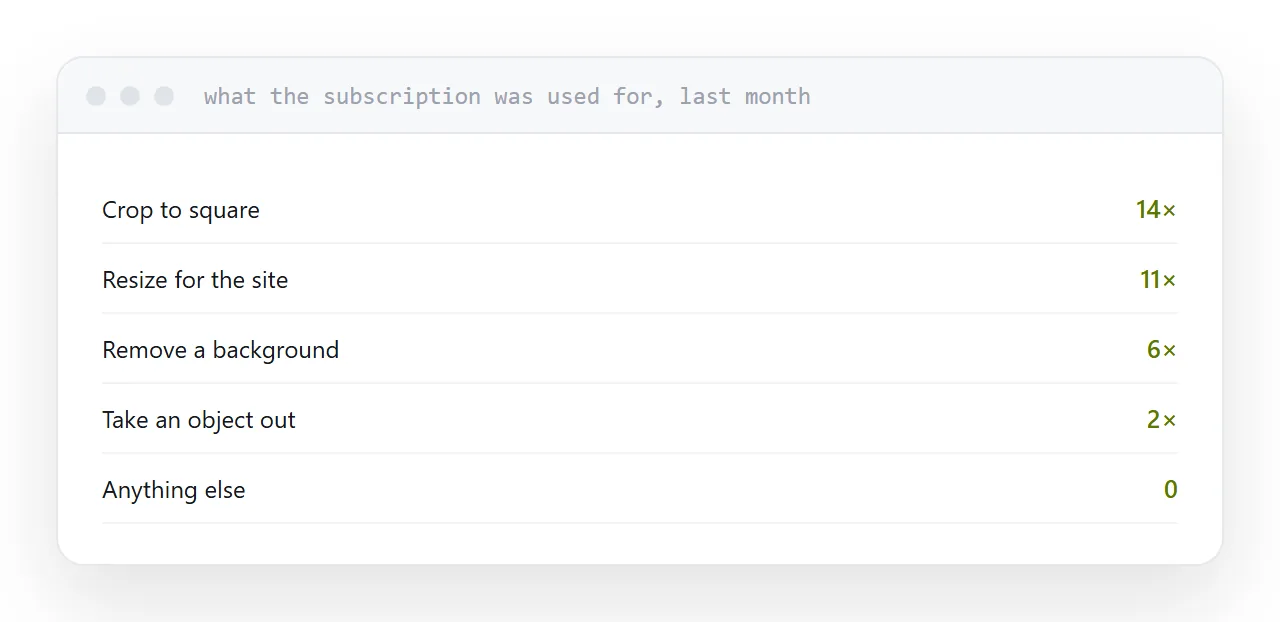
Start with last month
Not what you might need. What you opened it for.
For most people the list is: crop to a shape, resize for a page, remove a background, take an object out, and export at a sensible size.
Every one of those is available elsewhere, frequently for nothing. The question is which elsewhere, and that depends on which of three jobs you actually do.
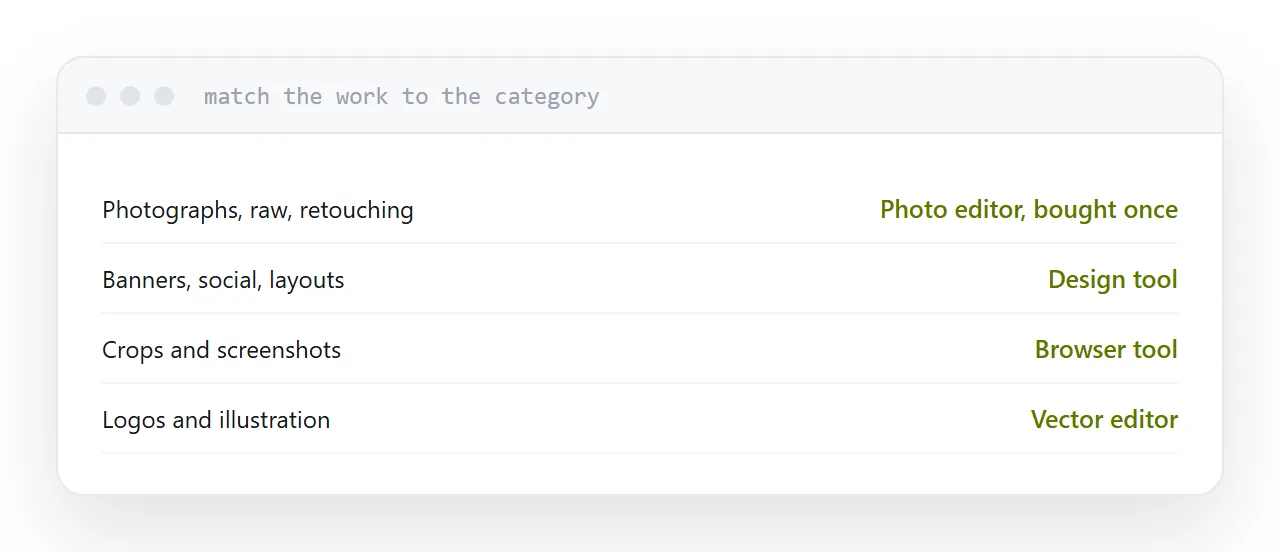
| Your work | Right category |
|---|---|
| Photographs, raw files, retouching | Photo editor, one-off purchase |
| Banners, social, layouts | Design tool |
| Crops, resizes, screenshots | Browser tool |
| Logos, icons, illustration | Vector editor |
| Agency files, print colour | Hard to replace |
Photographs
A one-off purchase photo editor covers layers, masks, adjustment layers, raw processing and retouching.
For photography work it is a genuine replacement rather than a compromise, and the cost is one payment instead of one every month. The main adjustment is muscle memory, which takes a fortnight.
Graphics and layout
If you are making a banner, a social image or a simple layout, a pixel editor was never the right tool.
Design tools are built for that job: templates, text handling, brand colours and export presets for every destination. People arriving from a photo editor usually find the work faster rather than merely cheaper.
That is a category correction, not a downgrade.
Crops and screenshots
Browser-based editors handle cropping, resizing, rotating, converting and compressing with nothing installed.
For anything not confidential this is sufficient and instant. For confidential material, use whatever came with your operating system, which does all of it offline.
The free open-source option
Capable, complete, and awkward in a way that is not a matter of taste.
Everything is present and arranged differently, so the first week is spent relearning operations you already know. If cost is the binding constraint it is the right answer, and if your time has a value, the one-off purchase editor usually wins.
What keeps people subscribed
Compatibility, not features.
If an agency, a printer or a client sends layered working files and expects them back, you need the program that reads and writes them properly. Other editors open those files approximately, and approximately is not good enough when somebody else is producing the final artwork.
That is the honest reason to stay, and it applies to fewer people than it is used to justify.
Closely related: Exporting a layered image for other people, and How to open a PSD file without Photoshop for the adjacent problem.
Put it at an address
Write down what you did last month, match the work to the right category rather than the familiar product, use browser tools for crops, and check who else has to open your files before switching.