A layered working file is a set of instructions for building an image. A JPEG is the built image. Those are different objects and people keep sending the first when they mean the second.
Which format
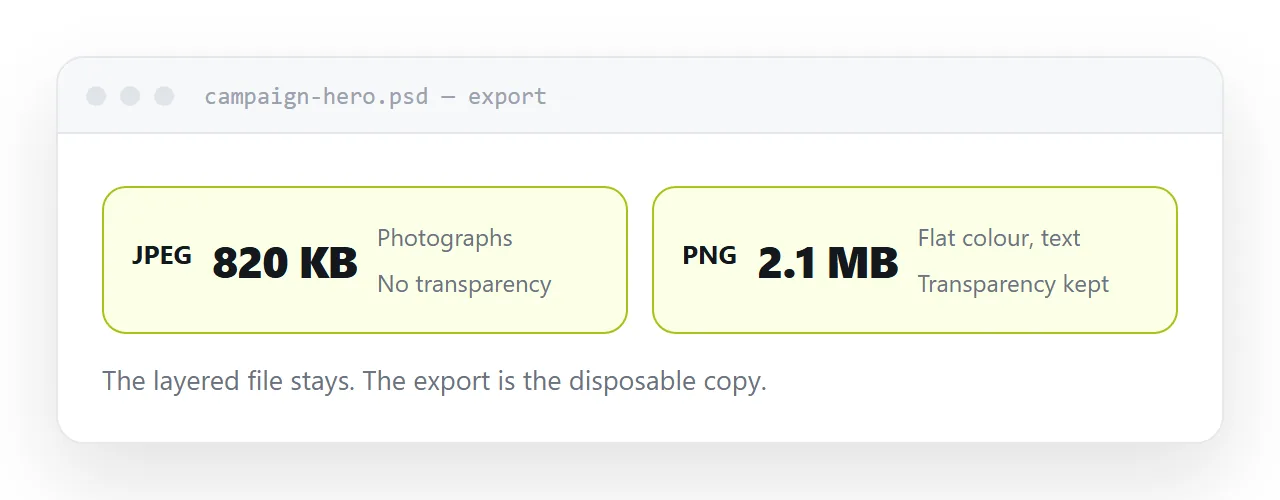
JPEG for photographs. It discards detail the eye does not notice and produces small files. On flat colour and text it produces visible smearing around edges, and it cannot hold transparency.
PNG for anything with flat colour, text, screenshots, or a transparent background. Larger on photographs, and correct everywhere JPEG is not.
Vector, where the original is vector, for logos and icons. It stays sharp at any size and is usually smaller than either.
| Content | Format |
|---|---|
| Photograph | JPEG |
| Screenshot or interface | PNG |
| Flat colour, text | PNG |
| Transparent background | PNG |
| Logo or icon | Vector |
Keep the working file
Flattening is one-way. The layers, masks and adjustments do not survive the export, and nothing reconstructs them.
That is fine as long as the working file still exists. It stops being fine when somebody exports, tidies up, and finds a year later that the only copy of the design is a JPEG with the price burned into it.
One current working file, exports beside it, and the exports treated as disposable.
The washed-out export
The usual cause is a colour profile.
Working documents are often set up in a print profile with a wider range of colours than a screen shows. Exported without conversion, everything looks slightly grey.
Export in the standard web profile and convert on the way out. The difference is one setting and it is the difference between a brand colour being right and being close.
Sizing for a web page
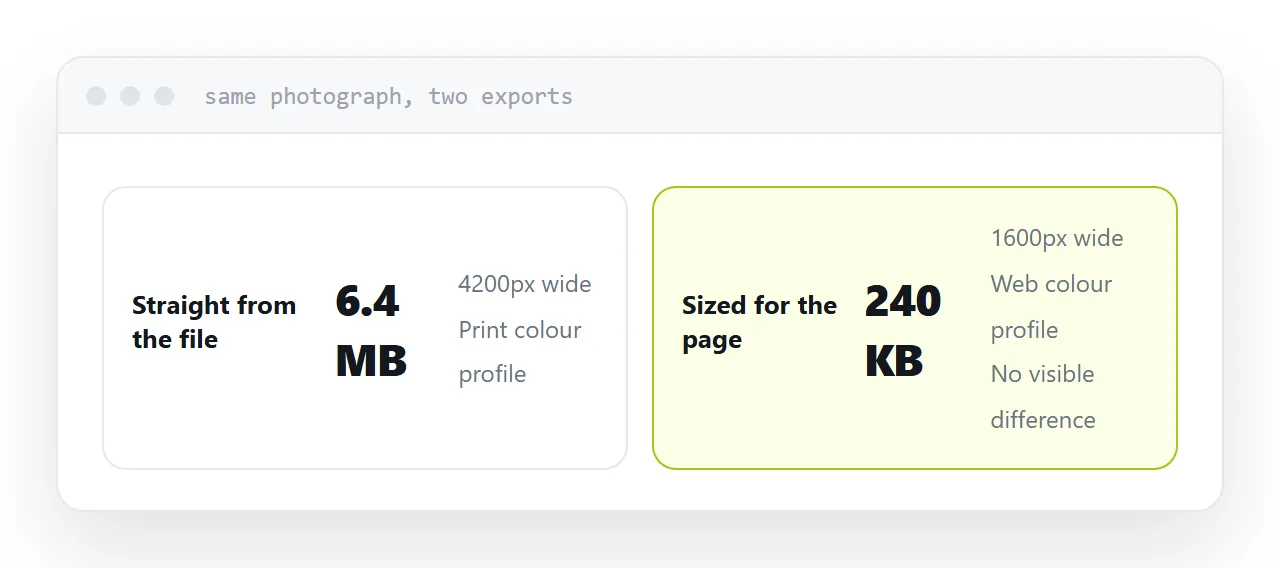
A photograph straight out of a working file can be several thousand pixels wide and several megabytes.
Export at roughly twice the size it will display at, so it stays sharp on a high-resolution screen, then compress. That is typically a tenth of the original size with no visible difference.
Large images are the most common reason a page feels slow on a phone, and it is entirely avoidable at the export step.
Then it needs an address
An exported image on your machine is not shareable. Attached to a message it downloads; placed in a shared folder it asks for permission.
At an address, it opens. That is what somebody asking you to send a design usually wants, and it is the step that turns an export into something a client can look at on a phone.
If this is near what you are doing, How to open a PSD file without Photoshop and How to turn a design file into a page cover the cases on either side.
Put it at an address
Keep the working file, choose the format by what is in the image, export in the web colour profile, size for where it will appear, and send the export rather than the file you worked in.