A vector image is markup. It scales perfectly because it describes shapes rather than pixels, and it is treated carefully by hosts because markup can contain code.
This guide covers what to strip, how to serve it, and when to inline.
It can contain code
An SVG can include scripts, event handlers, external references and embedded content.
Served inline from your domain, any of that executes with the same privileges as your own page. That is why many hosts serve these files with headers that force a download rather than rendering, and why uploading one from an unknown source is a genuine risk rather than a theoretical one.
Before publishing any vector file you did not produce, strip it.
Scripts. Event handler attributes. External references. Embedded objects. There are tools that do this, and for a small file it can be read by eye.
Strip the metadata too
Vector files exported from design software carry a surprising amount of editor state.
Layer names, editor namespaces, comments, and coordinates written to many decimal places. None of it affects the image and it frequently accounts for half the file size.
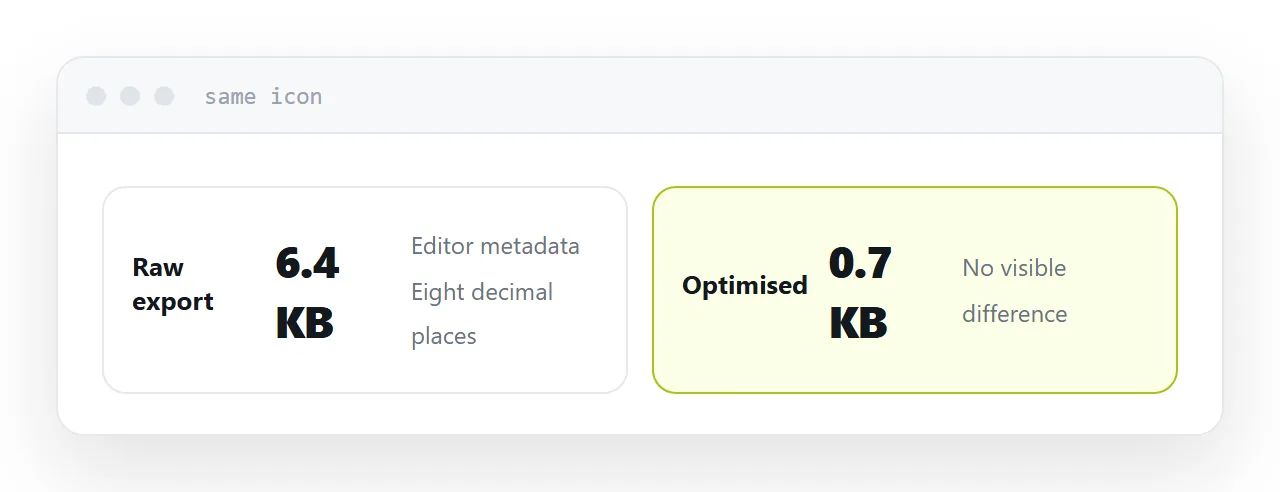
Optimising removes it. On a typical icon that takes a file from several kilobytes to under one, with no visible change.
| Raw export | Optimised | |
|---|---|---|
| Editor metadata | Present | Removed |
| Coordinate precision | Excessive | Reduced |
| Typical size | Several KB | Under 1KB |
| Visible difference | None |
The content type
Content-Type: image/svg+xml
Served as anything else, it downloads instead of rendering. Most hosts get this right by extension; some do not.
If a vector file downloads when you open its address, this is why.
Inline it for icons
An icon inlined directly in the page has three advantages.
No request. One fewer thing to fetch and fail.
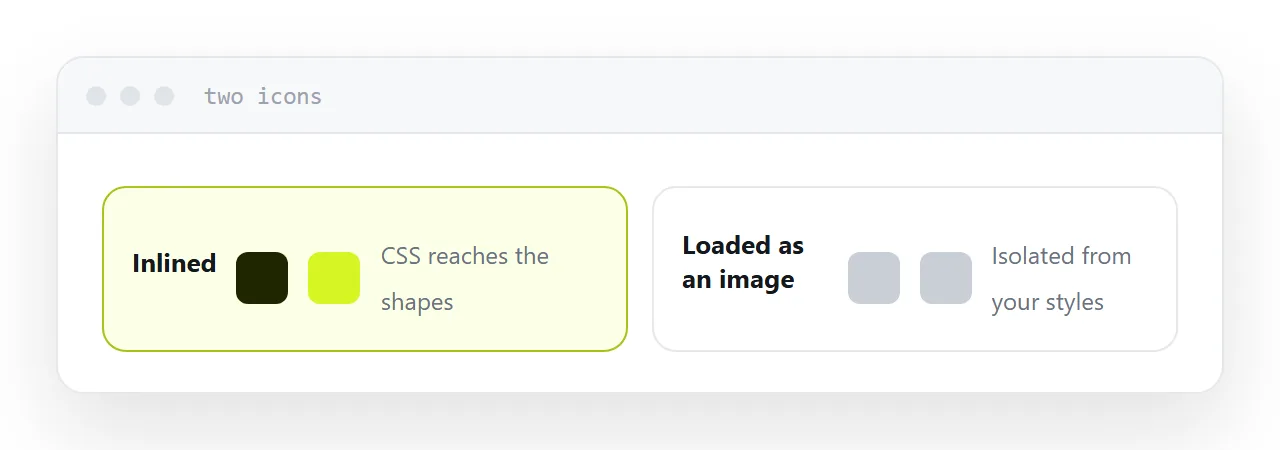
Styles reach it. The shapes are part of the document, so CSS can change their colour, size and state.
Nothing external. The page is self-contained and behaves identically wherever it is opened.
This is the main practical reason to inline rather than link: a vector loaded through an image tag is isolated from your styles, and colour changes simply do not apply. That surprises people repeatedly.
Linking is right for large graphics
An illustration used on several pages is worth loading as a file, cached once and reused.
Inlining a large vector into every page repeats its markup on each one, which is worse than one cached request.
The rule is the same as for images generally: small and structural, inline it. Large and reused, load it.
For the surrounding ground, see SVG in HTML: diagrams that scale and follow your colours and HTML SVG change color.
Put it at an address
Strip scripts and external references, remove editor metadata, serve it as image/svg+xml, inline icons so styles can reach them, and never serve an untrusted vector file from your own domain.
Then the image scales perfectly and is not carrying anything you did not intend.