Sharing a screenshot as a link means putting the image on a page and sending the address, so it stays at full quality however many times it gets forwarded.
The alternative degrades measurably with every hop.
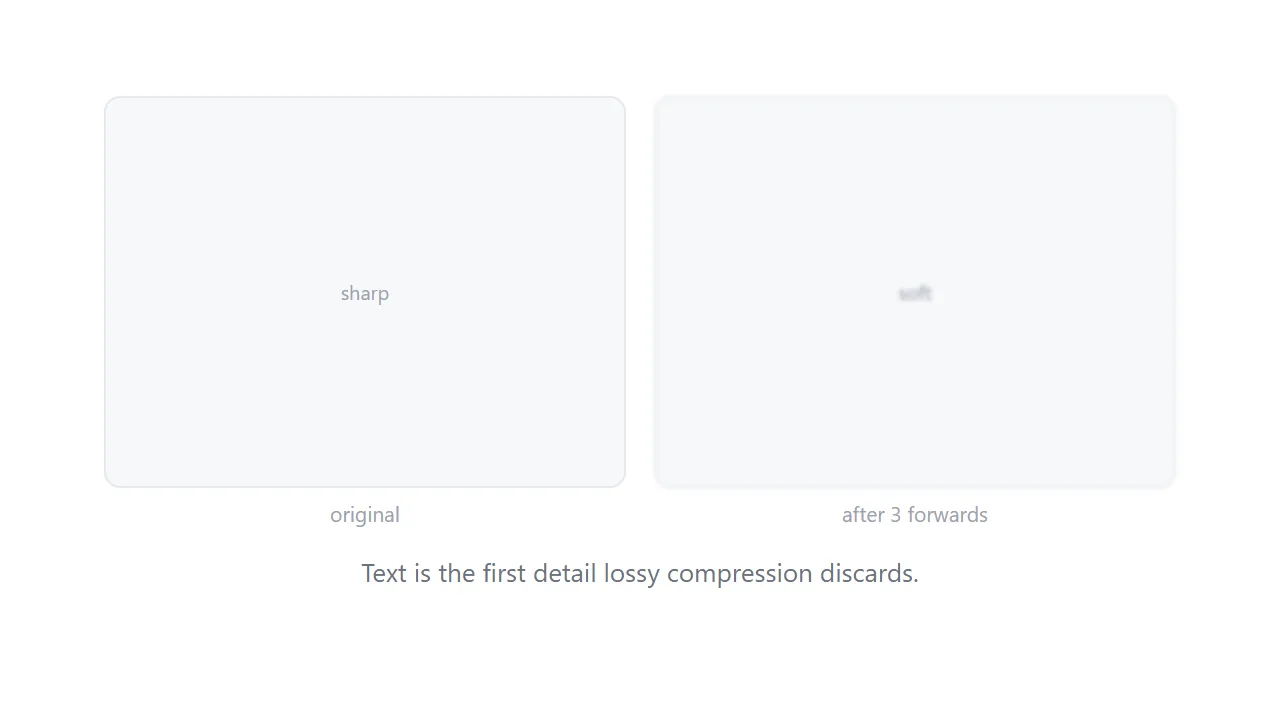
This guide covers what compression does to text, choosing the right format, what to check before sharing, and when a link to the real page is better than a picture of it.
What forwarding does
Messaging platforms recompress images on the way through, and again on the way out.
Text is the worst case for that. Lossy compression works by discarding detail the eye tolerates losing in photographs, and letter edges are precisely the high-contrast detail it throws away. A photograph survives several passes looking acceptable. A screenshot of a table does not.
| Image forwarded through chat | A link | |
|---|---|---|
| After three hops | Visibly soft | Identical |
| Numbers in a table | Ambiguous | Readable |
| Original resolution | Lost | Preserved |
| Fifteen recipients | Fifteen recompressions | One file |
PNG or WebP, never JPEG
Format choice matters more for screenshots than for anything else.
PNG is lossless, so text stays exactly as captured. WebP at high quality is nearly as good and much smaller. JPEG is built for photographs and puts visible artefacts around every letter.
If the screenshot is a photograph of something physical, JPEG is fine. If it contains any text, it is not.
<figure>
  <img src="/shots/dashboard-0918.webp" alt="Signups by source, September. Search 998, direct 527."
       width="1440" height="900" loading="lazy">
  <figcaption>The dashboard at 09:40 on 18 September, before the recalculation.</figcaption>
</figure>
Write the alt text as a real description including the figures that matter. It is what a screen reader announces, and it makes the page findable by the numbers in it.
Check what else you captured
Screenshots leak. Constantly, and almost always by accident.
- Browser tabs. Client names, internal tools, anything else you had open.
- Notifications. A message preview at the top of the screen.
- Adjacent rows. The record above the one you meant to show.
- Sidebars. Other people's names, other projects, unread counts.
- The address bar. Internal hostnames and query parameters with identifiers in them.
- Your own details. Account name, avatar, signed-in email.
Crop before you save rather than after you send. Once an image is in a group chat it is not retrievable.
A link to the page usually beats a picture of it
This is worth being honest about, because it is often the better answer.
A screenshot of a table cannot be sorted, searched, copied or read aloud. A link to the table can. If the recipient has access to the thing you screenshotted, send them the thing.
Screenshots earn their place in three cases: showing what something looked like at a particular moment, showing something the recipient has no access to, and showing a visual problem where the appearance is the point.
The comparison is set out in screenshot versus live page.
Annotate in text, draw only what is positional
Arrows and boxes on the image are right for pointing at a location.
Everything else belongs in text beneath the image. What the problem is, what you expected, what to do about it. Text on the page can be searched, quoted in a reply, and read by a screen reader. Words drawn into a picture can be none of those.
For anything with several points, number the marks on the image and put the numbered explanations below. That structure also lets someone reply about point three specifically, which is the pattern in feedback link.
Several screenshots
A sequence showing a flow is better as one page than as a burst of images in a chat.
Put them in order with a line of explanation each, so the reader sees the sequence rather than assembling it from a scrolling chat. Sizing guidance is in making images responsive.
Put it at an address
Crop it, save as PNG or WebP, put it on a page with a real caption, and send the address.
It arrives sharp for everyone, including the fourth person it gets forwarded to.