A sync folder solves a real problem well: the same files, current, on every machine that needs them. Delivery is a different problem.
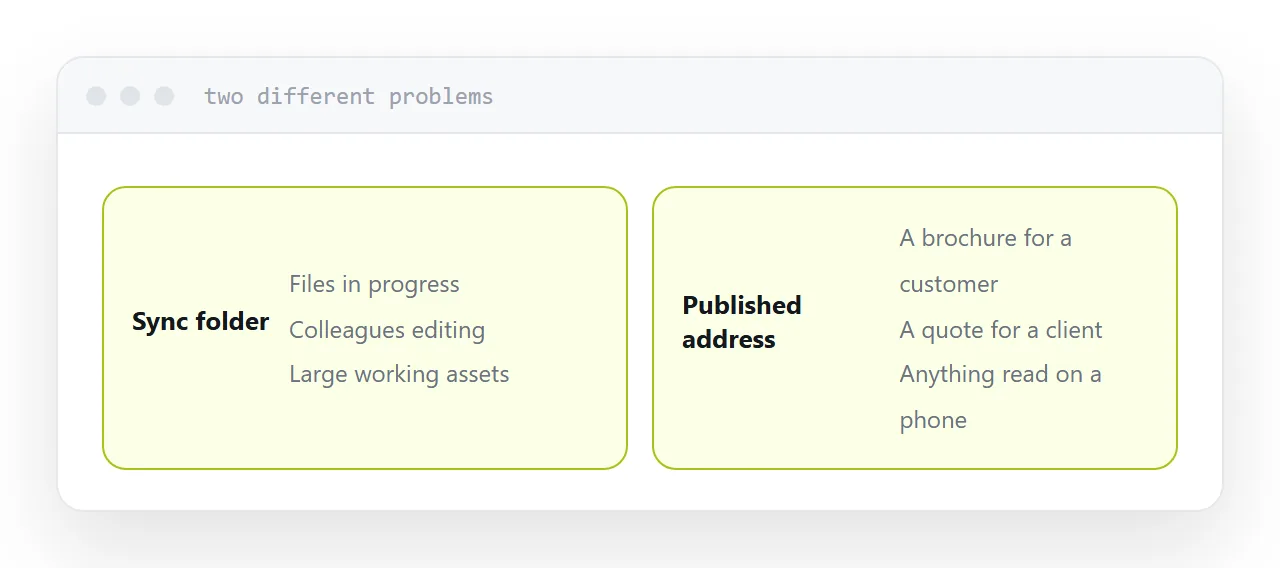
Two different jobs
Syncing. Your laptop, your desktop and a colleague's machine hold the same current files. Changes propagate. Work in progress stays in one place and nobody mails versions around.
Publishing. Somebody outside opens something and reads it. They do not need the file, they need the content, and they will do it on whatever device is nearest.
Using the sync folder for the second produces the friction people associate with it.
| Situation | Route |
|---|---|
| Files you are working on | Sync folder |
| A colleague editing with you | Sync folder |
| Large assets in progress | Sync folder |
| A brochure for a customer | Published address |
| A quote for a client | Published address |
| Anything read on a phone | Published address |
What the recipient sees
A file viewer with the service's branding, a download button, and usually an invitation to create an account.
That frame belongs to the storage service. Your document is a panel inside somebody else's product, which is a strange way to present a proposal or a brochure.
Compare with an address on your own domain, where the document is the page.
The settings worth checking
Expiry. Some links expire by default and some plans expire them silently. A link that dies after a month is fine for a file transfer and wrong for anything printed or filed.
Downloads. Whether the recipient can take a copy. Sometimes you want that and sometimes you very much do not.
Access without an account. Test it in a private window, which is not signed in. You are always signed in, so you can never see what a recipient sees from your own browser.
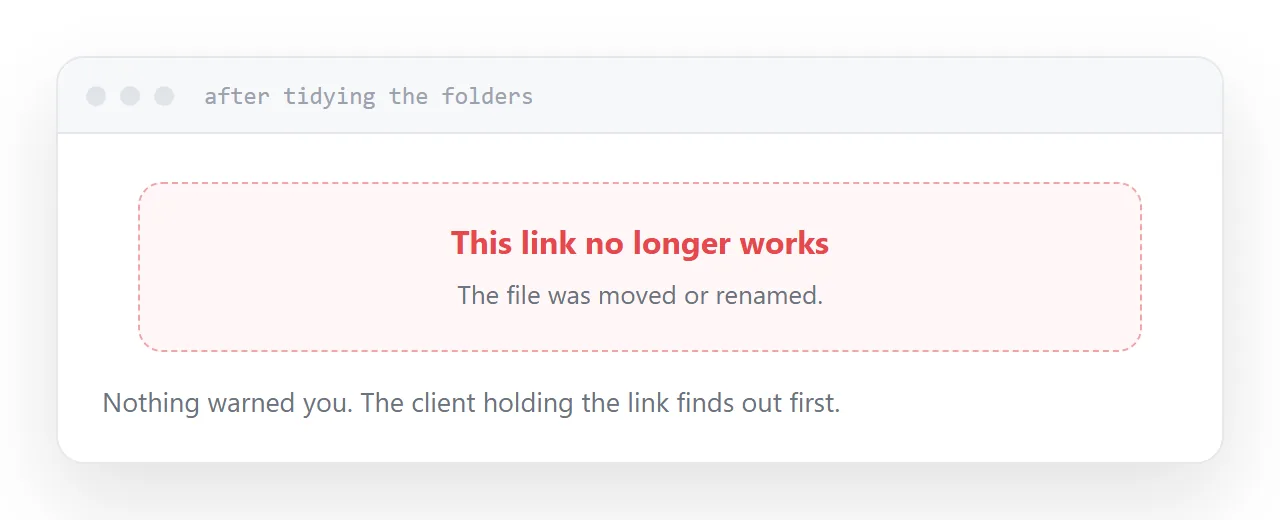
Reorganising breaks links
This one catches people badly.
Moving a shared file into a tidier folder, or renaming it after a revision, frequently invalidates the link. Nothing warns you, and the people holding the link get an error.
If a link has been sent to a client, the file it points at is now effectively frozen. That is a poor reason to leave your folders untidy, and it is a good reason to send published addresses instead.
The arrangement that works
Working files in the sync folder, where they belong.
Finished things at an address, published, where they open on any device, cannot be broken by tidying, and carry your name rather than a storage service's.
Closely related: A Dropbox alternative for sharing, and Sharing a file from cloud storage for the adjacent problem.
Put it at an address
Keep working files in the sync folder, publish anything meant to be read, check expiry and download settings, avoid reorganising shared files, and test every link in a private window.