Cloud storage sharing is designed for people who already have accounts. Every problem with it comes from using it on people who do not.
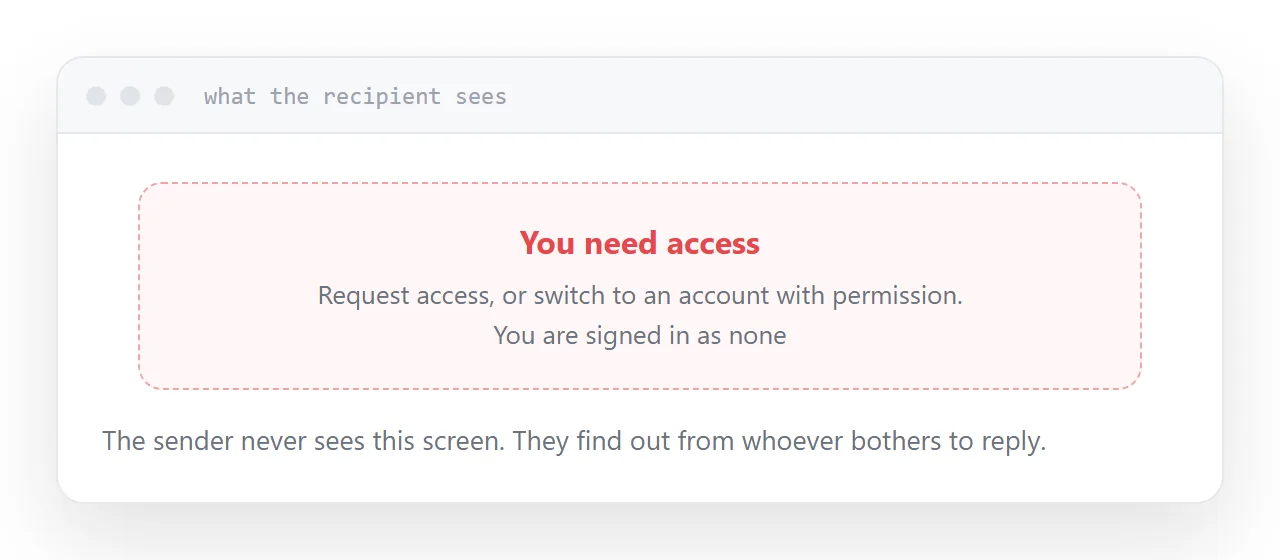
The permission screen
You open the link and it works. You are signed in and you own the file.
The recipient sees a screen asking them to request access, or to sign in with an account they do not have, or with the wrong one of the three accounts they do have.
You never see this. You find out when somebody replies asking for access, and only the ones who bother to reply.
Set the link explicitly to anyone with the link, and then test it in a private browser window. That window is not signed in, which makes it the only honest test available.
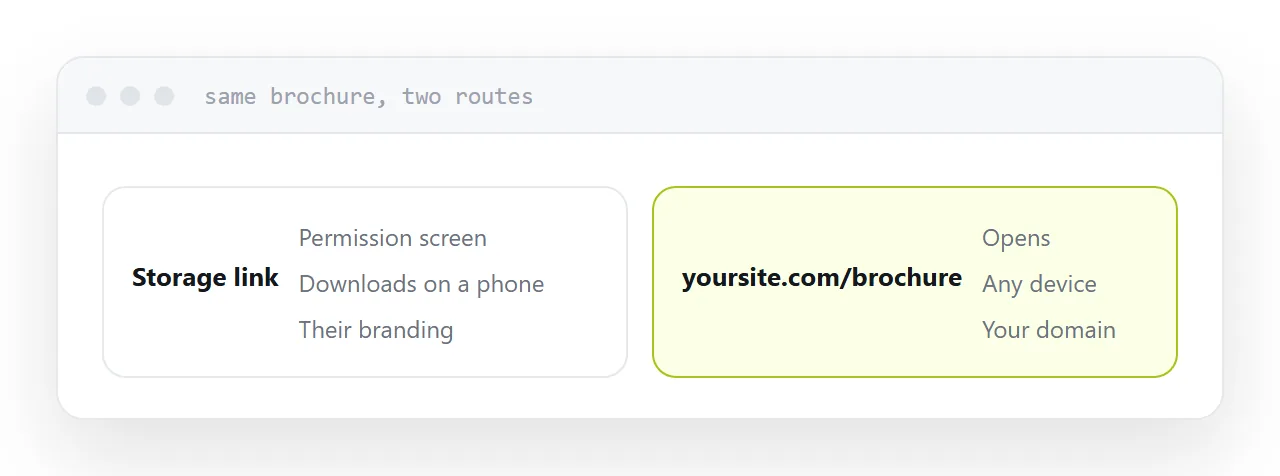
| Recipient | Storage link | Published address |
|---|---|---|
| Colleague, same organisation | Works | Works |
| Client with an account | Usually works | Works |
| Client without one | Permission screen | Works |
| On a phone | Often downloads | Opens |
| Forwarded onwards | Breaks or leaks | Works |
View and edit
Check the permission level every time.
Edit access handed out by accident means somebody can change a quote, delete a section, or see the revision history including things you removed before sending.
For anything going outside the organisation the answer is view, unless there is a specific reason otherwise.
Downloads on phones
A document or design file in storage generally transfers rather than displays.
The recipient taps, waits, and ends up with a file in a downloads folder and an application prompt. On a managed work phone, sometimes nothing happens at all.
A large share of documents shared this way are never opened, and nobody can see that from the sending side.
What it is genuinely good for
Colleagues. Everyone has an account, permissions are already correct, and the folder structure is shared context.
Files people edit. That is the product. Editing together in storage is what it does better than anything else.
Large working assets. Video, design files, photograph sets somebody will work with rather than read.
What to do instead for customers
If the recipient only needs to read it, publish it at an address.
It opens in the browser, on any device, with no account, no permission screen and no download. The address is on your domain rather than a storage link that looks like an internal file reference.
Keep storage for storing and editing, which is what it is good at.
Two neighbouring cases are worth a look: A Google Drive alternative for sharing and Sharing from a sync folder.
Put it at an address
Set the link to anyone with it, check view against edit, test in a private window, use storage for colleagues and for editing, and publish anything a customer only needs to read.