A sync tool keeps files identical across machines. Sharing is a feature added to that, and it shows whenever the recipient is somebody who just wants to read something.
This guide covers what sync is for, what the recipient gets, and where to switch.
What sync is for
Files that live on more than one machine and change.
Working documents, project folders, design files in progress, anything a team edits. Sync solves conflicts, keeps versions, and means the file on your laptop is the file on your desktop.
That is genuinely hard and these products do it well.
What the recipient gets
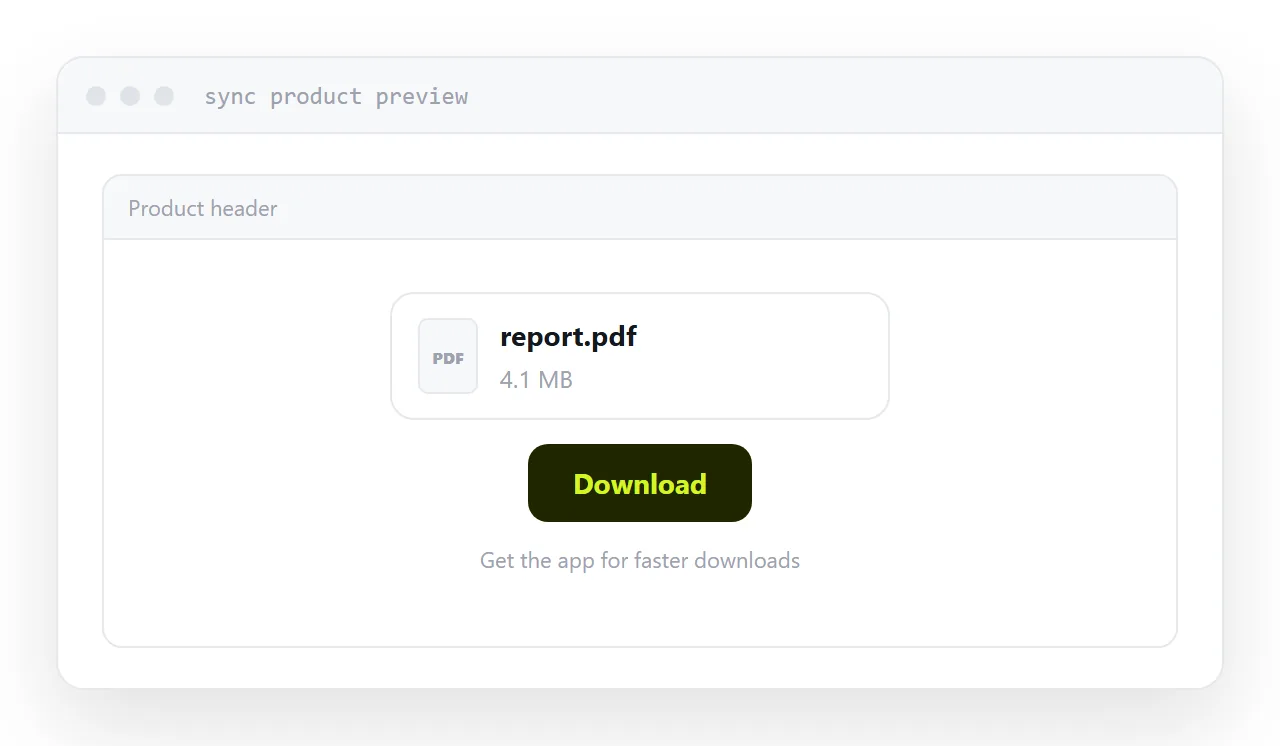
A preview page inside the product.
Their header, their controls, a download button, and frequently a prompt to create an account or install the application. Your document is in the middle of somebody else's interface.
For a colleague who already uses the product, that is fine and invisible. For a client, the first thing they experienced was a company they were not expecting, asking them to do something.
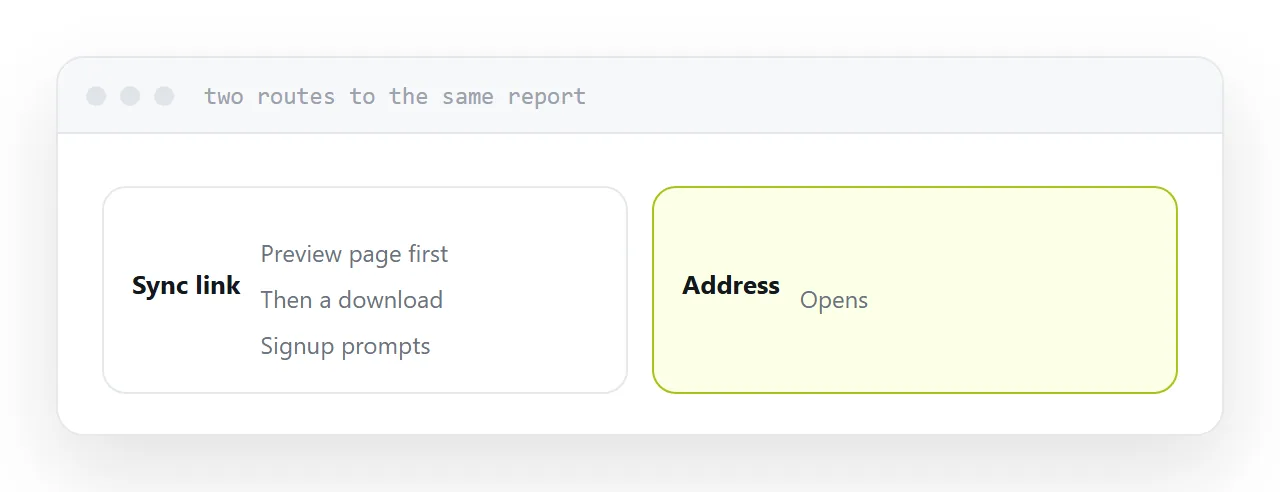
| Sync tool link | Page at an address | |
|---|---|---|
| Opens the content | After a download | Immediately |
| Product branding | Theirs | Yours or none |
| Signup prompts | Common | No |
| Bandwidth limits | Sometimes | No |
| Good for large raw files | Yes | Not really |
| Good for reading | No | Yes |
Links that stop working
Two things fail quietly.
Expiry. Some plans allow expiring links and some set defaults you did not choose.
Bandwidth limits. Accounts have caps on how much data shared links can serve. A link that suddenly gets attention can be suspended, and the recipient sees an error with no explanation.
Both mean a link that worked when you sent it may not work when they open it, and you will not be told.
Where sync tools are right
Large raw files, where the recipient genuinely needs the bytes.
Video footage to an editor. A design archive to a printer. A data export to an analyst. A folder of source material to a collaborator.
In all of those the download is the point, the size is real, and the sync tool is doing exactly what it is good at. Keep using it.
Where to switch
Anything somebody reads.
Proposals, reports, quotes, brochures, specifications, presentations. The recipient wants the content, not the file, and every step between them and it costs you.
Publish it at an address. One tap, no download, no interface, no account, and no bandwidth cap.
Never share a folder
Same rule as any storage product.
A shared folder shows everything in it, including what you forgot was there and anything added later. It is how internal material reaches outside parties, and it is discovered long afterwards if at all.
Share a file, or publish the content.
If this is near what you are doing, A Google Drive alternative for sharing and File sharing website or a link to a page cover the cases on either side.
Put it at an address
Work out whether they want the file or the content, keep the sync tool for large raw files, publish documents at an address, check whether your links expire, and never share a folder outside.
Then a client reading a proposal is not installing anything.