These two kinds of product are compared constantly and they solve opposite problems. One question settles it.
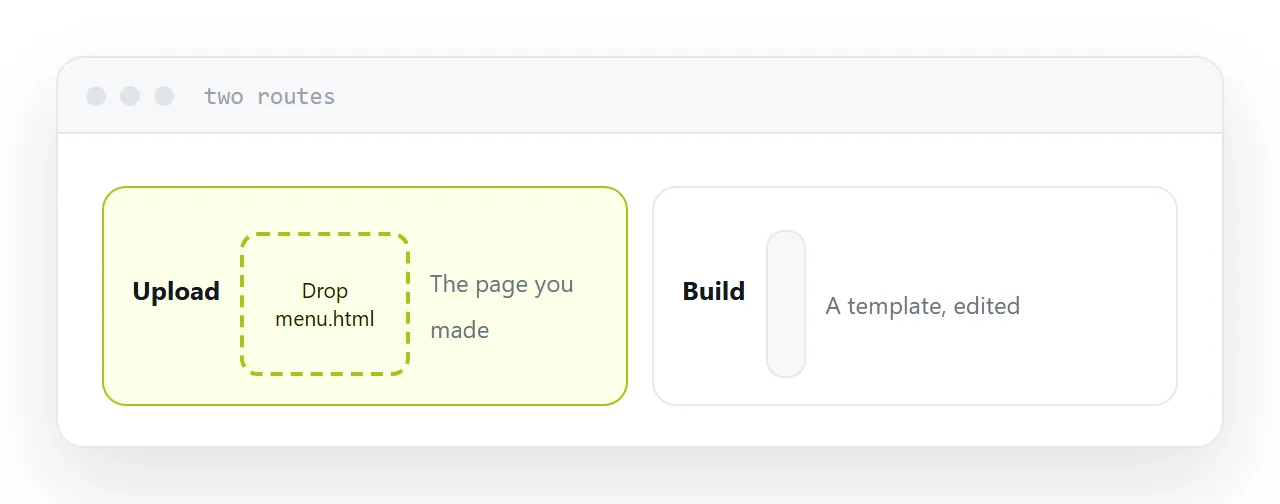
Does the page already exist
Yes. You have a file, exported from something, generated by a model, or written by hand. An uploader takes it and gives you an address. The page you get is the page you made.
Putting that file into a builder means opening an editor and recreating it inside their template system. The result is approximately what you had, in their structure, and the original file is now irrelevant.
No. There is nothing to upload. A builder gives you a template, a drag-and-drop editor and something live in twenty minutes with no technical knowledge.
An uploader is useless here. It is a delivery mechanism, not a creation tool.
| You have a file | You have nothing | |
|---|---|---|
| Uploader | Correct | Nothing to upload |
| Builder | Rebuild it in their editor | Correct |
| Time to live | Seconds | Twenty minutes |
| Page belongs to | You, as a file | Their editor |
What you keep
This is the difference that matters in two years.
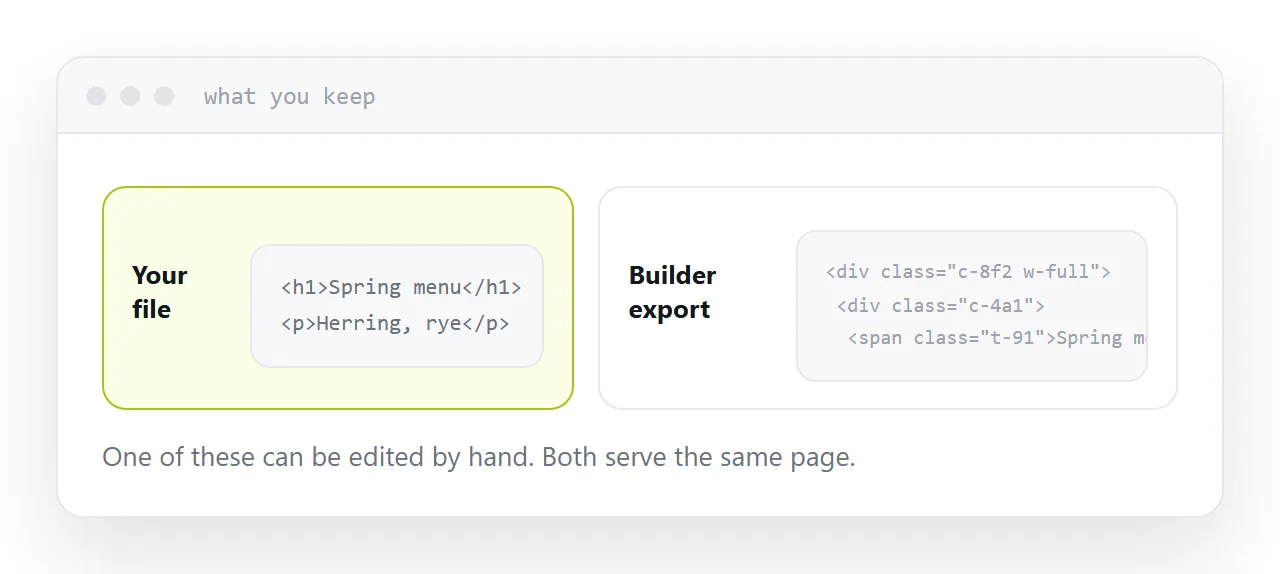
An uploaded page is a file. Move to any other service, upload the same file, and it is identical. The service is replaceable and you lose nothing.
A built page is a design inside a product. There is no file. Exports exist and produce generated markup that is unpleasant to edit, so in practice moving means rebuilding.
Neither is wrong. It is worth knowing which one you are choosing.
Several pages
Uploaders generally take a folder, so a small site with relative links between pages works as it did locally.
Builders vary. Some are single-page by design, and multi-page is frequently behind the paid tier.
If you have a folder already, that settles it too.
The domain is the same either way
Whatever you choose, put your own domain in front of it.
The page can be rebuilt. The address cannot, because it is in messages, printed material and other people's pages. With your own domain, changing your mind costs an afternoon rather than every link you have published.
For the surrounding ground, see Choosing a Tiiny Host alternative and Choosing a Carrd alternative.
Put it at an address
Ask whether the page already exists. If it does, upload it. If it does not, build it. Keep the file either way, and own the domain regardless.
Then the tool matches what you actually have.