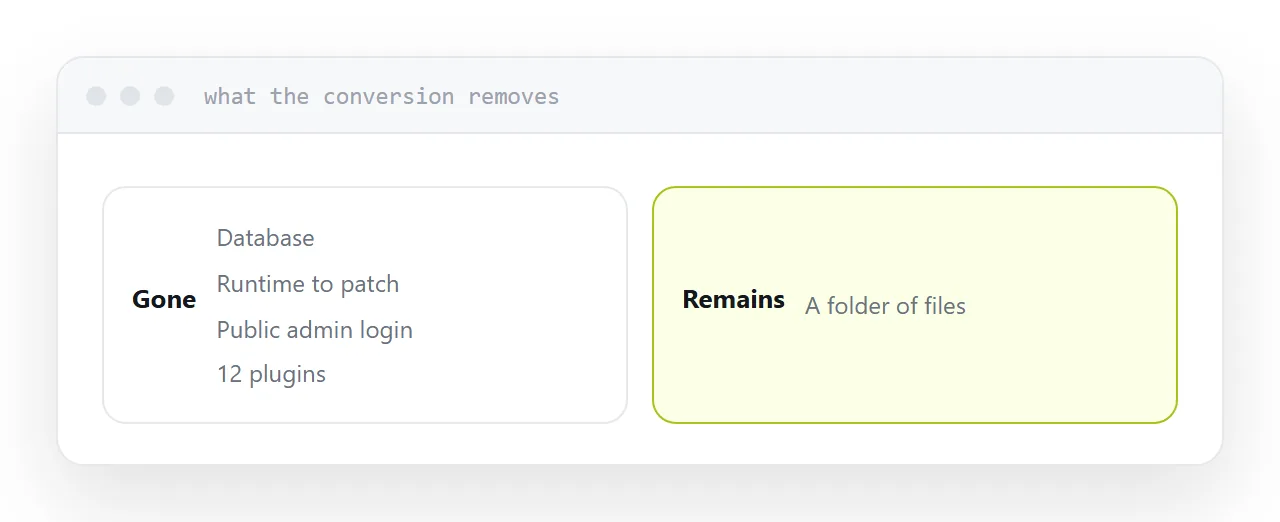
A large share of content-managed sites are brochures with a database, an administration login and a dozen plugins attached. Converting removes all of it.
What conversion removes
No database. No runtime to patch. No administration login on the public internet. No plugins with their own vulnerabilities and their own update schedule.
What remains is a folder of files, served fast, hosted almost anywhere, frequently free.
For a site that publishes weekly and is read daily, that trade is heavily in your favour.
| Concern | Managed site | Static copy |
|---|---|---|
| Security patching | Continuous | None |
| Plugin vulnerabilities | Ongoing | None |
| Database failure | Possible | No database |
| Page speed | Varies | Files |
| Hosting cost | Monthly | Often free |
| Editing | In the browser | Still, privately |
What has to be replaced first
List everything that runs when a visitor arrives, because each needs a replacement before conversion rather than after.
Forms. Point them at an outside form service. One line changed, and it works on a static page.
Search. Build an index at publish time and search it in the browser. Fast for anything up to a few thousand pages.
Comments. An outside service embedded in the page, or remove them, which many sites find they do not miss.
Anything personalised. A members' area, content that differs per visitor. That genuinely needs a server and should be separated from the rest of the site.
Editing continues
This is the part people assume is lost.
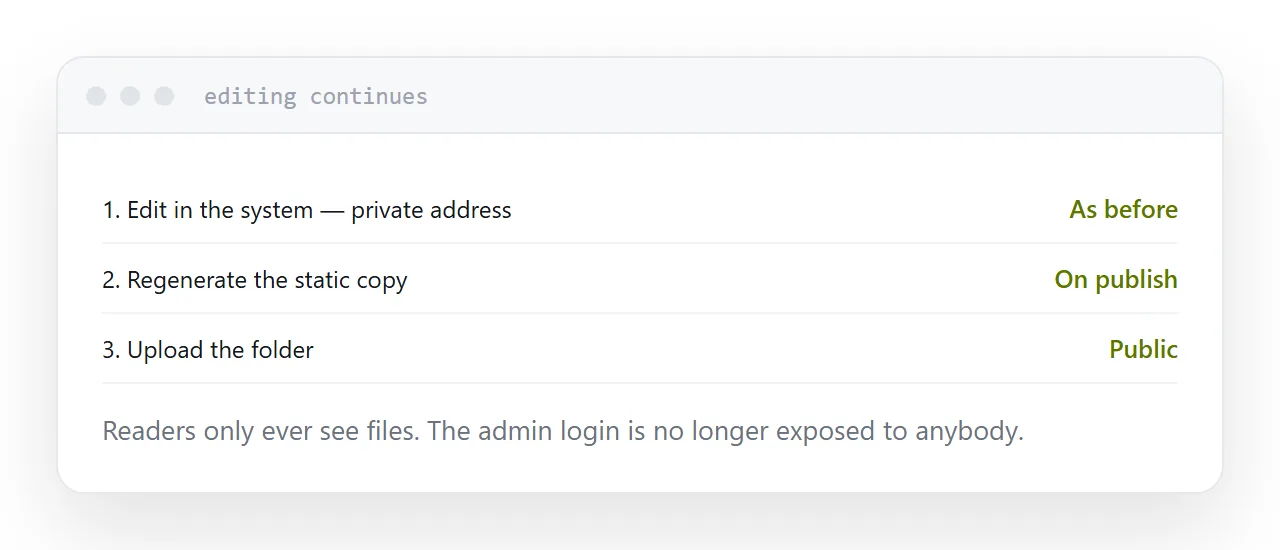
Keep the editing system running, on your own machine or on a private address not reachable from outside. Write and edit exactly as before.
When you publish, regenerate the static copy and upload it. Readers only ever see files, and the administration login is no longer exposed to anybody.
Addresses must survive
The one thing that must be checked rather than assumed.
Generate the static copy, then compare the list of addresses with the original. Anything that changes, a trailing slash, an index file appearing in the path, a category prefix dropped, breaks external links and discards whatever that page had earned.
A list on both sides, compared line by line, takes twenty minutes and prevents the failure that shows up six weeks later as a traffic drop nobody can explain.
Check it on a phone
Before switching the domain over.
Generated copies occasionally miss files referenced only by styles, and the symptom is a page that looks correct on your machine because those files are still cached.
Two neighbouring cases are worth a look: What a static website is and What people mean by a static site.
Put it at an address
List what runs per visitor, replace the forms and search before converting, compare every address after generating, keep editing private while publishing static, and check the result on a phone before switching over.