Authoring suites are bought on the strength of the editor and regretted at the export. Evaluate in the opposite order.
What they are genuinely good at
Interaction building. Branching scenarios, drag-and-drop exercises, guided simulations. Building these by hand is expensive, and a suite makes them a morning's work.
Review workflow. Stakeholders comment on the specific slide rather than sending a list of remarks by mail. On a project with several reviewers this alone can justify the cost.
Asset libraries. Characters, templates and stock material, consistent across modules.
None of that is marketing. It is a real saving on a real project, and it is why the suites hold their position.
What the trial does not show you
The trial is spent in the editor, which is the strongest part of the product.
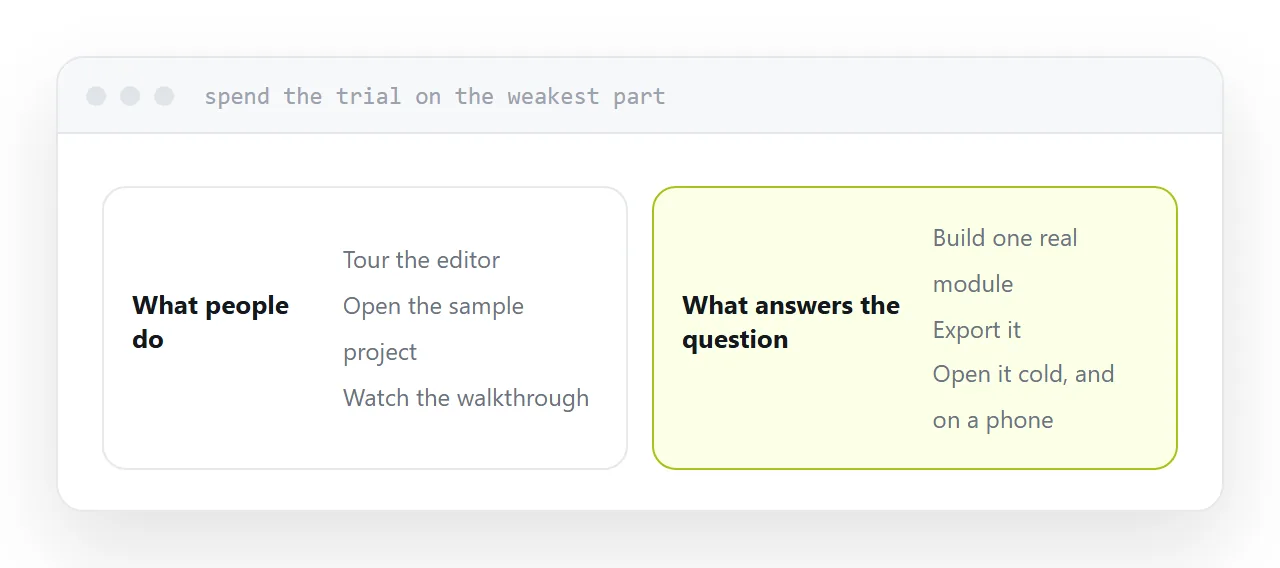
Spend it on the weakest instead: build one small module that resembles your actual work, then export it and open the export on a machine with nothing installed.
| Test | What it reveals |
|---|---|
| Export and open cold | Whether it needs plugins or an account |
| Open on a phone | Whether the output reflows |
| Open on an old device | Whether learners can run it |
| Export, edit, re-export | How long each cycle takes |
| Check the output size | Whether it loads on poor connections |
That is four hours and it answers every question the demonstration does not.
Pricing and the renewal question
Pricing follows authors, annually, per person. Budget from how many people build courses, not how many take them.
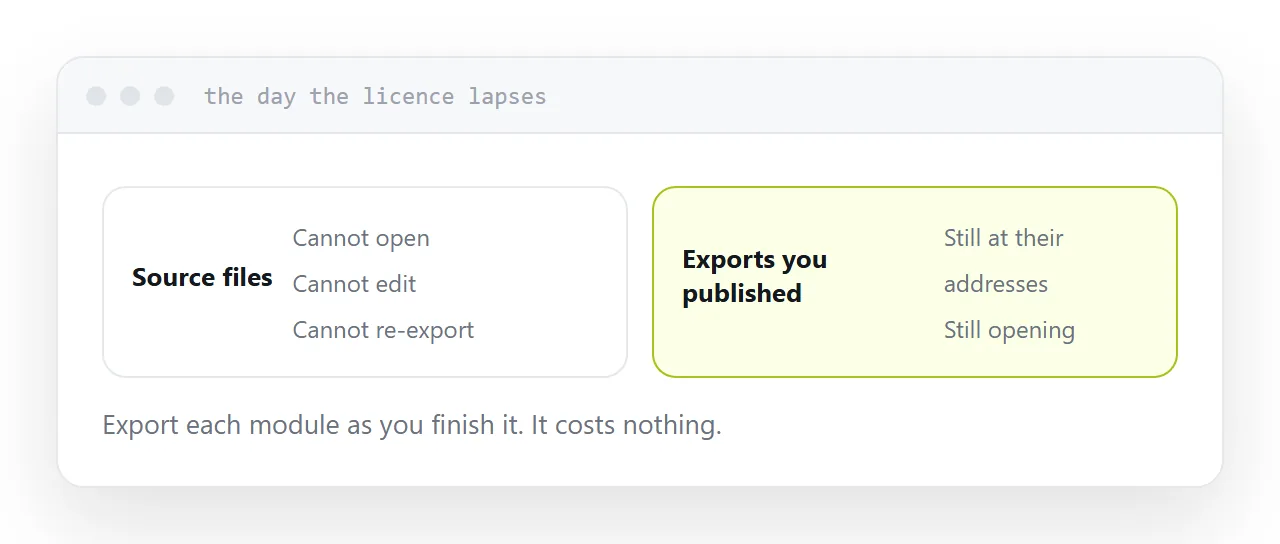
The question that matters at renewal is what you can still open. Source files usually cannot be opened without the licence, so a lapsed subscription strands the editable version of everything you have made.
Anything already exported and published keeps working regardless. Export each module as you finish it and keep the exports somewhere you control. It costs nothing and it is the difference between a renewal decision and a renewal obligation.
Whether you need one
Be honest about the material.
Branching scenarios, simulations, assessed interactions: the suite earns its cost.
Notes, a reading list, a video and a short quiz: that is a page. It publishes in an afternoon, opens on every device, is corrected by editing, and involves no licence at all.
A good deal of what sits inside authoring suites is material that was never interactive, built in a tool bought for interactivity.
Closely related: How to compare course authoring tools, and Choosing an elearning authoring tool for the adjacent problem.
Put it at an address
Build one real module in the trial, export it and open it cold, test on the oldest device you can find, count authors rather than learners, and export everything as you go.