An availability link is your open times published at an address, so the other person picks from what is actually free rather than from a list that was true when you sent it.
The scheduling thread is a small cost repeated constantly, and most of it comes from the list going stale.
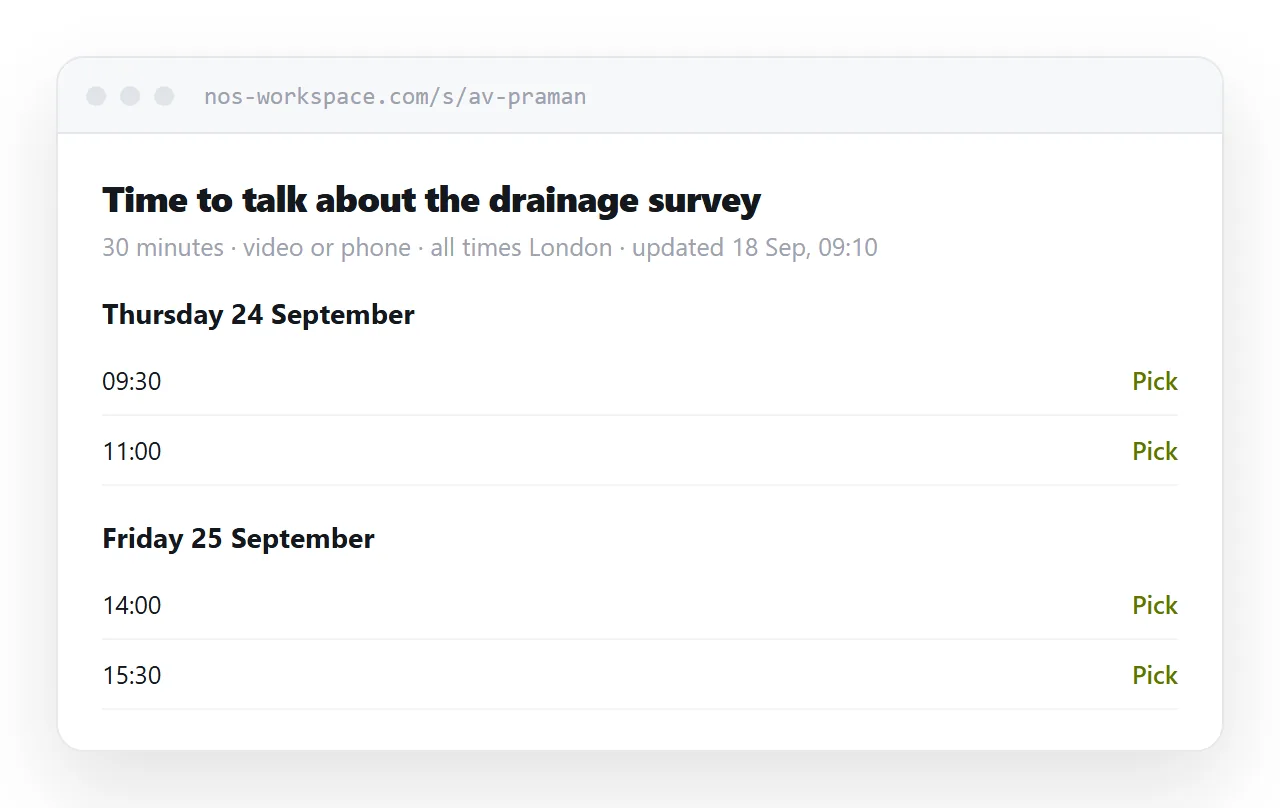
This guide covers what to put before the times, handling time zones without making it worse, keeping the page trusted, and where a booking tool is the better answer.
Say what it is for first
A list of times with no context makes the other person guess how long to allow and what to prepare.
<header>
<h1>Time to talk about the drainage survey</h1>
<p class="dur">30 minutes · video or phone, whichever you prefer</p>
<p class="tz">All times London · updated 18 September, 09:10</p>
</header>
Three lines, and every ambiguity in the usual scheduling email is gone: they know the subject, the length, the format and the zone.
Group by day, not by week
People choose a day before they choose a time. Present it that way.
<section class="day">
  <h2>Thursday 24 September</h2>
  <ul>
    <li>09:30</li>
    <li>11:00</li>
    <li>15:30</li>
  </ul>
</section>
Three or four slots a day is more useful than twelve. A long list reads as an empty diary and gives the impression that nothing you do is urgent. It also takes longer to choose from, which is the opposite of the point.
One time zone, stated once
The instinct is to be helpful by listing every slot in two or three zones. It backfires: the reader has to work out which column applies to them, and a mistake is now yours rather than theirs.
State your zone once at the top and give every time in it. Phones convert automatically, and anyone scheduling across zones is used to doing it.
The exception is a genuinely global set of participants, where naming the second zone that most of them share is worth the space.
The updated date is what makes it trusted
Without it, a reader assumes any availability page is old and replies asking you to confirm, which is the email you were trying to avoid.
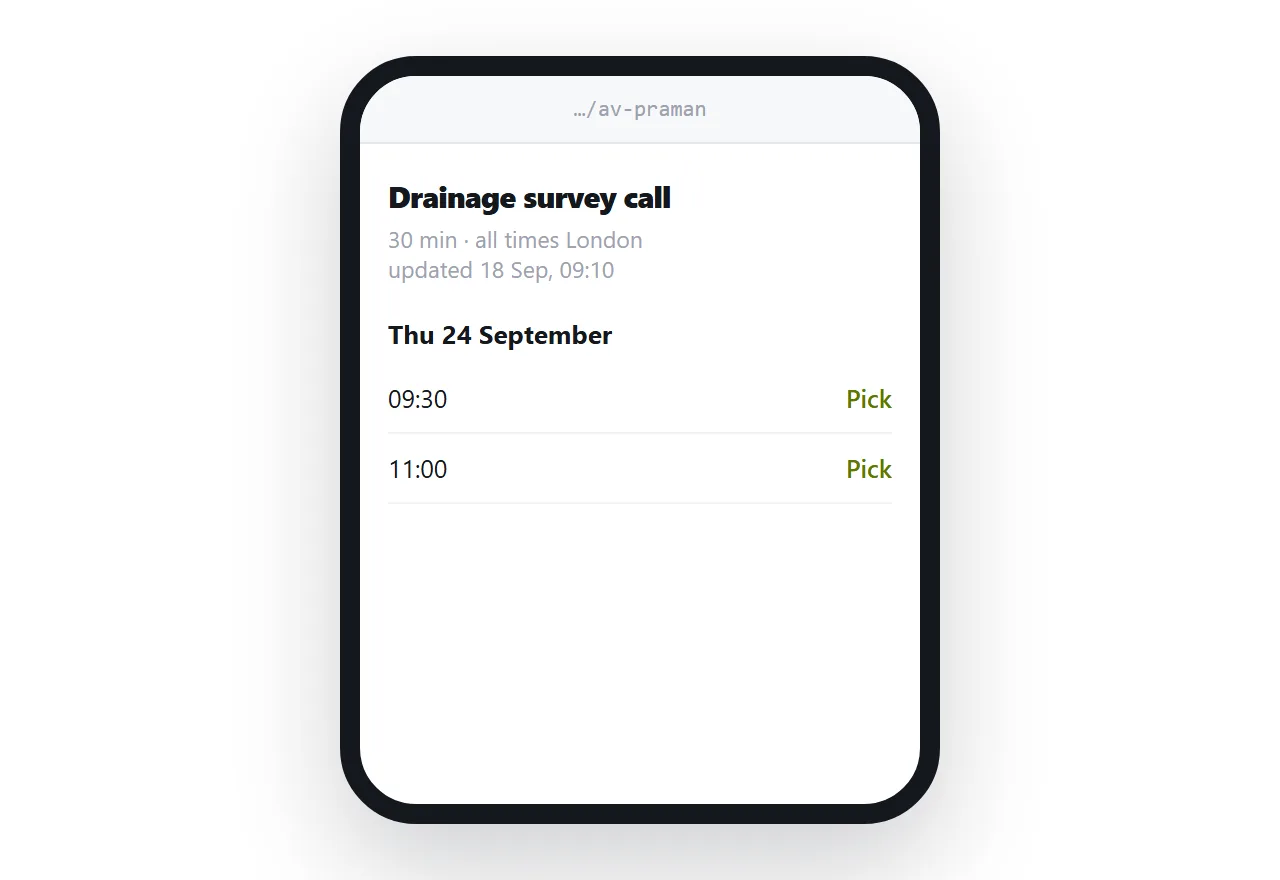
Put the date and time you last touched it at the top. Then keep that honest: update when a slot fills, even if you have nothing else to change.
What a page cannot do
It cannot take the booking.
The other person picks a slot and replies. You then create the meeting. That is one message rather than four, which is the saving, but it is not zero.
It also cannot hold a slot while they decide. Two people can pick the same time, and you have to resolve it. For occasional scheduling that is rare enough to live with.
Where a booking tool is right
If you schedule constantly, a tool that reads your calendar and writes the booking into it is worth having. It removes the last message and the double-booking risk.
The reasons people avoid them are real too. Some clients find a booking interface impersonal, particularly for a first conversation. Some organisations block third-party scheduling. And a tool exposes more of your calendar shape than you may want.
| Availability page | Booking tool | |
|---|---|---|
| Setup | A page | An account, calendar access |
| Takes the booking | No | Yes |
| Prevents double booking | No | Yes |
| How it reads to a client | Like a message | Like a system |
| Works with no integration | Yes | Needs calendar access |
Use the page for client-facing and occasional scheduling, and a tool where the volume justifies it.
Showing a calendar instead
Where you would rather show a whole calendar view than a list of slots, embedding one is a different approach, covered in embedding Google Calendar in HTML.
That suits recurring public availability. For a specific conversation, the short list reads better.
Put it at an address
Say what the meeting is for and how long, state your zone once, list a few slots per day, date the page, and create a share link.
They pick one and reply. That is the whole thread.