The usual advice starts with choosing a generator, a framework and a pipeline. For a small site, none of that is the first step and some of it is never the step.
Start with one page
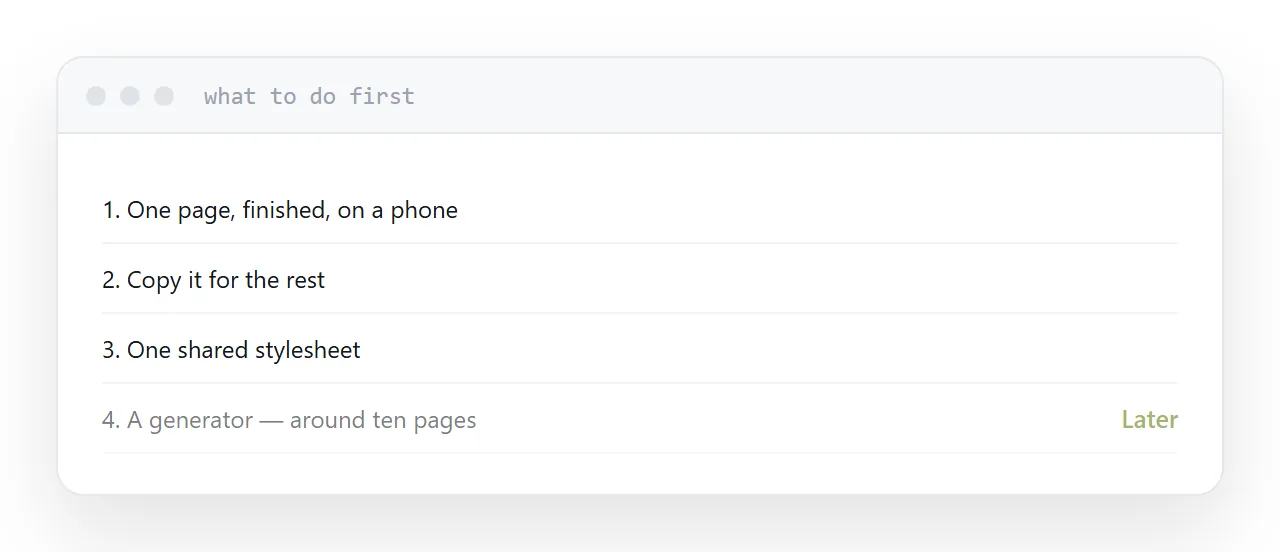
One page, finished. The real content, the real typography, the real spacing, checked at phone width.
Getting one page right is the hard part, and everything after it is a variation. Starting with five half-finished pages means making the same decisions five times and making them differently each time.
Then copy it. For a site of five or eight pages, copying the header into each is entirely reasonable and takes less time than setting up anything that avoids it.
| Pages | Reasonable approach |
|---|---|
| 1-3 | Write them |
| 4-10 | Write them, share a stylesheet |
| 10-50 | A generator earns its place |
| 50+ | A generator, definitely |
| Frequent authors | A generator, whatever the count |
One stylesheet
Every page links the same stylesheet.
That gives you one place to change a colour, a typeface or the spacing, and it is the single most useful structural decision at this size.
A framework is optional. It supplies a grid and components and adds weight, and for a small site written once the weight is usually the larger effect. Plain styling, written for the site, is smaller and easier to reason about.
Relative paths
Every reference to a stylesheet, an image or another page should be relative.
A path beginning with a slash points at the root of the domain. It works while you test locally and breaks under any prefix, and the symptom is a page with no styling at all.
Relative paths mean the folder works wherever it lands, which is what makes it portable between hosts.
When to add a generator
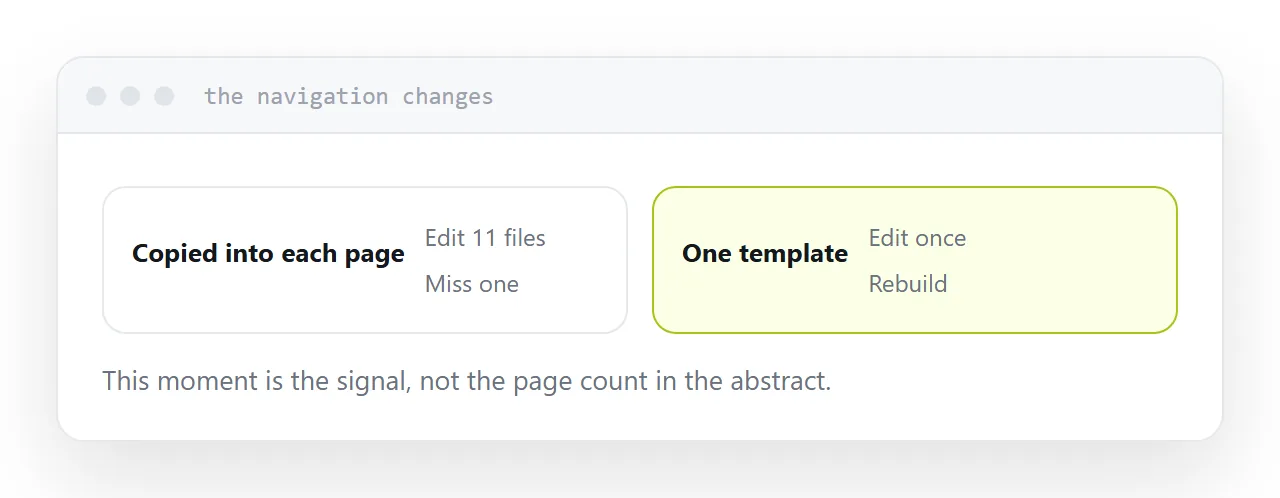
When repetition starts costing more than the setup.
The signal is concrete: you change the navigation and have to edit it in eleven files. At that point a generator, which keeps one template and produces the pages from it, pays for itself immediately.
Adding it earlier means maintaining a toolchain for a site that could have been four files. Adding it later means a tedious afternoon of migration, which is not a disaster.
Publishing
Upload the folder to anything that serves files. Point a domain at it. Open the live address on a phone.
There is no build server, no database, no runtime. That is the property worth protecting as the site grows: whatever you add to the build, keep the output a folder of files.
Two neighbouring cases are worth a look: What a static website is and What people mean by a static site.
Put it at an address
Finish one page completely, copy it for the rest, share one stylesheet, keep every path relative, and add a generator only when repeating yourself starts to cost more than it would.