Consulting needs five things done reliably. The one most often improvised is the one clients judge you on.
The five jobs
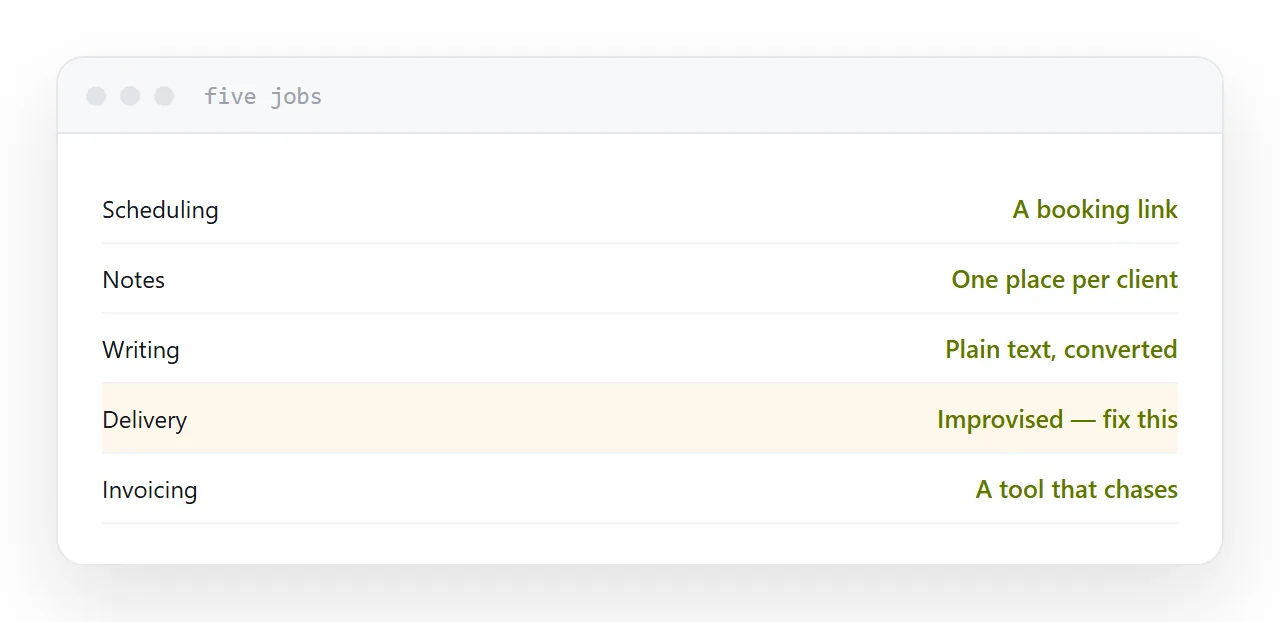
Scheduling. A booking link, one meeting type, with the purpose stated beside it.
Notes. One place, searchable, per client. The format matters far less than the consistency.
Writing. Whatever you write in. Plain text with light markup ages best and converts into every format.
Delivery. Getting documents to clients. Almost always improvised.
Invoicing. A tool that sends and chases. Chasing by hand is the part that quietly costs money.
| Job | Usual arrangement | Better |
|---|---|---|
| Scheduling | Mail back and forth | A booking link |
| Notes | Scattered | One place per client |
| Writing | A word processor | Plain text, converted |
| Delivery | Attachments | An address per client |
| Invoicing | Manual | A tool that chases |
Delivery is the visible part
A client experiences your work mainly through documents arriving.
A forty megabyte report attached to a message downloads on their phone into a folder they will not find. A storage link asks them to sign in. Both read as improvised, whatever the report says.
The same report at an address opens instantly, on any device, looks like it was produced deliberately, and you can see that it was read.
That last point changes how you follow up, which is worth more than the impression.
One address per client
The arrangement that removes most of the administrative friction.
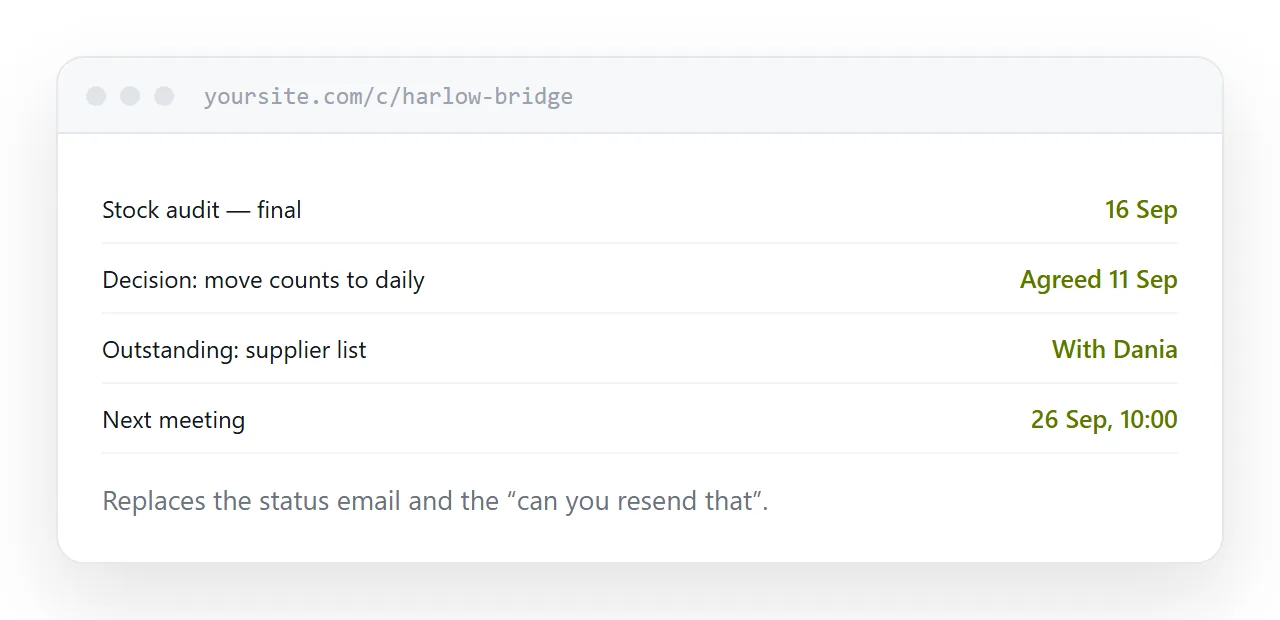
A single page for the engagement: the current documents, the decisions so far, what is outstanding and who has it, and the next meeting.
Updated as you go, it replaces the status email, the "can you resend that" exchange, and the question about which version is current. New people joining on the client side are given one link instead of a forwarded chain.
Skip project management
For solo work, a project management tool becomes a second job.
A list of what is next and a calendar covers it. The tool earns its place when several people need to see the same state, which is a different situation.
Write the case study at the end
While you remember the numbers.
The problem, what you did, what changed, with figures. Fifteen minutes on the last day of an engagement, when the details are present and the client is pleased enough to approve it.
Written a year later from memory, it is vague, and vague case studies do not win work.
If this is near what you are doing, How to set up a client portal and How to send a proposal to a client cover the cases on either side.
Put it at an address
Keep to five tools, fix delivery before anything else, give each client one address for their engagement, skip project management while you are solo, and write the case study on the last day.