Editing a document covers four different tasks with four different answers, and treating them as one is why people end up installing software they did not need.
This guide separates the four, then covers the upload question.
The four tasks
Pages. Reorder, delete, rotate, merge, split. Easiest case.
Annotate. Comments, highlights, drawing on it. Also easy.
Sign. Add a signature. Easy technically, with a separate question about whether it counts.
Change text. Genuinely hard, and usually the wrong approach.
Most requests are the first three.
Pages and annotations need nothing extra
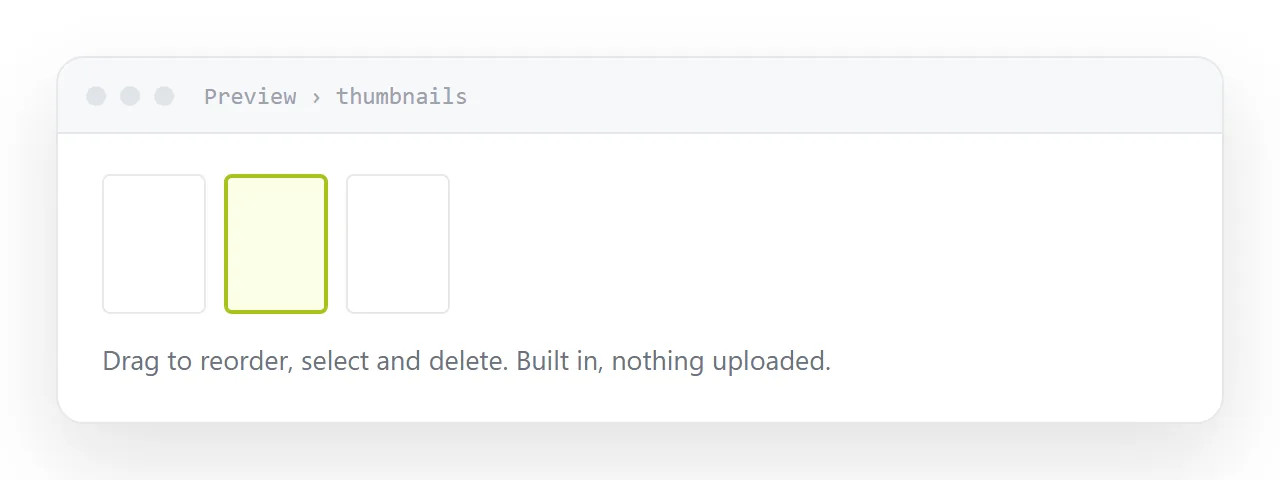
On macOS, Preview does all of it. Drag pages to reorder, select and delete, rotate, drag one document into another to merge. Annotation and highlighting are in the toolbar.
On Windows, the browser opens documents and handles form filling and printing to a new document, which covers merging and page selection via the print dialogue. The built-in reader handles annotation.
On either, free viewers add anything missing without an upload.
None of this requires a subscription, and none of it sends the document anywhere.
Why changing text is hard
The format stores glyphs at coordinates, not flowing text. There is no paragraph to edit; there is a set of positioned characters that happen to look like one.
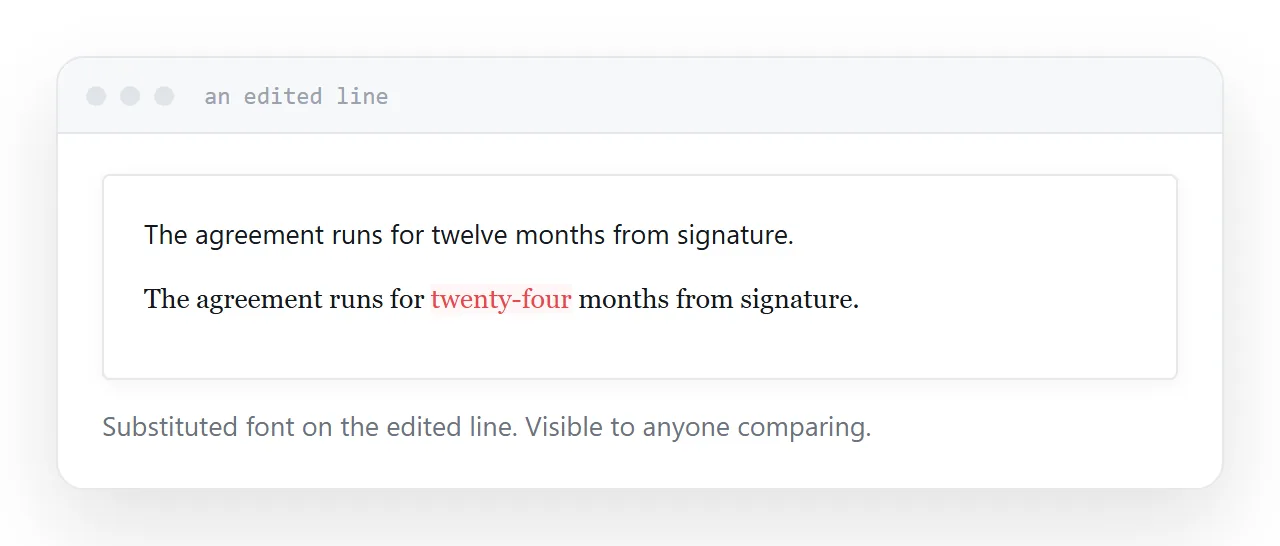
So an editor changing a word has to work out which font was used, find a matching one, re-space the line, and reflow anything that moved. When the original font is not installed, it substitutes, and the edited line no longer matches the rest of the page.
The result is usually visible. A slightly different weight, a different spacing, a line that sits a fraction off.
| Task | Difficulty | Best route |
|---|---|---|
| Reorder or delete pages | Easy | Built-in viewer |
| Annotate | Easy | Built-in viewer |
| Fill a form | Easy | Browser or viewer |
| Sign | Easy | Built-in, or a signing service |
| Change a word | Hard | Edit the source, re-export |
| Rewrite a section | Very hard | Edit the source |
Go back to the source
If you have the document that produced the PDF, edit that and export again.
Five minutes, and the result is correct rather than nearly correct. This is almost always faster than fighting an editor, and people skip it because finding the source feels like more work than it is.
The upload question
Free online editors receive a complete copy of the document.
For a flyer or a public document, that is a reasonable trade for convenience.
For a contract, a payslip, an identity document, a medical letter, or anything containing someone else's personal information, it is a copy of sensitive material handed to a company you have not assessed, usually to accomplish something your operating system could have done locally.
Check what you are holding before uploading it.
Signing
Both operating systems let you add a signature image, and for many everyday purposes that is accepted.
For anything legally significant, use a signing service. The value is not the image; it is the audit trail showing who signed, when, from where, and that the document has not changed since. A pasted image provides none of that.
If it changes often
A document revised every month is in the wrong format.
Put it on a page. Changing a word becomes changing a word, everyone holding the link sees the correction, and you keep a PDF export for anyone who needs a file.
Two neighbouring cases are worth a look: How to password protect a PDF without Adobe and How to turn a PDF into a website.
Put it at an address
Identify which of the four tasks you have, use the built-in tools for the first three, go back to the source for text changes, keep sensitive documents off free editors, and move anything frequently revised to a page.
Then editing a document stops meaning buying software.