Merging, splitting, compressing and converting are commodity operations. Choosing between the dozens of free services is entirely about what happens to the file.
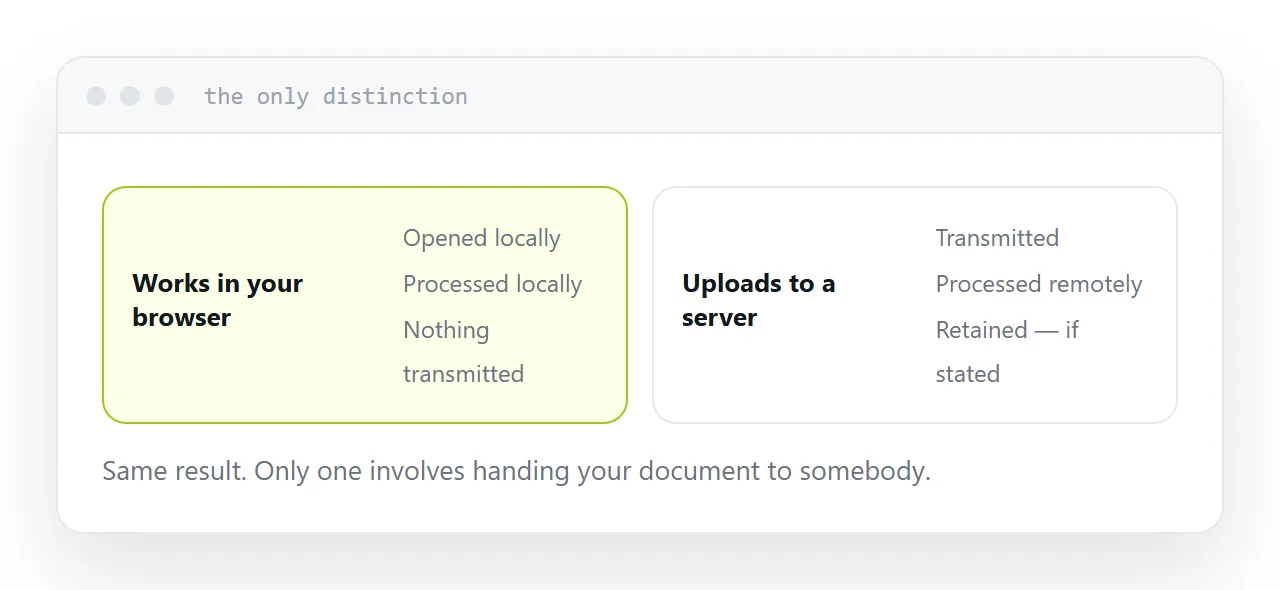
The one distinction
Works in your browser. The file is opened, processed and saved locally. Nothing is transmitted. Increasingly common, and the tools that do it say so prominently because it is their strongest claim.
Uploads to a server. The file is transmitted, processed remotely and returned. Usually deleted after some period, sometimes stated and sometimes not.
Both produce the same result. Only one of them involves handing your document to somebody.
| Operation | Available in-browser |
|---|---|
| Merge, split, reorder | Yes |
| Rotate, delete pages | Yes |
| Compress | Usually |
| Convert to images | Yes |
| Text recognition | Rarely, needs a server |
| Convert from a word processor | Usually needs a server |
Try what you already have
Both major operating systems do more than people realise.
Merging, splitting, reordering and deleting pages are built in on one, available through the print dialogue on the other, and exporting to a fixed document is available from any application that can print.
Every browser can print any page to a document. That is the conversion route most people go looking for a website to perform.
None of it uploads anything, and it is already installed.
What to look for when you do use a service
A stated retention period. An hour, a day, whatever it is. A service that says nothing has usually thought about it no harder than you have.
A named company with a real address. Somebody accountable.
Processing in the browser, stated plainly. The strongest signal, and the tools that do it advertise it.
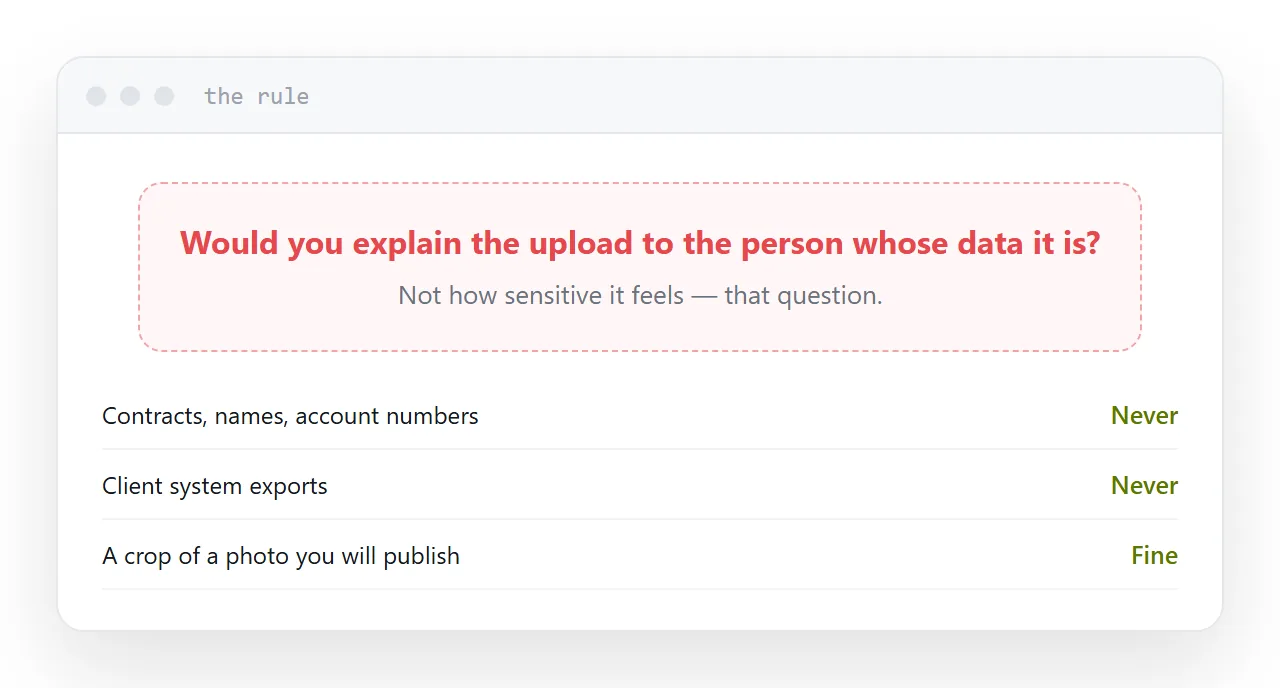
What never goes through one
Contracts. Anything with names, addresses or account numbers. Exports from a client system. Medical or financial records. Anything containing a credential.
The test is not how sensitive it feels. It is whether you would be comfortable explaining the upload to the person whose data it is.
For those, use what is on your machine, which does most of these operations anyway.
The result link
Many services return a link to the output.
Treat it as public. It is rarely protected meaningfully, it may appear in logs, and it can persist long after you have forgotten it.
Download the result and, if it needs to be shared, publish it yourself at an address you control with the privacy setting you chose.
For the surrounding ground, see Using tools that do not ask you to sign up and How to edit a PDF without Adobe.
Put it at an address
Prefer tools that work inside the browser, look for a stated retention period, try your operating system first, keep client material off all of them, and download results rather than sharing their links.