An archive exists because somebody needed to attach several files to one email. It is a shipping container, and the recipient has to open it before anything is useful.
This guide covers what you already have, when an online tool is warranted, and why the archive should not have been sent.
You probably already have what you need
On Windows, right-click and extract. Built in, no software required.
On macOS, double-click. It extracts beside the archive.
On Linux, the file manager handles it.
If you are on a computer, there is nothing to install and no reason to upload anything anywhere. The advice to use an online extractor is almost always answering a question that was not asked.
Phones are where this actually breaks
Newer versions of both mobile operating systems can extract archives from the files application. Older ones cannot, and the behaviour varies by manufacturer.
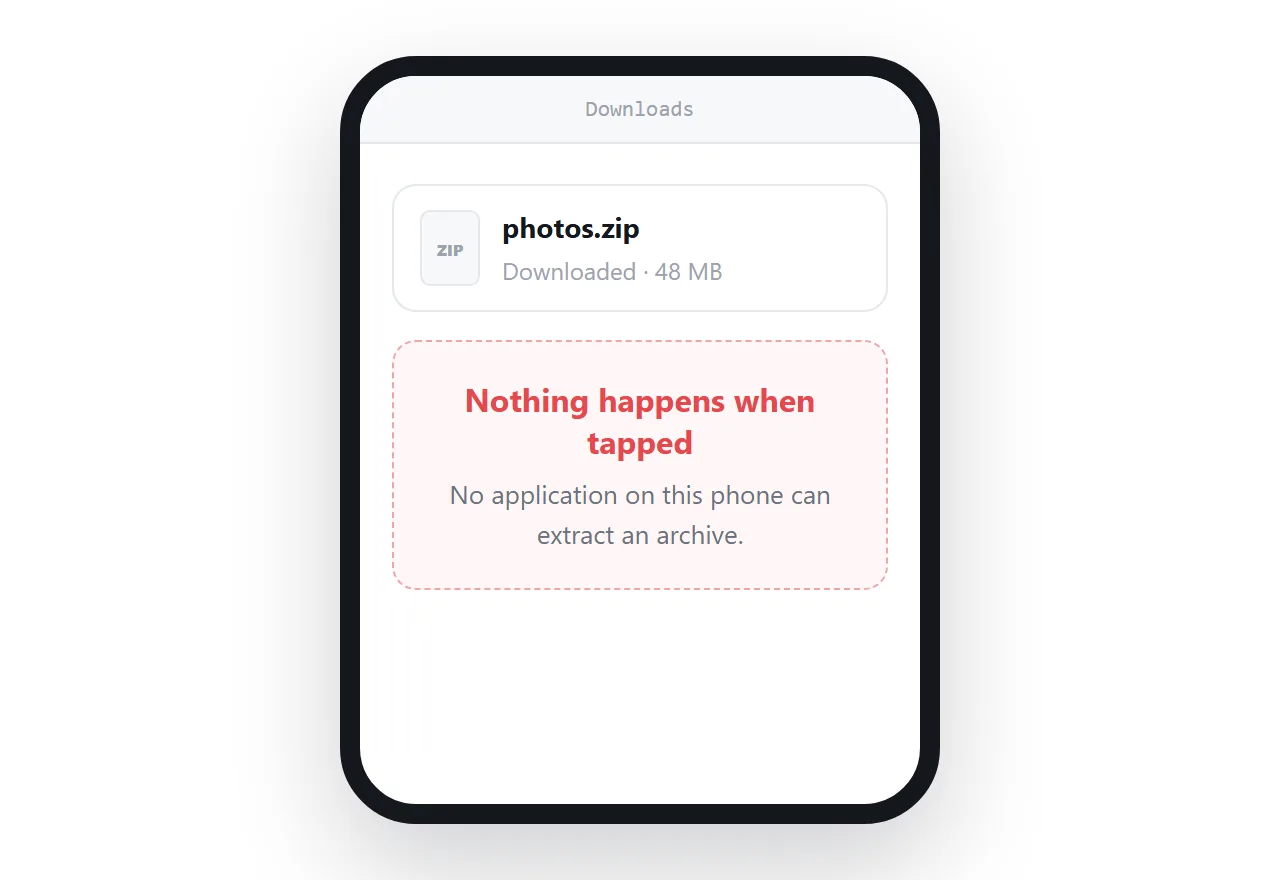
When it does not work, the experience is: the archive downloads successfully, and then nothing happens. No error explaining the problem, no suggestion of what to do. Just a file that does nothing when tapped.
That is the moment people search for an online extractor, and it is a reasonable response to a genuinely stuck situation.
| Computer | Phone | |
|---|---|---|
| Built-in extraction | Always | Sometimes |
| Needs an app | No | Often |
| Online tool warranted | Rarely | Sometimes |
| What the sender should have done | An address | An address |
What an online extractor costs
Everything inside the archive is uploaded to a service you know nothing about.
Not one file: all of them, including the ones you were not thinking about. Archives usually contain more than the recipient remembers.
For holiday photographs, that is a small trade for getting unstuck. For work documents, client material, contracts or anything containing personal information, it is a data incident that nobody will ever notice happened.
If the archive is work material and your phone cannot open it, the right move is to wait until you are at a computer.
Archive passwords are not protection
Two things worth knowing.
The older encryption used by most archive tools is weak and can be broken quickly with freely available software.
And a password-protected archive uploaded to an extraction site, with the password supplied so it can extract, has been handed over completely. The protection existed until precisely that moment.
The sender should not have sent it
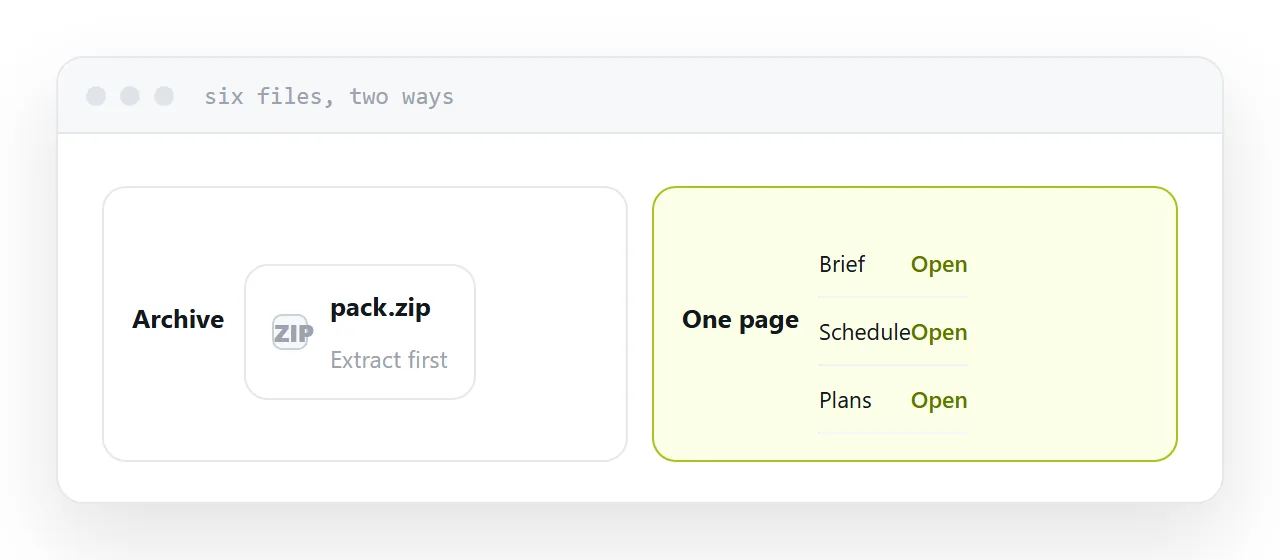
Archives are a workaround for email accepting one attachment and having a size limit.
Put the files at an address instead. The recipient sees what is there, opens the one they need, and downloads the rest only if they want them. It works on a phone, it has no size limit, and there is nothing to extract.
If you are the one sending several files regularly, this change removes an entire category of message asking how to open something.
Two neighbouring cases are worth a look: Why zipping did not make the file smaller and How to share a file without making anyone log in. Getting photos from a phone to a computer is also close.
Put it at an address
Use the built-in extractor on a computer, try the files application on a phone, do not upload work archives to free sites, treat archive passwords as decoration, and send addresses rather than archives.
Then nobody is stuck holding a container they cannot open.