Every route moves the pictures. Two of them change the pictures, and you find out later when one is printed or put on a page.
The routes
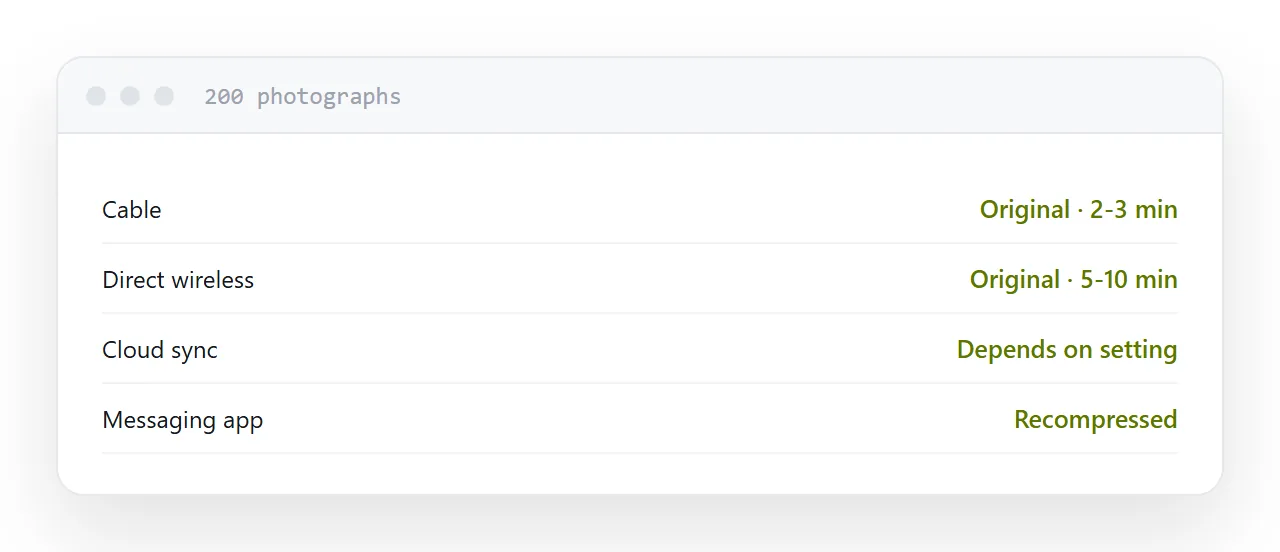
Cable. Fastest and lossless. The phone appears as a device, you copy the folder, and hundreds of photographs move in a couple of minutes. No account, no upload, no compression.
Cloud sync. Convenient and automatic. Depending on the setting it may upload compressed versions rather than originals, and the setting is not always obvious. Check it.
Direct wireless transfer between devices from the same maker. Fast, lossless, and limited to that ecosystem.
Messaging. Convenient and the worst option. Apps recompress images heavily, and what arrives can be a fraction of the original with visible artefacts.
| Route | Quality | Speed for 200 photos |
|---|---|---|
| Cable | Original | 2-3 minutes |
| Direct wireless | Original | 5-10 minutes |
| Cloud sync | Depends on setting | Background |
| Original, few at a time | Slow | |
| Messaging | Recompressed | Fast, lossy |
The format question
Modern phones save photographs in an efficient format that produces much smaller files at the same quality.
Older software, some printing services and a number of web tools will not open it. The files arrive on the laptop and nothing will read them, which looks like a corrupted transfer.
Two fixes. Set the phone to transfer as compatible copies, which converts on the way out. Or keep the efficient format and convert on the computer, which keeps the smaller originals.
Choose before transferring hundreds of files, not after.
Why the recompression matters
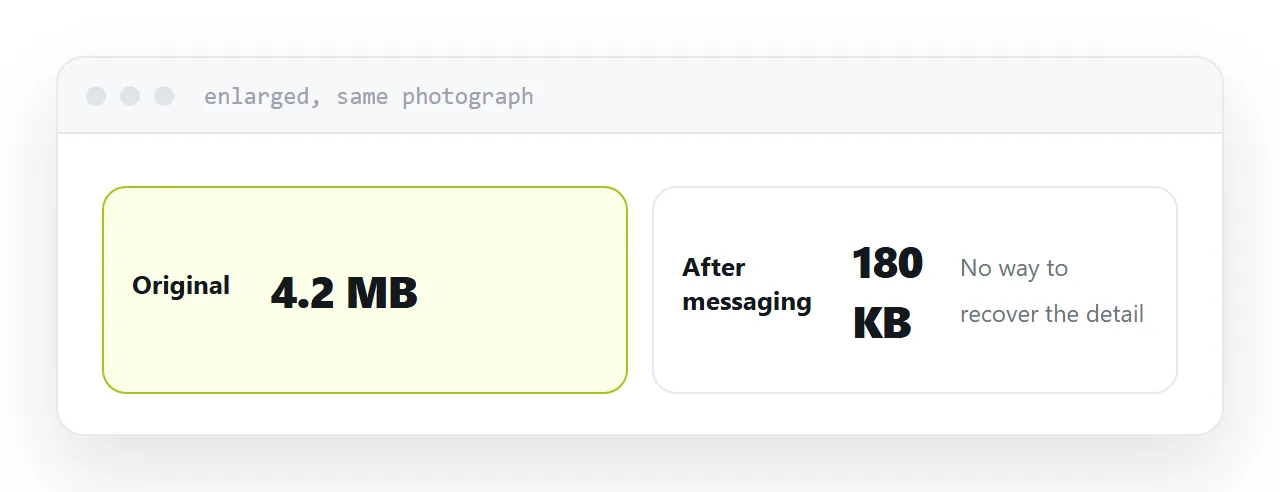
For a photograph looked at on a phone, it does not.
It matters when the photograph is printed, cropped, or used on a page at any size. Recompressed images show artefacts around edges as soon as they are enlarged, and there is no way to recover the detail.
The rule: transfer at full quality, then reduce deliberately for whatever the destination is. Never let a transfer route make that decision for you.
For a website
Transfer losslessly, then resize and compress on purpose.
A photograph straight off a phone is several thousand pixels wide and several megabytes, and it is the most common reason a page is slow. Export at about twice the display width and compress, which typically removes ninety percent with no visible difference.
Deliberate compression at the end beats accidental compression in the middle.
If this is near what you are doing, Exporting a layered image for other people and Free image hosting, honestly cover the cases on either side.
Put it at an address
Use a cable for anything important, keep photographs out of messaging apps, check that cloud sync keeps originals, decide the format before transferring, and compress deliberately at the end.