Browsers have read documents natively for years. An extension that offers to do it is adding features on top of something that already works, and the price is paid in permissions.
What the browser already does
Open, render, search the text, zoom, rotate, print, save. On every desktop browser, with nothing installed.
For the overwhelming majority of the times anybody opens a document, that is the entire requirement.
What extensions add, and what they cost
Annotation, signing, form filling, merging, conversion. Real features that the built-in reader does not have.
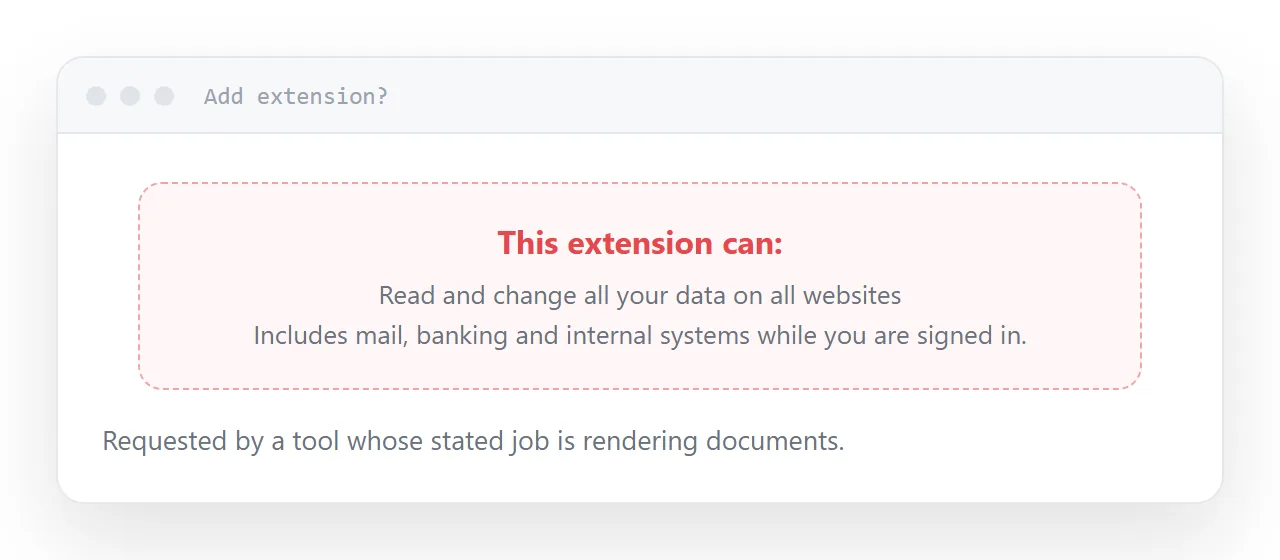
The cost is in the permission request, which people scroll past. To render documents wherever they appear, an extension generally needs to read and change data on all sites.
That is not a document permission. It covers your mail, your bank, your internal systems and every page you are logged into. Granting it to a small tool for a feature you use twice a year is a poor trade.
| What you want | Reasonable route |
|---|---|
| Read a document | The browser |
| Annotate occasionally | The operating system reader |
| Fill a form once | A site, one document at a time |
| Merge or split | A site, or desktop software |
| Sign | Dedicated service, audit trail |
How extensions go wrong
The risk is rarely that an extension is malicious when installed.
Popular extensions with broad permissions get sold. The new owner pushes an update, which installs silently because the permission was granted long ago, and the extension that read your documents now reads everything else too.
This has happened repeatedly and is a structural feature of how extensions work rather than bad luck.
So: check the publisher, check when it was last updated, and check whether the permissions match the stated job. A converter that wants access to every site does not.
Prefer a site
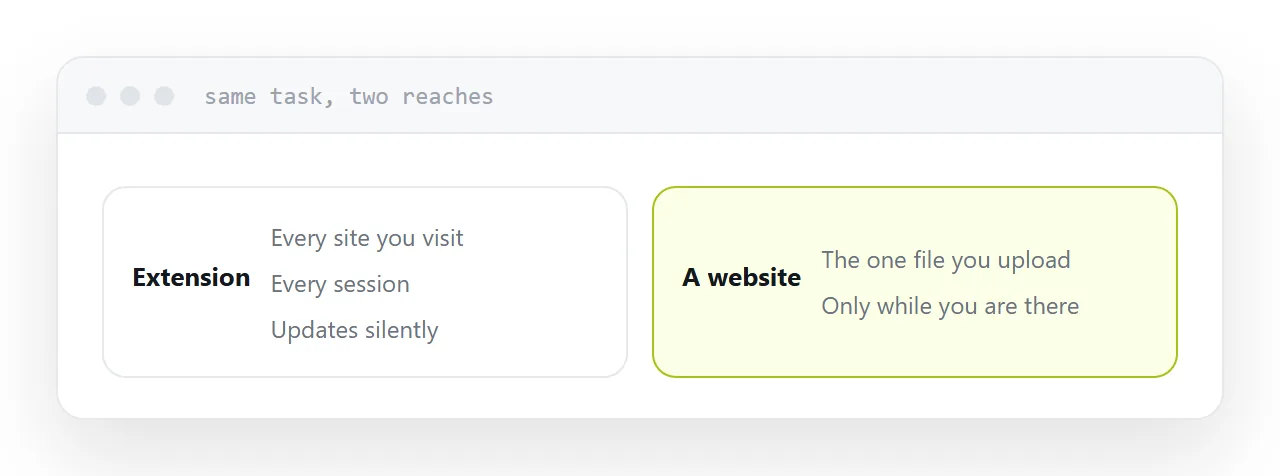
A website that performs the same task sees one document, the one you upload, and only while you are there.
It is slower by a few seconds and dramatically narrower in what it can reach. For an occasional task, that is the correct trade, and for anything confidential, upload nothing at all and use software on your own machine.
The document that will not open
Most of the time the reader is not the problem.
The mail system stripped the attachment, the link expired, permission was never granted, or it downloaded on a phone into a folder nobody found. No extension fixes any of those, because the document never arrived.
Publishing at an address does. It opens in whatever browser the person already has, with nothing installed on either side, which is also why asking a recipient to install something to read your document never works.
For the surrounding ground, see HTML viewer and How to open a PSD file without Photoshop.
Put it at an address
Try the browser first, read the permission request rather than the feature list, check the publisher and the last update, prefer a site to an extension, and publish anything you expect other people to read.