Tools that skip the sign-up are genuinely useful, and the absence of an account says nothing about what happens to the file.
What no sign-up means
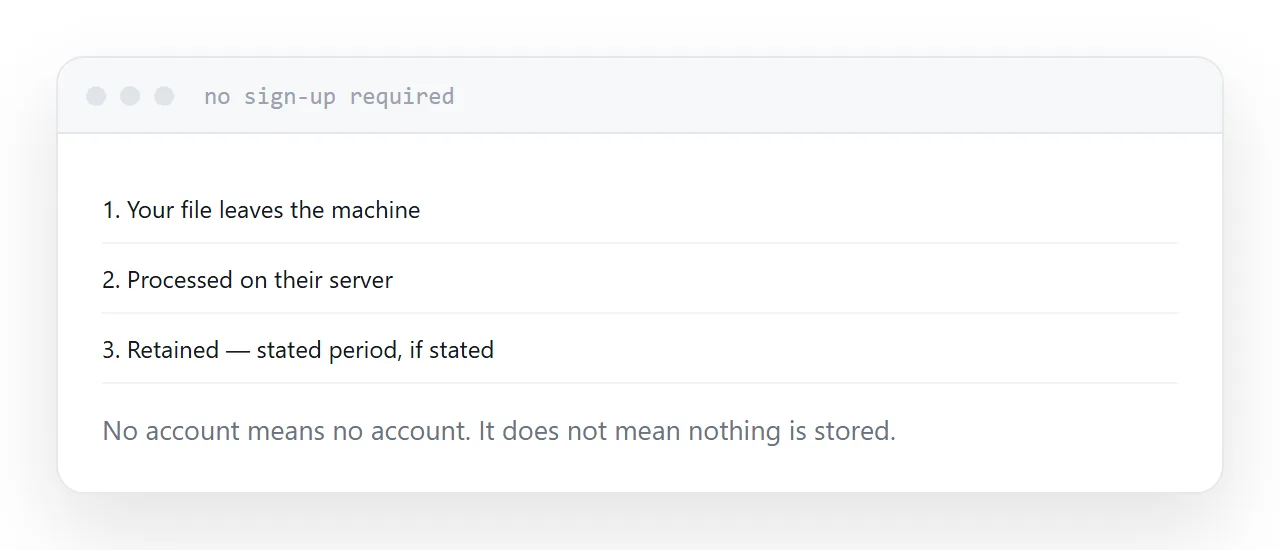
You did not create an account. That is the entire claim.
The file was still transmitted, still processed on somebody's machine, and may still be sitting there. Plenty of these services keep uploads for hours or days, which is ordinary engineering rather than anything sinister, and it is not what most people assume.
The useful distinction is not account versus no account. It is whether the file left your machine at all.
| Signal | What it tells you |
|---|---|
| Stated retention period | Somebody thought about it |
| Processing in the browser | The file never left |
| Named company, real address | Someone accountable |
| A privacy page that says something | Worth reading |
| None of the above | Assume retained |
Browser-only tools
Some tools do the whole job in your browser. The file is opened locally, processed locally and saved locally, and nothing is transmitted.
This is common now for cropping, resizing, format conversion, archive extraction and document merging, and it is the right default for anything you would rather not hand over.
Tools that work this way usually say so clearly, because it is their strongest claim. If a page is silent on the point, assume it uploads.
What is fine, and what is not
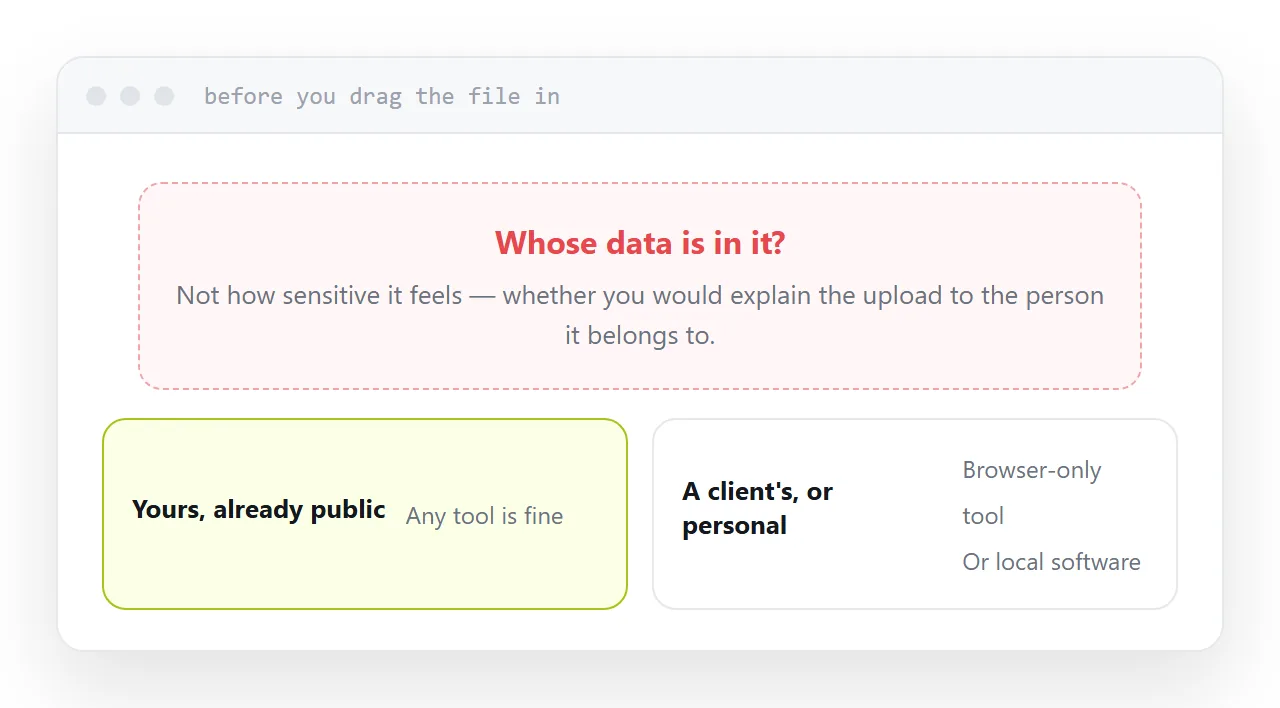
Fine: a crop of a photograph you are about to publish, converting a public document, extracting an archive of sample files, checking how a page renders.
Not fine: a contract, anything with names and addresses in it, an export from a client system, a document with credentials in it, a medical or financial record.
The rule is not about sensitivity in the abstract. It is whether you would be comfortable explaining the upload to the person the data belongs to.
The output address
Many of these tools return a link to the result.
Treat that address as public. It is rarely protected in any meaningful way, it may appear in logs, and it sometimes persists long after you have forgotten it.
For anything that matters, download the result and publish it yourself at an address you control, with the privacy setting you chose rather than the one you inherited.
If this is near what you are doing, How to unzip files online and How to open a PSD file without Photoshop cover the cases on either side. Monospaced typefaces for code is also close.
Put it at an address
Look for a stated retention period, prefer tools that work inside the browser, check there is a company behind it, keep client and personal data on your own machine, and assume any result address is public.