Sharing a game as a link means the player taps once and is playing, with nothing to download and nothing installed.
For a small game or a prototype, that gap is most of what determines whether anyone actually plays it.
This guide covers touch controls, keeping the game in one file, the first ten seconds, saving progress, and where a page runs out.
Touch controls are not optional
The most common reason a browser game goes unplayed is that it needs a keyboard.
A game sent as a link is opened on a phone by most of the people who receive it. Arrow keys are not available, WASD is not available, and the player closes it within seconds.
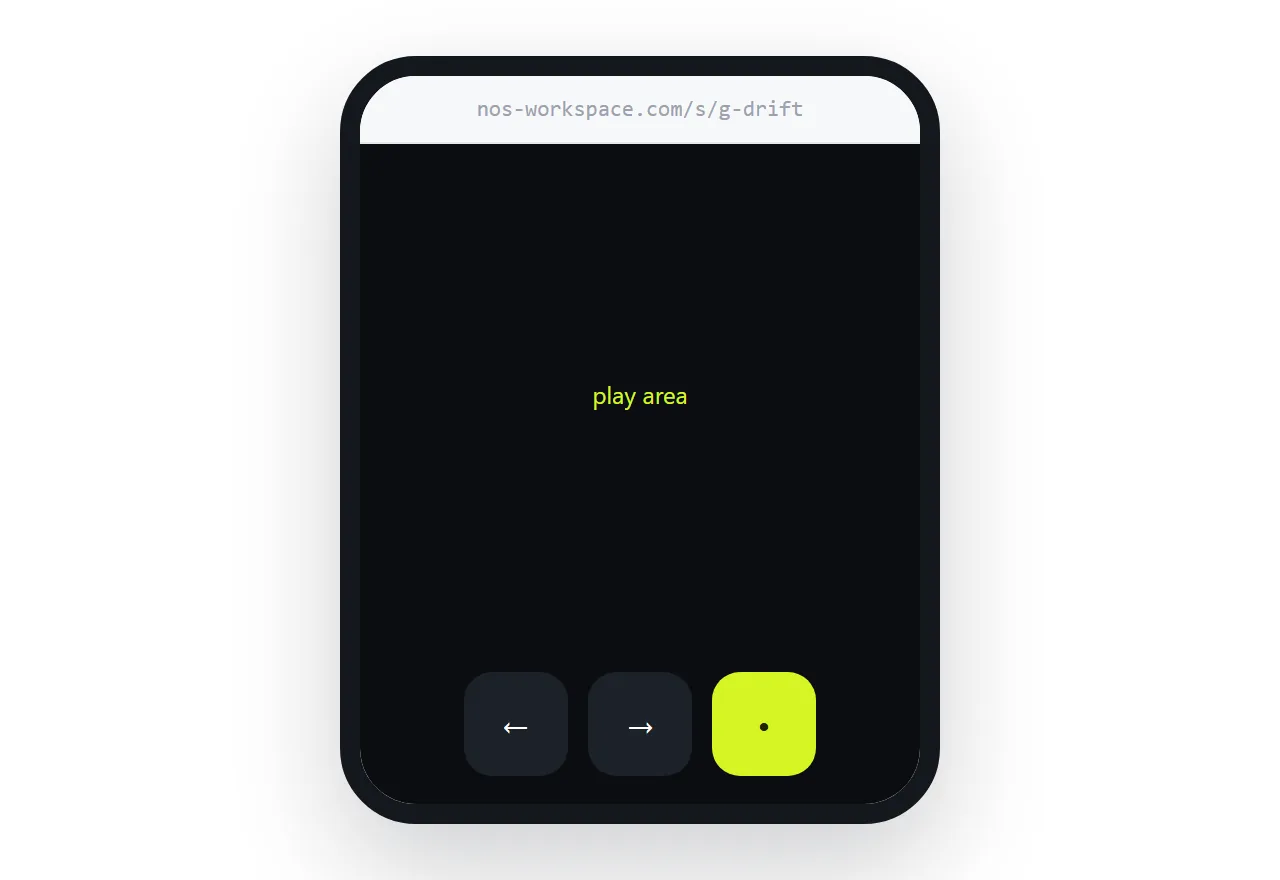
<div class="pad" aria-label="Controls">
<button data-dir="left" aria-label="Left">←</button>
<button data-dir="right" aria-label="Right">→</button>
<button data-act="fire" aria-label="Fire">•</button>
</div>
.pad { display: flex; gap: 0.75rem; justify-content: center; padding: 1rem; }
.pad button {
  width: 4rem; height: 4rem; border-radius: 1rem;
  font-size: 1.5rem; touch-action: manipulation;
}
@media (pointer: fine) { .pad { display: none; } }
Two details do a lot of work. The manipulation touch-action stops the browser waiting to see whether a tap is a double-tap zoom, which otherwise adds a noticeable delay to every input. And the pointer query hides the pad on devices with a mouse, so desktop players get the keyboard version.
Make the buttons genuinely large. Four rem is not generous, it is the minimum that works with a thumb.
Keep it in one file where you can
A self-contained page has no external dependencies, which removes an entire class of failure: a stylesheet that did not load, a script at a path that changed, an asset that works locally and not when moved.
For small games that is the most robust way to ship. Inline the styles and the script, and encode small assets directly. Techniques in self-contained HTML file and single HTML file games.
The trade-off is file size. Beyond a few hundred kilobytes of assets, loading them separately and showing a progress state is better than one large page.
The first ten seconds decide everything
Players do not quit at a difficult level. They quit in the first ten seconds, because they could not work out what to do.
Make the first interaction obvious and immediate. No title screen with a menu, no instructions to read, no name to enter. Something moves, or something is clearly tappable, within a second of the page appearing.
Put the instructions where they are needed rather than up front. A one-line hint at the moment a mechanic first matters teaches better than a paragraph nobody read.
Saving progress
Browser storage keeps a score or a save between visits on that device.
localStorage.setItem('best', String(score));
const best = Number(localStorage.getItem('best') || 0);
Useful and not reliable. It is per-device, per-browser, and the player can clear it. Treat it as a convenience so returning players keep their best score, not as a save system you promise.
Anything that must survive across devices needs an account and a server, which is a different project. Background in local storage.
Where a page runs out
Be clear about the limits.
Networked multiplayer needs a server passing messages between players. Hot-seat on one device is fine; playing against a friend elsewhere is not.
Leaderboards across players need somewhere central to store scores. A local best score works; a global table does not.
Large asset loads are awkward without a loading state, and awkward with one in a single file.
Anti-cheat does not exist. Anything in the page can be read and changed by the player, so a score submitted from the browser cannot be trusted.
None of those matter for a puzzle, a prototype, or a game you are sending to friends.
Put it at an address
Add touch controls, keep it self-contained, make the first tap obvious, and create a share link.
The player taps once and is playing. That is the whole advantage and it is a large one.