A stylesheet at its own address is a dependency. Every page loading it depends on it existing, being served correctly, and not having changed in a way that breaks them.
This guide covers the three failures and when a shared stylesheet is worth it.
Failure one: it does not load
Two causes, both common.
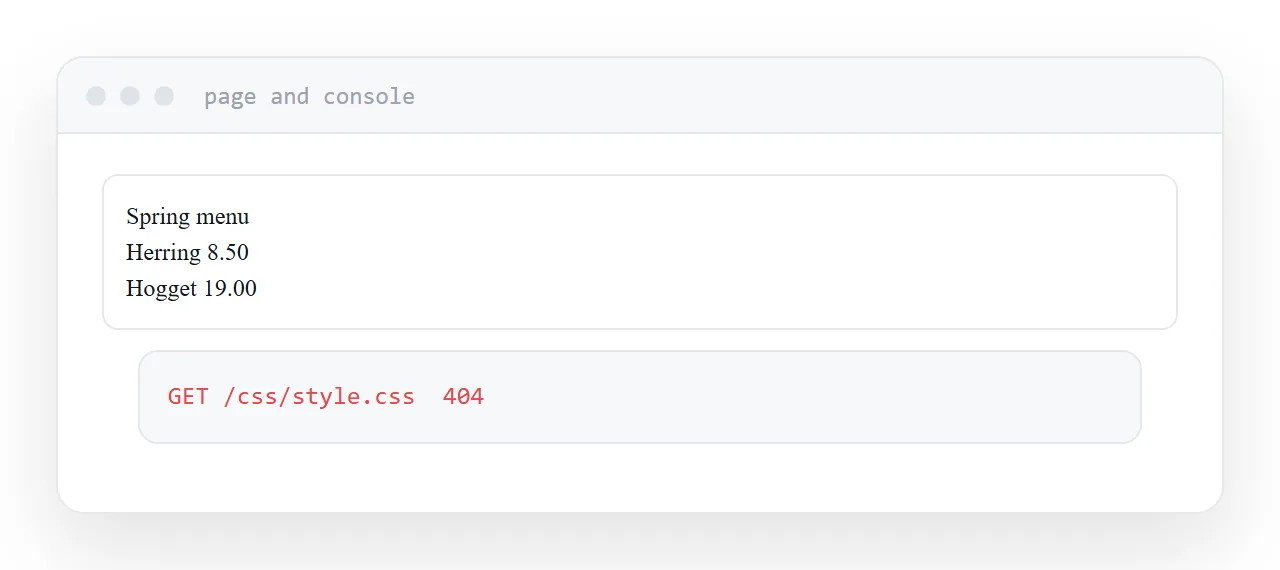
The path. A path starting with a slash points at the top of the domain. Under a subfolder that is the wrong place, and the page renders unstyled while the file sits there perfectly intact.
The content type. A stylesheet served as plain text is ignored by the browser for styling. It loads, the request succeeds, and nothing is applied.
Content-Type: text/css
Open the console. A failed request means the path. A successful request with no styling means the type.
Failure two: the old version persists
Stylesheets are cached aggressively, which is correct, because they change rarely and are fetched constantly.
The consequence is that editing one does not reach returning visitors. They keep the cached copy until it expires, which can be weeks.
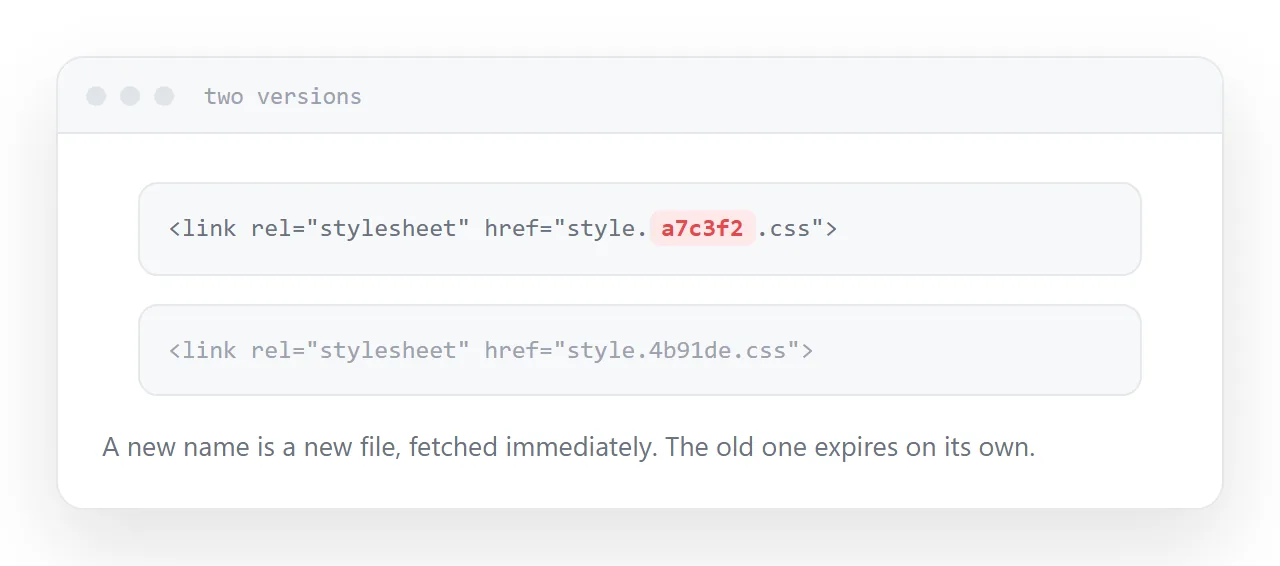
The fix is to change the filename when the content changes.
<link rel="stylesheet" href="style.a7c3f2.css">
A new name is a new file, fetched immediately. The old one expires quietly on its own. This is why build tools put hashes in filenames.
| Symptom | Cause | Fix |
|---|---|---|
| Page unstyled | Path or content type | Check the console |
| Changes not showing | Cache | New filename |
| Backgrounds missing | Paths inside the stylesheet | Move images with it |
| One edit broke three sites | Shared stylesheet | Intended or not |
Failure three: paths inside it
Paths in a stylesheet resolve relative to the stylesheet's own location, not to the page that loaded it.
So a background image referenced as images/dots.png is looked for beside the stylesheet. Move the stylesheet to a different folder without moving the images and every background reference breaks, while the styles themselves keep working.
This produces a page that is styled and missing all its images, which is a confusing symptom.
Keep a stylesheet and its assets together, and move them together.
Sharing a stylesheet across sites
The appeal is obvious: one edit updates everything.
That is also the risk stated precisely. An edit intended for one site changes the others at the same moment, and you find out when somebody mentions their page looks odd.
Share deliberately, when the sites are meant to move together, and test on all of them after any change. If they are supposed to evolve independently, give them their own copies.
For a single page, inline it
A single page with its styles inlined has nothing to fetch, nothing to cache wrongly, and nothing to break when moved.
That is the most robust shape for one page, and the shared stylesheet earns its place only once several pages genuinely use the same styles.
Closely related: External stylesheets: when a separate CSS file helps, and Inline CSS: when a style attribute is right for the adjacent problem.
Put it at an address
Serve it as text/css, use relative paths, change the filename when the content changes, keep assets beside it, and inline it when there is only one page.
Then the pages using it keep looking the way you left them.