Hosting a fitness plan means each client has one private address that opens in a tap, works on a bad connection, and changes when you change it.
No install, no account, no password to reset at the gym door.
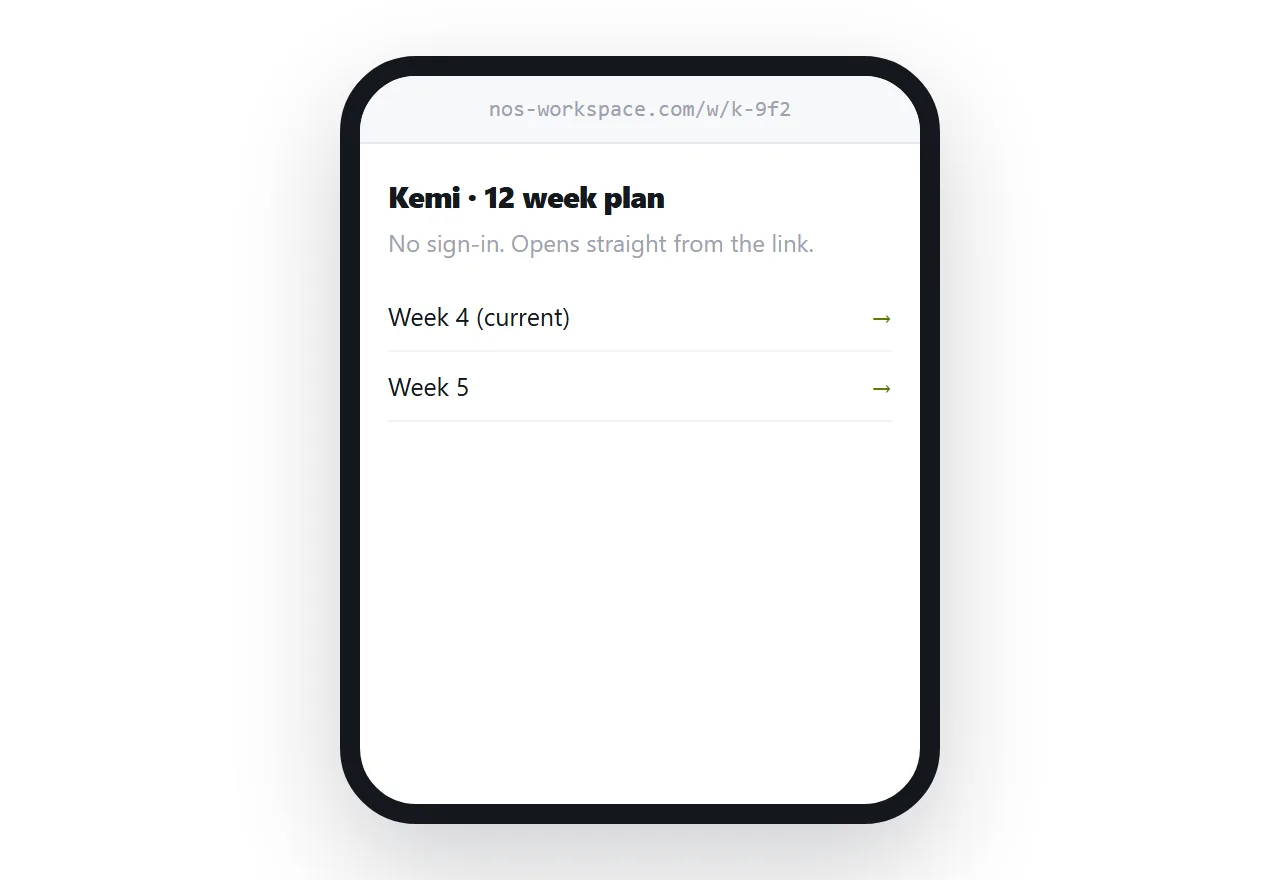
This guide covers why the install step costs you, keeping the page light, and per-client privacy.
Every step before the plan loses a client
Install the app. Create an account. Confirm your email. Set a password. Find the plan inside the app.
Five steps, each one with a drop-off, all of them happening before the client has done a single session. For a coach with twenty clients, that is real attrition in the first week, and it is attrition among exactly the people who were least certain to start.
An address has one step. Tap the link.
Apps become worth it later, when you need logging, message history and progress charts in one product. For delivering the plan itself they are a cost paid up front for a benefit that arrives much later.
| Coaching app | Plan at an address | |
|---|---|---|
| Steps before the first session | Five | One |
| Works on any phone | Mostly | Yes |
| Client forgot their password | Support | No password |
| You adjust week six | In the app | Edit the page |
| Costs per client | Subscription | Nothing |
Gym wifi is the constraint
Basements, thick walls, and a hundred phones on one access point.
A page of text and a few small images loads fine in that environment. A page with embedded video does not, and the client who waited eleven seconds once will not open it again.
Link demonstrations rather than embedding them. Keep images small. Put the numbers the client needs at the top, as text, so they appear first even while anything else is still loading.
A page the client opened at home generally remains readable after signal drops, so it is worth telling them to open the week before they travel.
One address per client
Give every client their own unguessable address.
They never see another client's plan. You can withdraw any single one when an engagement ends. And you can adjust one client's week six without touching anyone else's.
Do not use predictable addresses with names or numbers in them. A plan is not secret in any serious sense and clients still assume, correctly, that their training is between the two of you.
Progressions are edits
The whole point of coaching is that the plan responds to what happened.
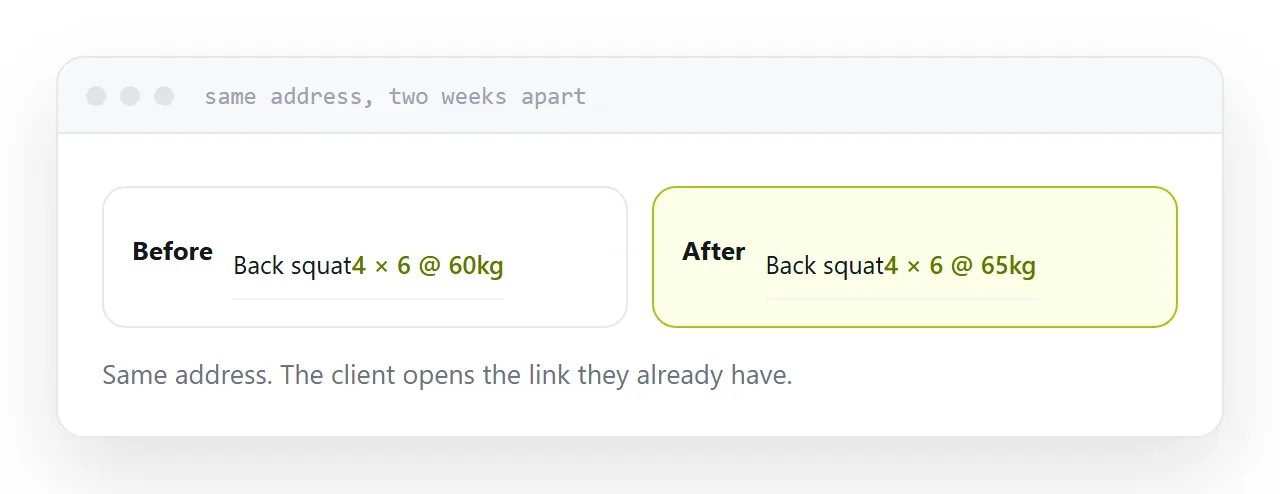
With a file, every adjustment is a new document, a new message, and a client who is not sure which version is current. Several weeks in, a client is following something you replaced twice.
With an address, you edit the page. The client opens the same link and sees today's numbers. There is only ever one version, which removes an entire category of confusion.
Mark what changed and when, briefly, so a client who looked yesterday knows to look again.
Two neighbouring cases are worth a look: How to sell a workout program as a link and Free HTML file hosting, compared.
Put it at an address
One private address per client, light enough for gym wifi, today at the top, progressions edited in place, and opened before they leave home.
Then the plan is a tap away at the moment it is needed.