A hosted script is not data being read. It is code that executes with the same access as everything else on the page that loads it.
That distinction decides both how to host one and whether to load somebody else's.
This guide covers serving one, caching, and the trust question.
Serving it
Two things stop a script running even when the file is present.
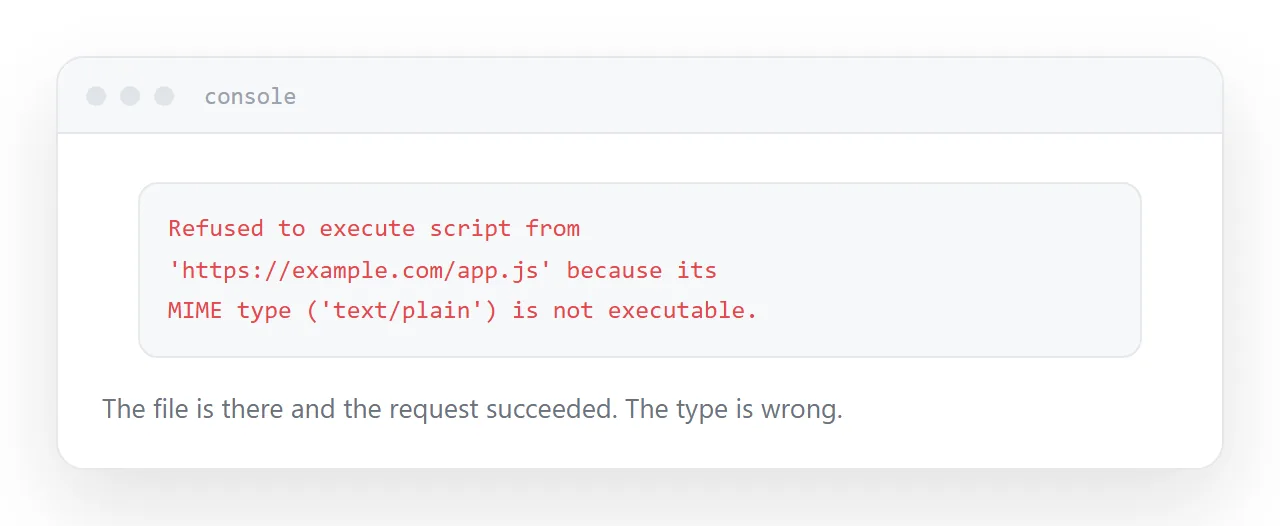
The content type. Browsers refuse to execute scripts served with an incorrect type. The file downloads or is ignored, and the console says so explicitly.
Content-Type: text/javascript
The path. An absolute path breaks under a subfolder, exactly as with a stylesheet. Relative paths work in both places.
The console reports both clearly, which makes this the fastest category of problem to diagnose.
Caching
Scripts are cached like stylesheets. Edit the file and returning visitors keep running the old one until their cache expires.
That is worse than stale styling, because stale code produces behaviour that does not match the page it is running on. A script expecting an element that has been renamed fails silently for some users and not others.
Change the filename when the content changes.
<script src="app.5f2a91.js"></script>
New name, new file, fetched immediately. This is why build tools hash filenames, and doing it by hand for a hand-written script is worth the minute it takes.
| Symptom | Cause |
|---|---|
| Script does not run | Content type or path |
| Works for some users, not others | Cache, mixed versions |
| Fails after a page change | Old cached script |
| Blocked entirely | Content security policy |
What loading a script grants
A script loaded from anywhere runs with full access to the page.
It can read everything on it, change anything on it, see what the user types, and send that somewhere. There is no partial permission.
So loading a third-party script is trusting that source with everything on every page it appears on, indefinitely. That is a reasonable decision for something you have chosen carefully and a poor one made casually.
Fewer external scripts is a meaningful safety property, not just a performance one.
Integrity hashes
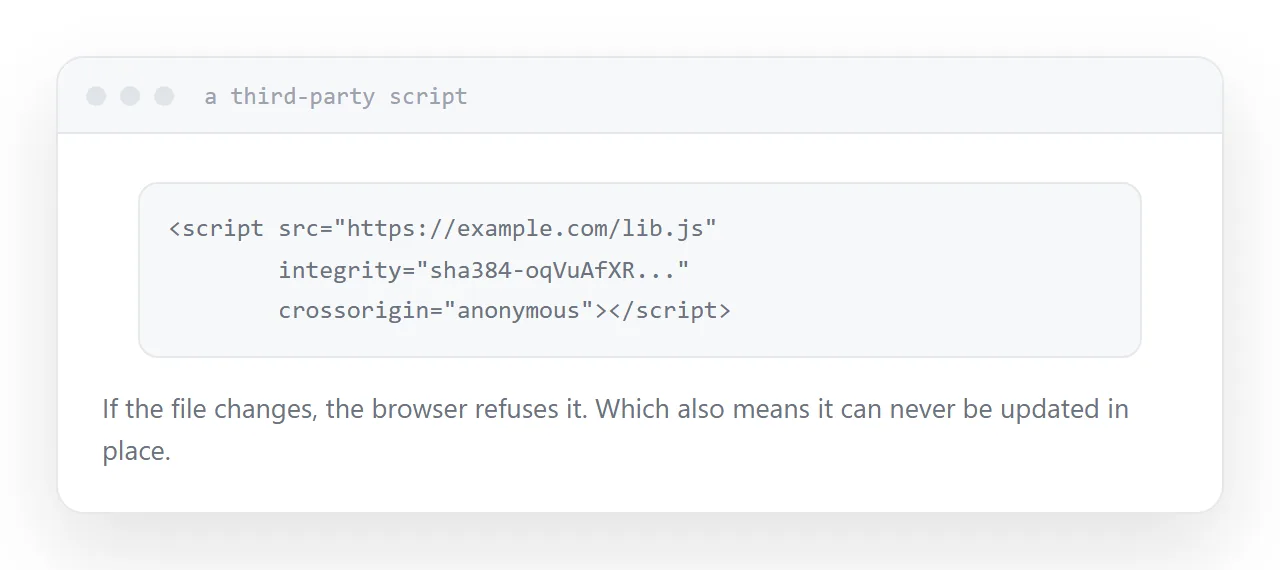
For a script loaded from somebody else, a hash lets the browser verify it.
<script src="https://example.com/lib.js"
        integrity="sha384-..." crossorigin="anonymous"></script>
If the file's contents change, the hash no longer matches and the browser refuses to run it. That protects against the source being altered, whether deliberately or through a compromise.
The trade is that the file can never be updated in place. Any legitimate update requires a new hash in your page, which is an argument for pinning a specific version rather than tracking the latest.
Inline it for a single page
One page with its script inlined has nothing external to fetch, nothing to cache wrongly, and nothing to break when it is moved or opened offline.
Shared script files earn their place once several pages use the same code. For one page they add a dependency for no benefit.
If this is near what you are doing, How to host a CSS file and Cache busting: when your update does not show up cover the cases on either side.
Put it at an address
Serve it with the right type, change the filename when the content changes, use an integrity hash for third-party scripts, understand that loading a script grants full access, and inline it when there is only one page.
Then the code that runs is the code you published.